




ECOSYS P6130cdn
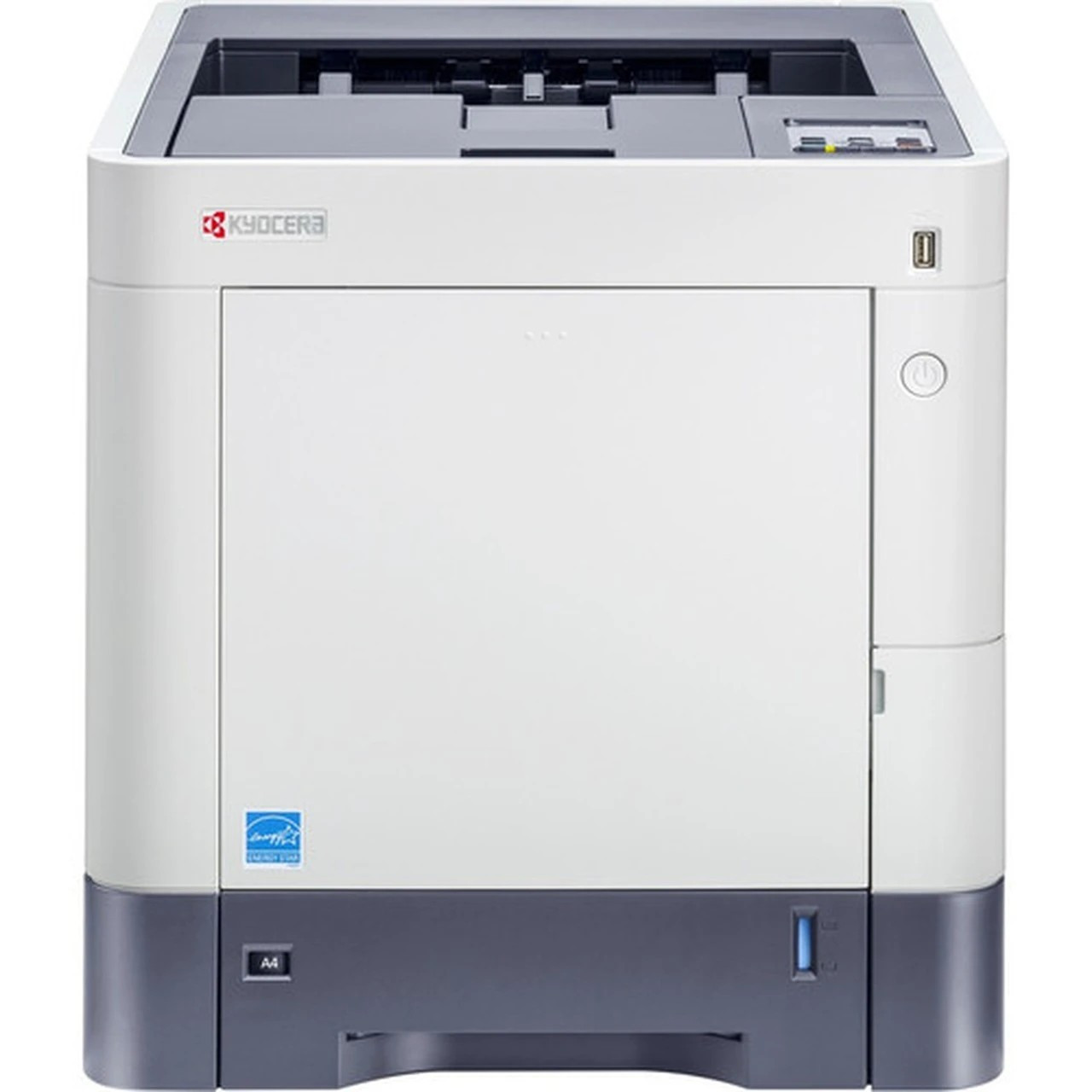
The ECOSYS P6130cdn is the print-only member of Kyocera's departmental color family: a networked, duplexing workgroup laser that leaves the scanner and fax hardware out and concentrates on shared color output. It feeds on the TK5142 toner family — TK5142K black, rated for roughly 7,000 pages, alongside TK5142C cyan, TK5142M magenta and TK5142Y yellow at about 5,000 pages each, per ISO/IEC 19798. Its multifunction twin, the ECOSYS M6530cdn, draws on the very same four cartridges, so a site running both machines stocks a single set of supplies.
That positioning suits a department that already has a central multifunction for scanning and copying but needs dependable color printing close to the team. Nobody pays for a document feeder that would sit idle; the budget goes into the print engine instead. Placed on the network, the P6130cdn absorbs the everyday reports, drafts and handouts of a busy workgroup, and because its supply list is four cartridges long — shared with its MFP sibling — restocking stays a simple routine rather than a research project.
Toner Cartridges for ECOSYS P6130cdn
| Cartridge | Color | Page Yield |
|---|---|---|
| TK5142 — 4 Color Set | Black + C/M/Y | One of each cartridge below |
| TK5142K — Black | Black | ≈7,000 pages |
| TK5142K — Black, 2 Pack | Black | ≈7,000 pages each |
| TK5142K — Black, 3 Pack | Black | ≈7,000 pages each |
| TK5142K — Black, 5 Pack | Black | ≈7,000 pages each |
| TK5142C — Cyan | Cyan | ≈5,000 pages |
| TK5142M — Magenta | Magenta | ≈5,000 pages |
| TK5142Y — Yellow | Yellow | ≈5,000 pages |
Which cartridge should you buy?
Start from how the machine actually gets used. Even on a color printer, black does most of the work — memos, reports and invoices — so departments that print heavy text volumes usually come out ahead with the black multipacks (2, 3 or 5 cartridges) and a lower cost per page. The colors burn far more slowly; buy them as singles and replace only the one the panel calls for. The 4 Color Set earns its place when several cartridges run low together, typically when a fresh team inherits the printer and wants a full refresh in one order.
Chip, toner and everyday use
Each cartridge carries a chip the printer reads to confirm the cartridge and track its remaining toner, so seat a new cartridge firmly until it clicks and let the machine finish its recognition cycle before printing. The quoted yields assume roughly 5% page coverage; dense color graphics will empty a cartridge sooner, plain text later. When a cartridge nears the end and pages start to fade, lifting it out and rocking it gently side to side redistributes the toner inside and usually buys a few more usable days while the replacement ships.
Frequently Asked Questions
Which toner cartridges does the ECOSYS P6130cdn take?
It uses the TK5142 family: TK5142K black (about 7,000 pages) and the TK5142C, TK5142M and TK5142Y color cartridges (about 5,000 pages each). All four are sold on this page, as singles, in black multipacks and as a 4 Color Set.
Does the P6130cdn share cartridges with the ECOSYS M6530cdn?
Yes. The ECOSYS M6530cdn multifunction and this print-only model run on the identical TK5142 set, which is exactly why mixed fleets of the two stay easy to supply.
We print mostly black text on this color machine. How should we buy?
Lead with black. The 2, 3 and 5 Black packs of TK5142K cut the per-cartridge price for the cartridge you will change most often, while the colors can be topped up one at a time as singles.
One color ran out in the middle of a job. Must all four be changed?
No. The four cartridges are independent — swap only the empty color and the printer carries on. Keeping one spare of the color your team uses most avoids a stalled job.
More printers that use the same cartridges
The same TK5142 cartridges also serve these models: ECOSYS M6035cidn, ECOSYS M6530cdn, ECOSYS M6535cidn, ECOSYS P6035cdn.