




FS-C5100
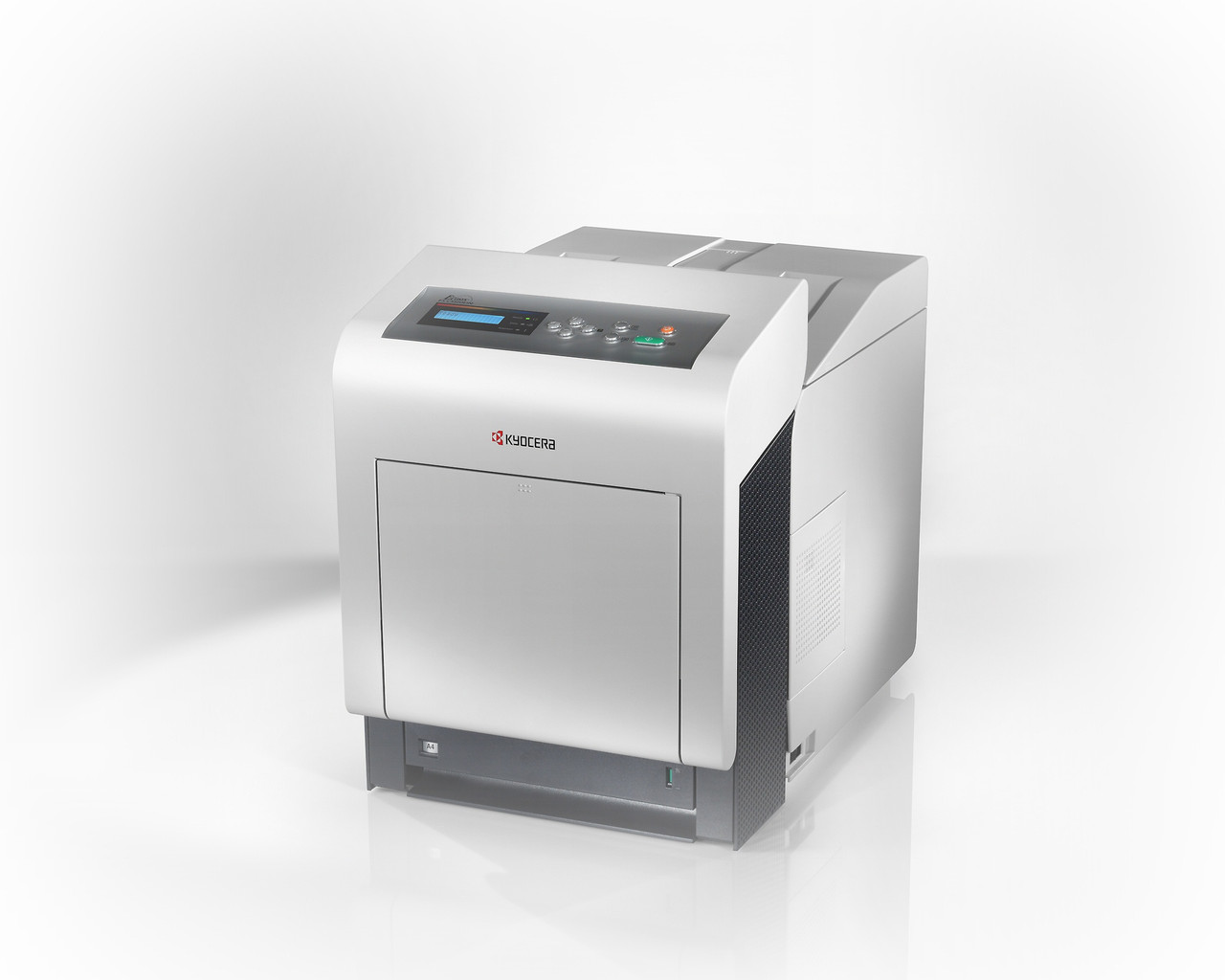
The FS-C5100 brought Kyocera color laser printing down to desktop size: a compact, USB-connected machine aimed at individual users and very small teams who need color for presentations and everyday documents, but not all day, every day. Its cartridges belong to the TK-540 series, sold in the US as the TK-542 family — a full four-color set, or singles: black TK-542K at about 5,000 pages, and cyan TK-542C, magenta TK-542M and yellow TK-542Y at roughly 4,000 pages each. US boxes carry the factory numbers 1T02HL0US0 (black), 1T02HLCUS0 (cyan), 1T02HLBUS0 (magenta) and 1T02HLAUS0 (yellow).
Think of it as the affordable entry point into Kyocera color. An office that prints color occasionally — a proposal here, a chart-heavy report there — gets vivid output without paying for departmental capacity it will never use, and the small footprint leaves the desk usable. Black-and-white work runs through the same machine, so for a one-person office it can be the only printer on site.
Toner Cartridges for FS-C5100
| Cartridge | Color | Page Yield |
|---|---|---|
| 1T02HL0US0 (TK-542K) | Black | ~5,000 pages |
| 1T02HLCUS0 (TK-542C) | Cyan | ~4,000 pages |
| 1T02HLBUS0 (TK-542M) | Magenta | ~4,000 pages |
| 1T02HLAUS0 (TK-542Y) | Yellow | ~4,000 pages |
| TK542K | Black | ~5,000 pages |
| TK542C | Cyan | ~4,000 pages |
| TK542M | Magenta | ~4,000 pages |
| TK542Y | Yellow | ~4,000 pages |
| TK542K — 2 Black | Black | ~5,000 pages |
| TK542K — 3 Black | Black | ~5,000 pages |
| TK542K — 5 Black | Black | ~5,000 pages |
| TK-542 — 4 Color Set | Black / Cyan / Magenta / Yellow | See product page |
| TK-542 — 4 Color Set, Premium | Black / Cyan / Magenta / Yellow | See product page |
| TK542 — 4 Color Set | Black / Cyan / Magenta / Yellow | See product page |
Which cartridge should you buy?
Singles, almost always. The four cartridges empty independently, and on a desktop machine with occasional color use they empty at very different rates — black first, then whichever color your documents lean on. Replace the one the printer flags and leave the rest. The four-color set earns its place when you first stock the machine, when two or more colors are low together, or when you want a complete spare set in the drawer so a deadline never waits on a delivery. Black multi-packs suit the user whose color work is rare but whose everyday printing is steady.
Chip, toner and everyday use
Each cartridge's chip reports its level to the printer, so the low-toner warning names the exact color to order. Fit the new unit squarely and let the printer recognize it before printing. Yields are rated per ISO/IEC 19798 at about 5% coverage per color; photographs and full-page graphics consume color toner many times faster than a page of text with a small chart. A cartridge that fades near the end can often be coaxed through a short job by removing it and rocking it gently side to side.
Frequently Asked Questions
Which toner does the FS-C5100 use?
The TK-542 family sold in the US: TK-542K black (about 5,000 pages) and TK-542C, TK-542M and TK-542Y in cyan, magenta and yellow (about 4,000 pages each).
Do I need to replace all four colors at once?
No. Each TK-542 cartridge is independent — when one color runs out, you change that one and keep printing with the rest.
How many pages will each cartridge really print?
Approximately 5,000 pages for black and 4,000 for each color, per ISO/IEC 19798. Your mileage depends on coverage: text pages sip toner, dense graphics drink it.
Is the FS-C5100 enough printer for a small office?
For an individual or a very small team printing color occasionally, that is exactly the job it was built for. A workgroup printing color all day should look at the larger machines in the family list below instead.
More printers that use the same cartridges
These Kyocera models take the same TK-542 cartridges: ECOSYS P6030CDN, ECOSYS P7035CDN, FS-5100DN, FS-C5100DN, FS-C5200, FS-C5200DN, FS-C5300DN, FS-C5350DN, FS-C5400, FS-C5400DN.