




LaserJet Pro 500 color MFP M570DN
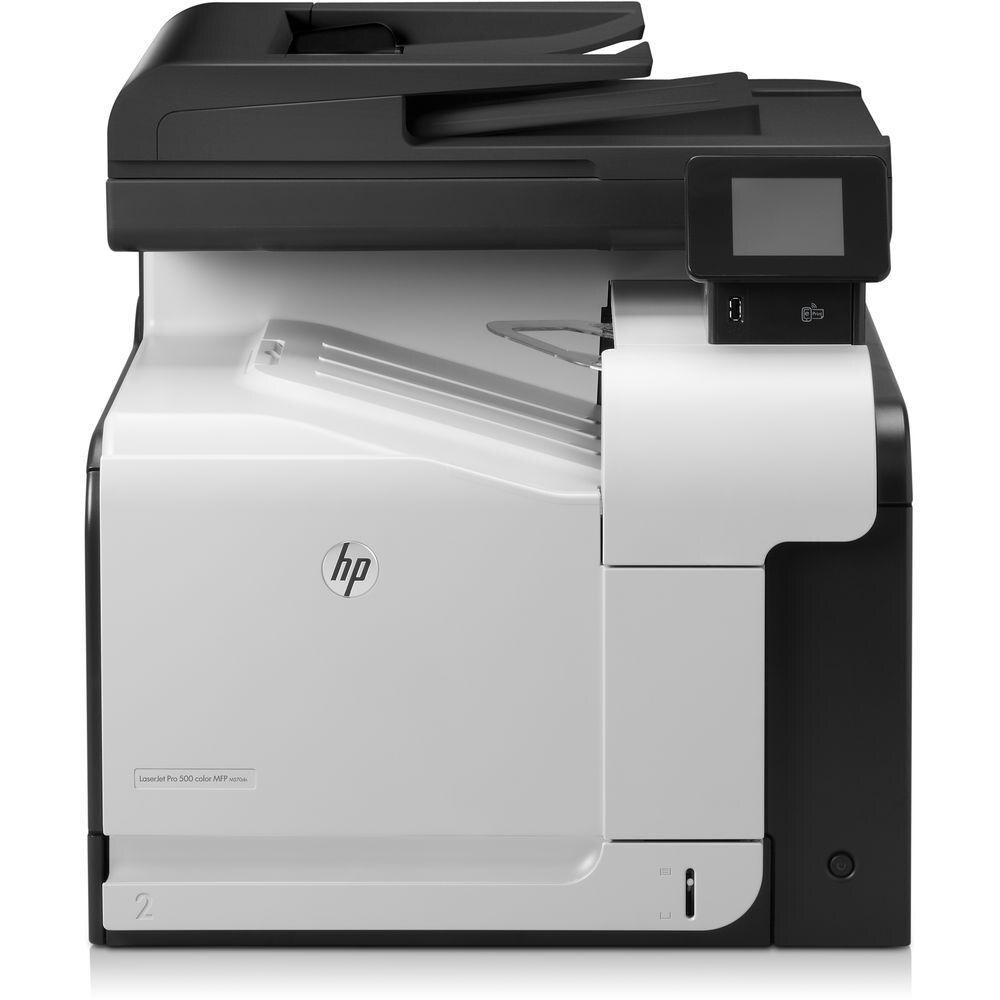
Duplex plus Ethernet networking made the HP LaserJet Pro 500 Color MFP M570DN the shared-office configuration of the Pro 500 color MFP family.
It uses HP 507A cartridges — black CE400A (also as high-yield CE400X), cyan CE401A, yellow CE402A, magenta CE403A.
Toner Cartridges for LaserJet Pro 500 color MFP M570DN
This printer works with the following toner cartridges:
- HP CE400A
- HP CE400X
- HP CE401A
- HP CE402A
- HP CE403A
More HP Printers
- Color LaserJet Enterprise 500 Color M551dn
- Color LaserJet Enterprise 500 Color M551n MFP
- Color LaserJet Enterprise 500 Color M551xh MFP
- Color LaserJet Enterprise 500 Color M575c
- Color LaserJet Enterprise 500 Color M575dn
- Color LaserJet Enterprise 500 Color M575f MFP
- Color LaserJet Enterprise Flow M575C
- LaserJet Enterprise 500 color MFP M575
- LaserJet Enterprise 500 color MFP M575DN
- LaserJet Enterprise 500 color MFP M575F
- LaserJet Enterprise 500 color Printer M551
- LaserJet Enterprise 500 color Printer M551DN
- LaserJet Enterprise 500 color Printer M551N
- LaserJet Enterprise 500 color Printer M551XH
- LaserJet Enterprise 500 color Printer M575
- LaserJet Enterprise 500 color Printer M575DN
- LaserJet Enterprise 500 color Printer M575F
- LaserJet Enterprise color flow M575C
- LaserJet Enterprise color flow MFP M575C
- LaserJet Enterprise MFP M570dn
- LaserJet Pro 500 color M570
- LaserJet Pro 500 color M570DN
- LaserJet Pro 500 color M570DW
- LaserJet Pro 500 color MFP M570
- LJ Enterprise 500 Color M551DN
- LJ Enterprise 500 Color M551N
- LJ Enterprise 500 Color M551XH
- LJ Enterprise 500 Color M575DN
- LJ Enterprise 500 Color M575F
Frequently Asked Questions
Are the cartridges for the LaserJet Pro 500 color MFP M570DN interchangeable with other HP models?
Stick to the exact codes for the LaserJet Pro 500 color MFP M570DN: CE400A or CE400X for black, and CE401A, CE402A, CE403A for cyan, yellow and magenta. Cartridges from other HP families won't seat or be recognized.
How do I replace a cartridge in the LaserJet Pro 500 color MFP M570DN?
Open the LaserJet Pro 500 color MFP M570DN's front door, pull out the depleted cartridge, and slide the new CE400A, CE400X, CE401A, CE402A, or CE403A in until it clicks. Close the door and print a color test page to check the result.
Why doesn't my LaserJet Pro 500 color MFP M570DN recognize a new CE400A cartridge?
Reseat the CE400A cartridge firmly in the LaserJet Pro 500 color MFP M570DN and confirm all seals and tabs were removed before installation. Power the printer off and back on so it re-detects the cartridge.