




LaserJet Pro 500 color MFP M570
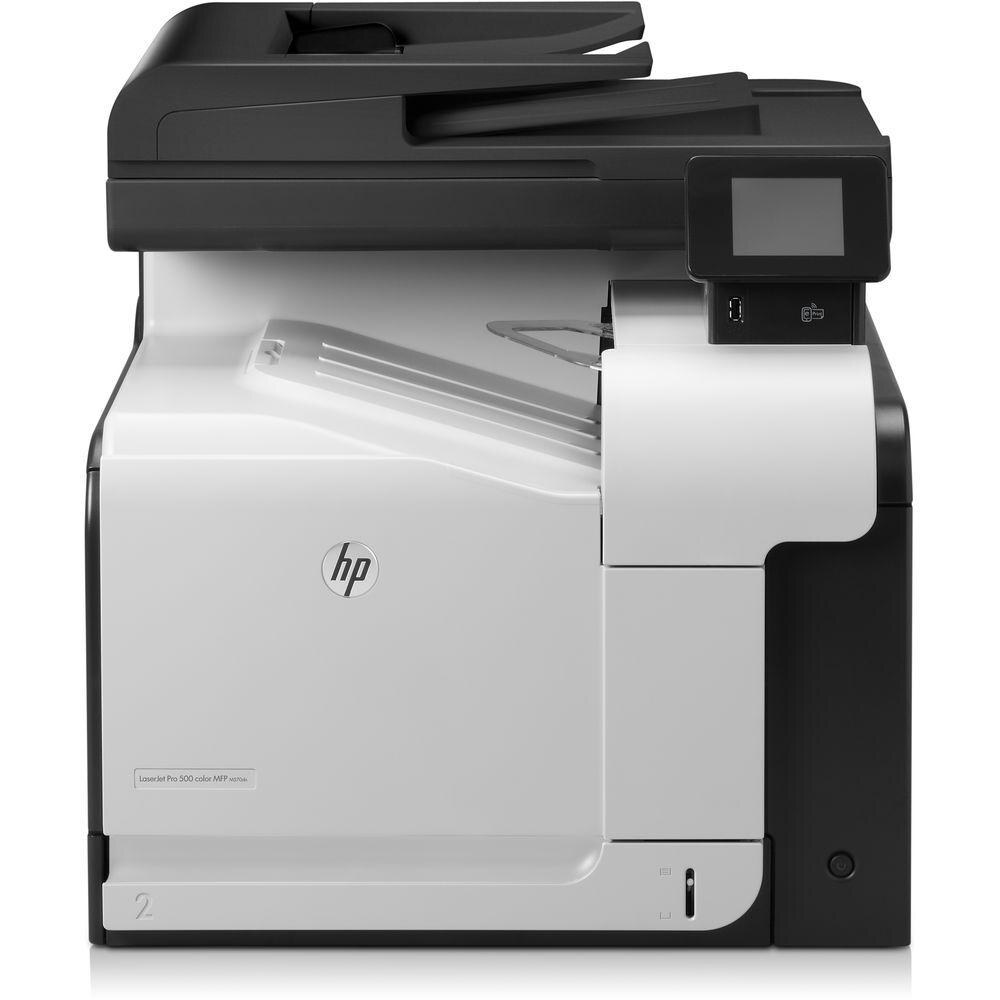
The HP LaserJet Pro 500 Color MFP M570 folded scanning and copying into the Pro 500's color print engine, giving smaller departments a complete A4 document station.
Cartridges come from the HP 507A lineup: CE400A black with a high-yield CE400X choice, plus CE401A cyan, CE402A yellow, and CE403A magenta.
Toner Cartridges for LaserJet Pro 500 color MFP M570
This printer works with the following toner cartridges:
- HP CE400A
- HP CE400X
- HP CE401A
- HP CE402A
- HP CE403A
More HP Printers
- Color LaserJet Enterprise 500 Color M551dn
- Color LaserJet Enterprise 500 Color M551n MFP
- Color LaserJet Enterprise 500 Color M551xh MFP
- Color LaserJet Enterprise 500 Color M575c
- Color LaserJet Enterprise 500 Color M575dn
- Color LaserJet Enterprise 500 Color M575f MFP
- Color LaserJet Enterprise Flow M575C
- LaserJet Enterprise 500 color MFP M575
- LaserJet Enterprise 500 color MFP M575DN
- LaserJet Enterprise 500 color MFP M575F
- LaserJet Enterprise 500 color Printer M551
- LaserJet Enterprise 500 color Printer M551DN
- LaserJet Enterprise 500 color Printer M551N
- LaserJet Enterprise 500 color Printer M551XH
- LaserJet Enterprise 500 color Printer M575
- LaserJet Enterprise 500 color Printer M575DN
- LaserJet Enterprise 500 color Printer M575F
- LaserJet Enterprise color flow M575C
- LaserJet Enterprise color flow MFP M575C
- LaserJet Enterprise MFP M570dn
- LaserJet Pro 500 color M570
- LaserJet Pro 500 color M570DN
- LaserJet Pro 500 color M570DW
- LaserJet Pro 500 color MFP M570DN
- LJ Enterprise 500 Color M551DN
- LJ Enterprise 500 Color M551N
- LJ Enterprise 500 Color M551XH
- LJ Enterprise 500 Color M575DN
- LJ Enterprise 500 Color M575F
Frequently Asked Questions
Does the LaserJet Pro 500 color MFP M570 use separate black and color cartridges?
Yes — four separate ones: CE400A black (or the high-yield CE400X), plus CE401A cyan, CE402A yellow and CE403A magenta. Each runs out on its own, so the LaserJet Pro 500 color MFP M570 only needs the empty one replaced.
Why are the colors wrong on pages from my LaserJet Pro 500 color MFP M570?
Off or washed-out colors on the LaserJet Pro 500 color MFP M570 usually mean one of the CE401A, CE402A, or CE403A cartridges is nearly empty. Check the supplies status, replace the low color, and run a calibration if the printer offers one.
How do I replace a cartridge in the LaserJet Pro 500 color MFP M570?
Open the LaserJet Pro 500 color MFP M570's front door, pull out the depleted cartridge, and slide the new CE400A, CE400X, CE401A, CE402A, or CE403A in until it clicks. Close the door and print a color test page to check the result.