




LaserJet Pro 500 color M570
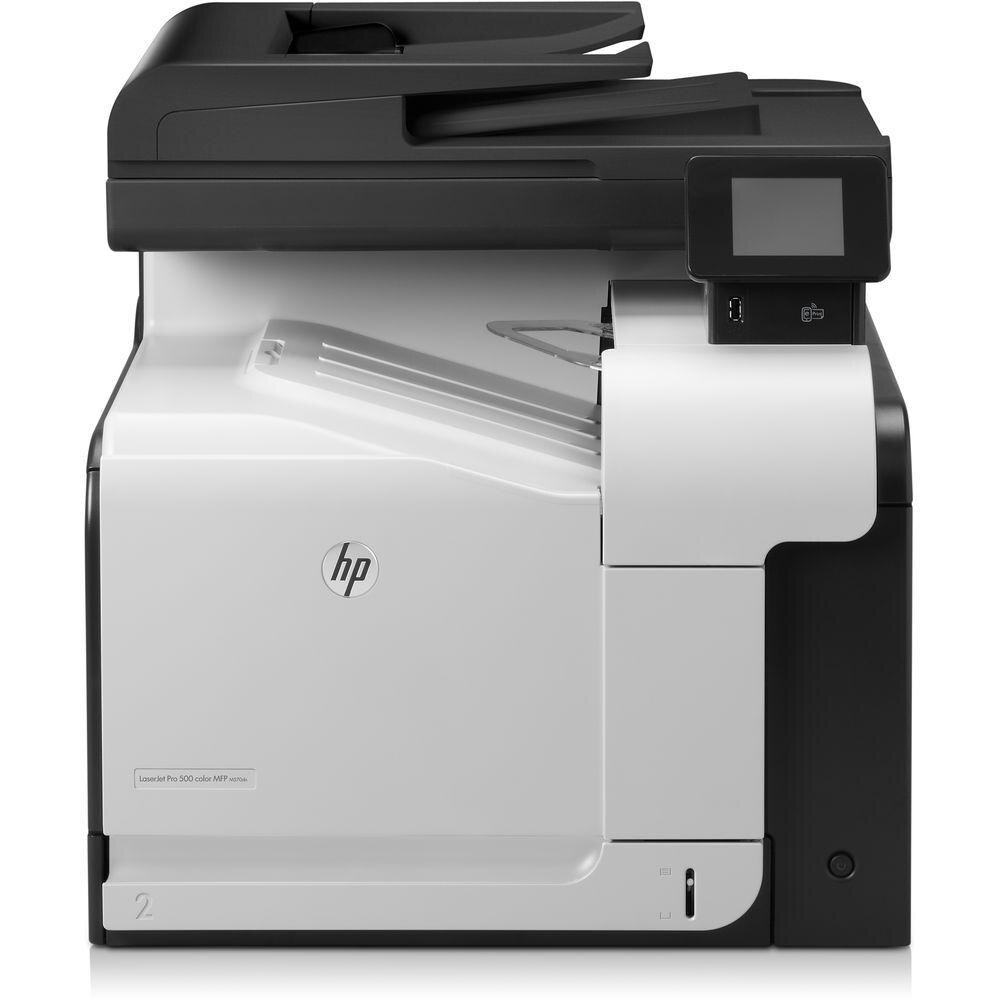
HP's LaserJet Pro 500 Color M570 gave midsize businesses enterprise-adjacent color printing at a friendlier price point, anchoring the Pro 500 color line in the early 2010s.
It takes HP 507A cartridges — black CE400A (also as high-yield CE400X), cyan CE401A, yellow CE402A, magenta CE403A. For heavier duty the range stretches further: an extra black option, the 507XX cartridge CE400XX, joins high-yield color cartridges — CE401X in cyan, CE402X in yellow and CE403X in magenta.
Toner Cartridges for LaserJet Pro 500 color M570
This printer works with the following toner cartridges:
- HP CE400A
- HP CE400X
- HP CE401A
- HP CE402A
- HP CE403A
More HP Printers
- Color LaserJet Enterprise 500 Color M551dn
- Color LaserJet Enterprise 500 Color M551n MFP
- Color LaserJet Enterprise 500 Color M551xh MFP
- Color LaserJet Enterprise 500 Color M575c
- Color LaserJet Enterprise 500 Color M575dn
- Color LaserJet Enterprise 500 Color M575f MFP
- Color LaserJet Enterprise Flow M575C
- LaserJet Enterprise 500 color MFP M575
- LaserJet Enterprise 500 color MFP M575DN
- LaserJet Enterprise 500 color MFP M575F
- LaserJet Enterprise 500 color Printer M551
- LaserJet Enterprise 500 color Printer M551DN
- LaserJet Enterprise 500 color Printer M551N
- LaserJet Enterprise 500 color Printer M551XH
- LaserJet Enterprise 500 color Printer M575
- LaserJet Enterprise 500 color Printer M575DN
- LaserJet Enterprise 500 color Printer M575F
- LaserJet Enterprise color flow M575C
- LaserJet Enterprise color flow MFP M575C
- LaserJet Enterprise MFP M570dn
- LaserJet Pro 500 color M570DN
- LaserJet Pro 500 color M570DW
- LaserJet Pro 500 color MFP M570
- LaserJet Pro 500 color MFP M570DN
- LJ Enterprise 500 Color M551DN
- LJ Enterprise 500 Color M551N
- LJ Enterprise 500 Color M551XH
- LJ Enterprise 500 Color M575DN
- LJ Enterprise 500 Color M575F
Frequently Asked Questions
What toner cartridges does the LaserJet Pro 500 color M570 use?
The LaserJet Pro 500 color M570 uses four cartridges: CE400A black (or the high-yield CE400X), plus CE401A cyan, CE402A yellow, and CE403A magenta. You only need to replace the color that runs out.
How do I clear a paper jam in the LaserJet Pro 500 color M570?
Turn the LaserJet Pro 500 color M570 off, open the paper-path covers, and pull the jammed sheet out gently along the paper path. Reload with fresh, fanned paper before printing again.
Where do I download drivers for the LaserJet Pro 500 color M570?
Get the latest drivers for the LaserJet Pro 500 color M570 from HP's official support website by entering the exact model name. The full package includes the color management and supplies-status utilities.