




Color LaserJet Pro MFP M277DW
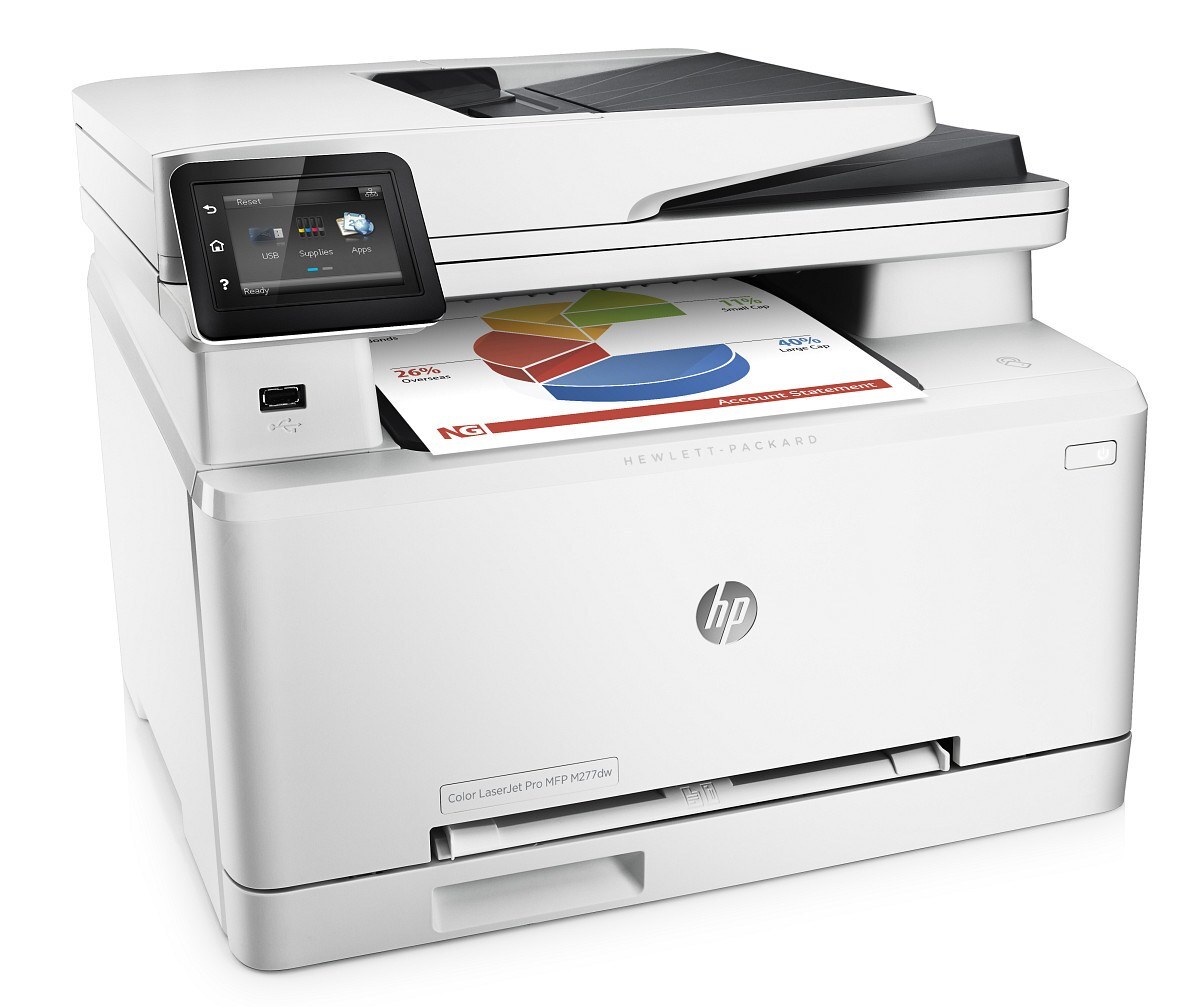
Wi-Fi, duplex, color, and three functions — the Color LaserJet Pro MFP M277DW shipped with the complete checklist. HP's mid-2010s Pro multifunction prints, scans, and copies in color, connects wirelessly, and duplexes without prompting. The M277 multifunction with nothing left to add.
Its four toner slots take the 201A/201X family: CF400A black, CF401A cyan, CF402A yellow, CF403A magenta — standard yields, or high-yield X versions where color runs heavy. When page counts climb past what standard yields comfortably cover, this Pro feeds from the longer shelf — magenta moves to CF403X, yellow to CF402X, cyan to CF401X and black to CF400X.
Toner Cartridges for Color LaserJet Pro MFP M277DW
This printer works with the following toner cartridges:
- HP CF400A
- HP CF401A
- HP CF402A
- HP CF403A
- HP CF400X
- HP CF401X
- HP CF402X
- HP CF403X
More HP Printers
- Color LaserJet M252
- Color LaserJet M252DW
- Color LaserJet M277
- Color LaserJet M277DW
- Color LaserJet MFP M277DW
- Color LaserJet Pro M252
- Color LaserJet Pro M252DW
- Color LaserJet Pro M252N
- Color LaserJet Pro M277
- Color LaserJet Pro M277DW
- Color LaserJet Pro M277N
- Color LaserJet Pro MFP M277
- Color LaserJet Pro MFP M277N
- LaserJet Pro M252
- LaserJet Pro M252dw
- LaserJet Pro M277
- LaserJet Pro M277dw
- LaserJet Pro M277n
- LaserJet Pro MFP M277
- LaserJet Pro MFP M277dw
Frequently Asked Questions
Is CF400A the correct cartridge for the Color LaserJet Pro MFP M277DW?
The Color LaserJet Pro MFP M277DW accepts the standard set (CF400A, CF401A, CF402A, CF403A) or the high-yield set (CF400X, CF401X, CF402X, CF403X) — match one of these codes and the cartridge will seat correctly.
Should I use the HP Smart app with the Color LaserJet Pro MFP M277DW?
The HP Smart app works with many models and can simplify setup and scanning for the Color LaserJet Pro MFP M277DW, but the classic full-feature driver from HP's site remains the most complete option for the Color LaserJet Pro MFP M277DW.
How should I store spare toner cartridges for the Color LaserJet Pro MFP M277DW?
Keep spare CF400A cartridges for the Color LaserJet Pro MFP M277DW sealed in their original packaging, stored upright in a cool, dry place away from direct sunlight — and leave the protective seal on until installation day.