




Color LaserJet M252DW
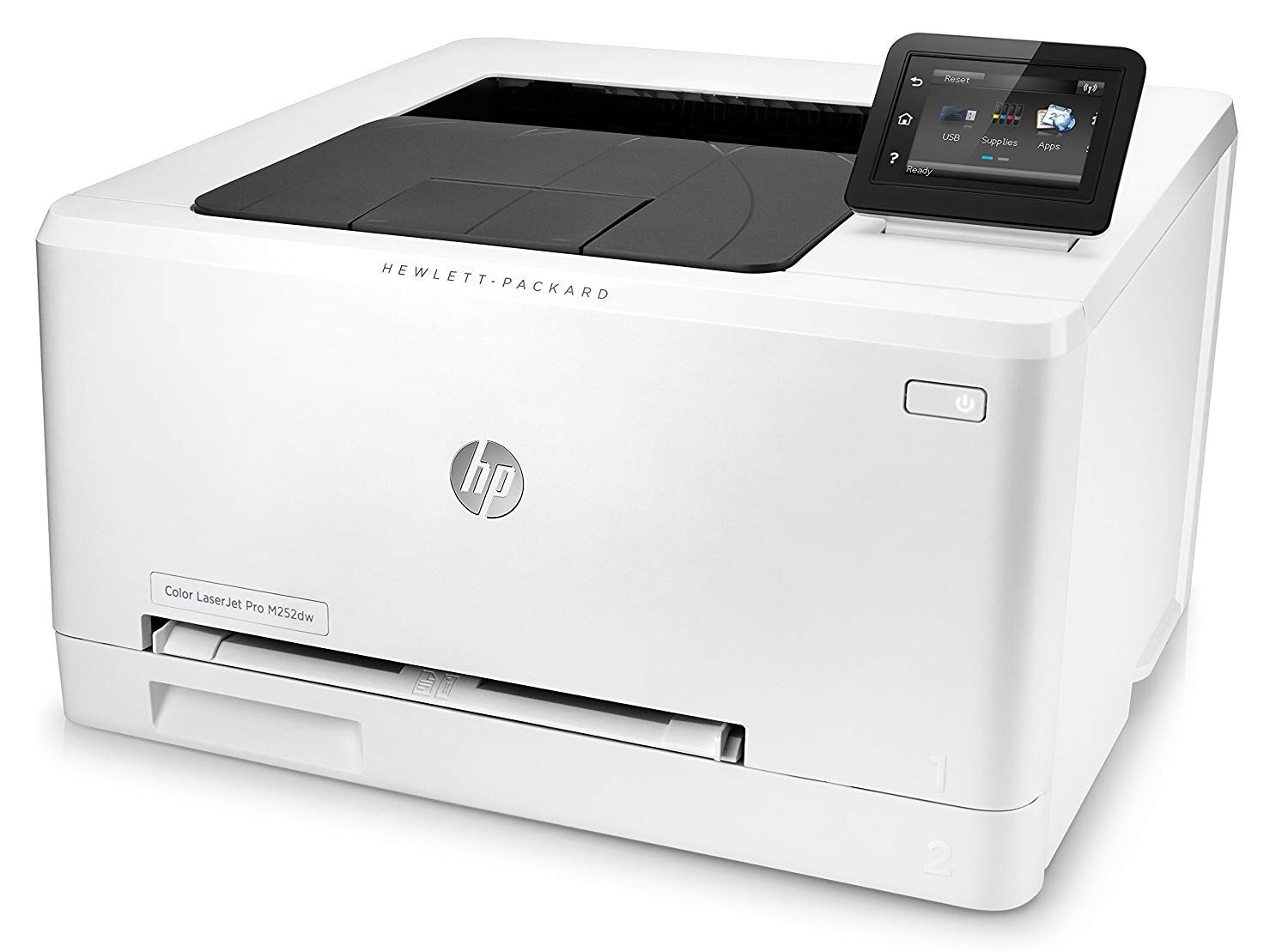
The Color LaserJet M252DW took the M252's compact color printing and cut both cords that matter: Wi-Fi instead of Ethernet, automatic duplex instead of single-sided. Mid-2010s color documents from anywhere in the room, printed both sides by default.
Toner arrives as a CMYK quartet from the 201 family: standard-yield 201A cartridges, or high-yield 201X when color volume climbs — black CF400A/CF400X through magenta CF403A/CF403X. The quartet's middle deserves its own mention: cyan loads as CF401A at standard yield or CF401X in the longer line, while yellow runs CF402A with CF402X as its high-yield partner.
Toner Cartridges for Color LaserJet M252DW
This printer works with the following toner cartridges:
- HP CF400A
- HP CF401A
- HP CF402A
- HP CF403A
- HP CF400X
- HP CF401X
- HP CF402X
- HP CF403X
More HP Printers
- Color LaserJet M252
- Color LaserJet M277
- Color LaserJet M277DW
- Color LaserJet MFP M277DW
- Color LaserJet Pro M252
- Color LaserJet Pro M252DW
- Color LaserJet Pro M252N
- Color LaserJet Pro M277
- Color LaserJet Pro M277DW
- Color LaserJet Pro M277N
- Color LaserJet Pro MFP M277
- Color LaserJet Pro MFP M277DW
- Color LaserJet Pro MFP M277N
- LaserJet Pro M252
- LaserJet Pro M252dw
- LaserJet Pro M277
- LaserJet Pro M277dw
- LaserJet Pro M277n
- LaserJet Pro MFP M277
- LaserJet Pro MFP M277dw
Frequently Asked Questions
Does the Color LaserJet M252DW take CF400A cartridges?
Your Color LaserJet M252DW is designed for the standard set (CF400A, CF401A, CF402A, CF403A) or the high-yield set (CF400X, CF401X, CF402X, CF403X); any cartridge carrying one of those codes will fit.
Can a jam damage the Color LaserJet M252DW?
An occasional cleared jam will not harm the Color LaserJet M252DW, but forcing stuck paper can damage rollers or sensors — always power the Color LaserJet M252DW down and pull gently along the paper path.
Should I shake the cartridge when the Color LaserJet M252DW reports low toner?
Yes — removing the CF400A from the Color LaserJet M252DW and rocking it gently side to side (never shaking violently) redistributes settled toner and often buys more good pages before the Color LaserJet M252DW needs a fresh cartridge.