




LaserJet Pro M277n
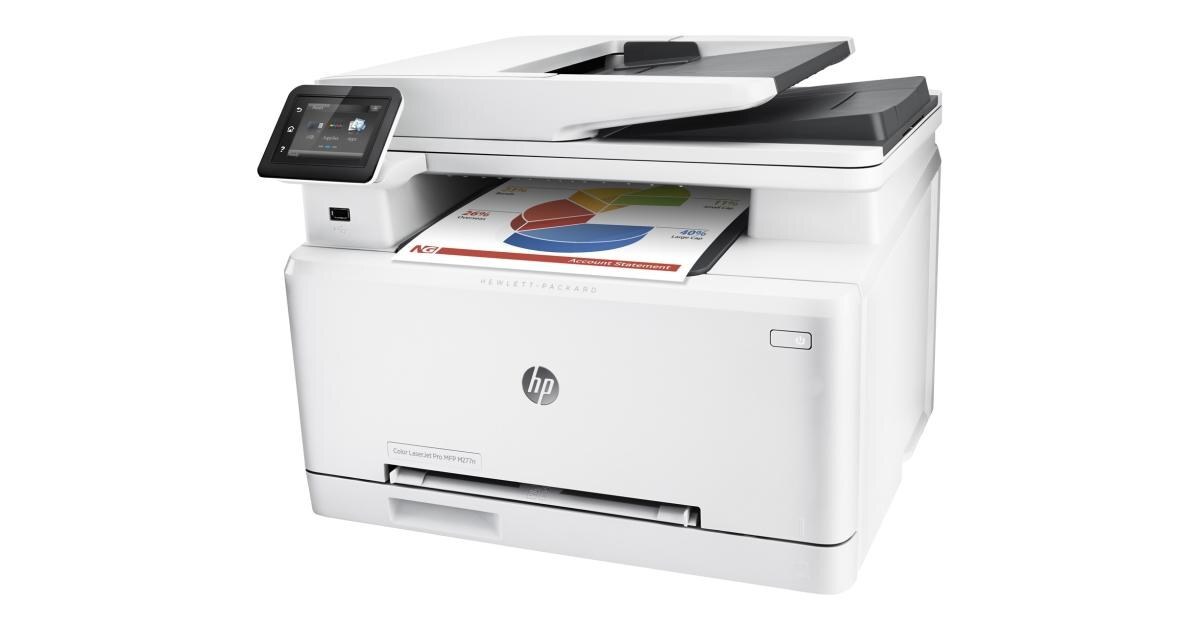
The networked color printer for shared desks: the LaserJet Pro M277N puts the M277's color output on office Ethernet so the whole team can print to it. It takes the HP 201A/201X set — CF400A black plus CF401A, CF402A, CF403A color, standard or high-yield X.
We carry the full 201A/201X range for the M277N in genuine OEM and compatible versions. Shared color printers burn through black fastest, so a spare CF400A or CF400X is cheap insurance; fast Clever Supplies shipping handles the rest.
Toner Cartridges for LaserJet Pro M277n
This printer works with the following toner cartridges:
- HP CF400A
- HP CF401A
- HP CF402A
- HP CF403A
- HP CF400X
- HP CF401X
- HP CF402X
- HP CF403X
More HP Printers
- Color LaserJet M252
- Color LaserJet M252DW
- Color LaserJet M277
- Color LaserJet M277DW
- Color LaserJet MFP M277DW
- Color LaserJet Pro M252
- Color LaserJet Pro M252DW
- Color LaserJet Pro M252N
- Color LaserJet Pro M277
- Color LaserJet Pro M277DW
- Color LaserJet Pro M277N
- Color LaserJet Pro MFP M277
- Color LaserJet Pro MFP M277DW
- Color LaserJet Pro MFP M277N
- LaserJet Pro M252
- LaserJet Pro M252dw
- LaserJet Pro M277
- LaserJet Pro M277dw
- LaserJet Pro MFP M277
- LaserJet Pro MFP M277dw
Frequently Asked Questions
Can I use CF400A toner in the LaserJet Pro M277n?
The correct cartridges for the LaserJet Pro M277n are CF400A, CF401A, CF402A, CF403A, CF400X, CF401X, CF402X, and CF403X. Check the code printed on your current cartridge to confirm.
What is the correct way to install a new cartridge in the LaserJet Pro M277n?
It takes under a minute: lift the LaserJet Pro M277n's cartridge access cover, remove the old cartridge, unwrap the new CF400A (pull the sealing strip fully), insert it along the guides, and close the cover on the LaserJet Pro M277n.
Should I shake the cartridge when the LaserJet Pro M277n reports low toner?
Yes — removing the CF400A from the LaserJet Pro M277n and rocking it gently side to side (never shaking violently) redistributes settled toner and often buys more good pages before the LaserJet Pro M277n needs a fresh cartridge.