




Color LaserJet Pro M277N
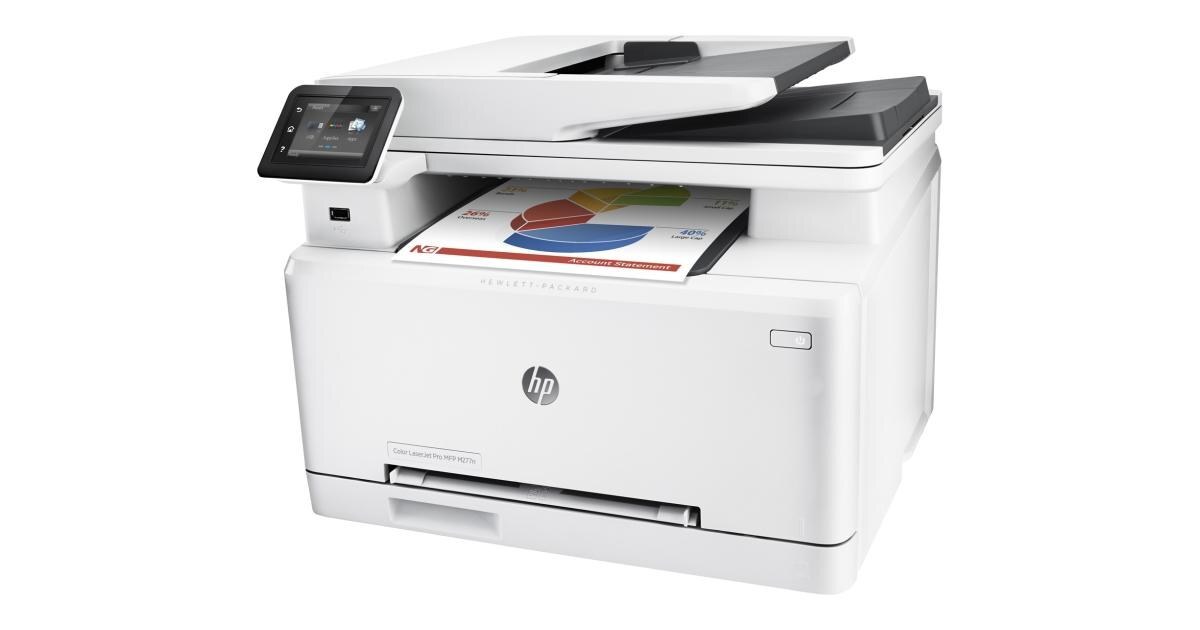
Daily color over the network — that's the Color LaserJet Pro M277N's job description. A mid-2010s single-function color printer with Ethernet built in, Pro-branded for the wired workgroup. Everyone on the switch prints in color; nobody fights over a USB cable.
The toner shelf holds the 201 family: CF400A–CF403A in standard yield, CF400X–CF403X in high yield. Black, cyan, magenta, yellow — each replaceable on its own.
Toner Cartridges for Color LaserJet Pro M277N
This printer works with the following toner cartridges:
- HP CF400A
- HP CF401A
- HP CF402A
- HP CF403A
- HP CF400X
- HP CF401X
- HP CF402X
- HP CF403X
More HP Printers
- Color LaserJet M252
- Color LaserJet M252DW
- Color LaserJet M277
- Color LaserJet M277DW
- Color LaserJet MFP M277DW
- Color LaserJet Pro M252
- Color LaserJet Pro M252DW
- Color LaserJet Pro M252N
- Color LaserJet Pro M277
- Color LaserJet Pro M277DW
- Color LaserJet Pro MFP M277
- Color LaserJet Pro MFP M277DW
- Color LaserJet Pro MFP M277N
- LaserJet Pro M252
- LaserJet Pro M252dw
- LaserJet Pro M277
- LaserJet Pro M277dw
- LaserJet Pro M277n
- LaserJet Pro MFP M277
- LaserJet Pro MFP M277dw
Frequently Asked Questions
How do I know when the Color LaserJet Pro M277N needs a new cartridge?
The Color LaserJet Pro M277N shows which of the CF400A, CF401A, CF402A, CF403A (or X) cartridges is low in its supplies status, and you can keep printing for a while after the first alert. Replace only the flagged color in the Color LaserJet Pro M277N — the other three stay put.
Can a jam damage the Color LaserJet Pro M277N?
An occasional cleared jam will not harm the Color LaserJet Pro M277N, but forcing stuck paper can damage rollers or sensors — always power the Color LaserJet Pro M277N down and pull gently along the paper path.
Which cartridge do I replace when colors fade on the Color LaserJet Pro M277N?
Check the Color LaserJet Pro M277N's supplies status to identify the low color, then replace only that cartridge from the the standard set (CF400A, CF401A, CF402A, CF403A) or the high-yield set (CF400X, CF401X, CF402X, CF403X) set; the remaining colors in the Color LaserJet Pro M277N stay put.