




Color Laser 1230
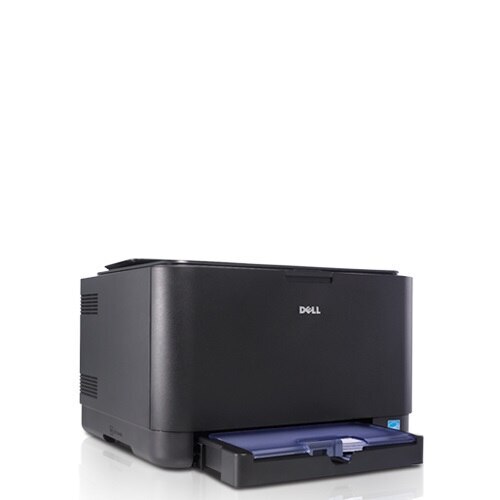
The Dell 1230 is a compact color laser built for personal desks and tight home offices, one of the smallest color lasers Dell ever shipped. It prints at up to 17 ppm in black and 4 ppm in color with up to 2400 x 600 dpi resolution — modest speed, but crisp output in a footprint that fits almost anywhere.
Its four-cartridge system (330-3012 black, 330-3013 yellow, 330-3014 magenta, 330-3015 cyan) is simple to service: cartridges drop in from the front, and compatible replacements keep running costs down on a printer whose whole point was affordability. Both OEM and compatible options for the 1230 are below.
Toner Cartridges for Dell 1230
This printer works with the following toner cartridges:
- Dell 330-3012
- Dell 330-3013
- Dell 330-3014
- Dell 330-3015
Frequently Asked Questions
What cartridges does the Dell 1230 use?
Cartridges such as 330-3015 and 330-3014 are made for the Dell 1230. If you are ever unsure, open the printer's front cover and copy the code off the old cartridge before ordering a replacement.
Why is my Dell 1230 printing with a pink or green tint?
A color cast usually means one toner is low or unevenly distributed — on the Dell 1230, reseat the color cartridges (options include 330-3015 and 330-3014) and run a color calibration from the printer menu. If the tint stays, replace the low cartridge.
Prints from the Dell 1230 have a grey background — what's wrong?
A grey wash over prints from the Dell 1230 often appears when a cartridge is nearly empty or the drum is worn. Replace the low cartridge first (330-3015, 330-3014); if the background stays grey with a fresh one, the drum is likely due.