




Color Laser 1235
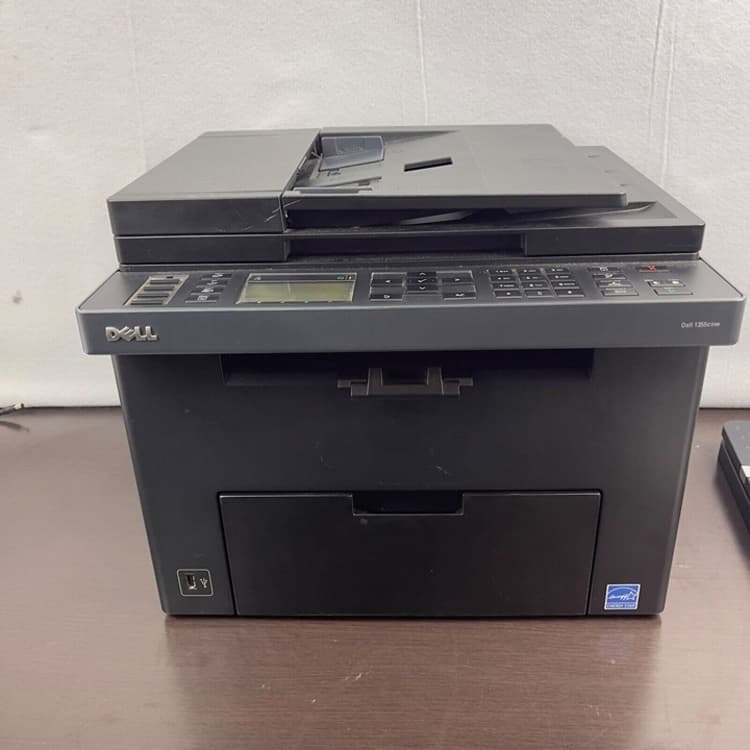
The Dell 1235 sits in the middle of the compact color laser line: still desk-friendly, still USB-connected, and still rated at up to 17 ppm black and 4 ppm color. Where it earns its keep is print quality — up to 2400 x 600 dpi effective output that punches above this price class for photos and presentation graphics.
Its supplies mirror the rest of the 1230/1235 family: the 330-3012 black cartridge plus the 330-3013, 330-3014, and 330-3015 color trio. High-capacity compatible versions are the smart buy if you're running more than a few hundred pages a month.
Toner Cartridges for Dell 1235
This printer works with the following toner cartridges:
- Dell 330-3012
- Dell 330-3013
- Dell 330-3014
- Dell 330-3015
Frequently Asked Questions
Which cartridges can I use with the Dell 1235?
The cartridges made for the Dell 1235 include 330-3013 and 330-3012. The complete set of options for this model appears in the cartridge listings above.
Why do photos look washed out on the Dell 1235?
Washed-out prints on the Dell 1235 are often a low-toner warning rather than a fault. Check each color's level; cartridges like 330-3013 and 330-3012 are replaced one at a time, so only the empty one needs swapping.
My Dell 1235's prints look faded — what should I try first?
First check the toner level, then try the printer's cleaning cycle. On the Dell 1235, faded output with a nearly-empty cartridge (330-3013, 330-3012) is simply a low-toner warning — replace that cartridge and prints should sharpen up.