




Color Laser 1230C
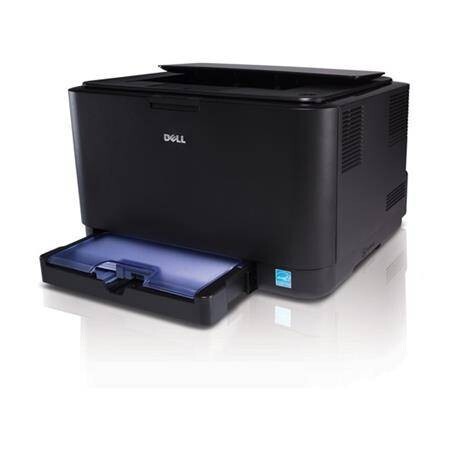
The Dell 1230C takes the entry-level 1230 color laser formula — small chassis, USB connectivity, and straightforward four-cartridge color printing — and targets color-conscious buyers who don't need networking. Up to 17 ppm in mono and 4 ppm in color is plenty for letters, school projects, and the occasional marketing flyer.
It runs on the same 330-3012/3013/3014/3015 cartridge family as the rest of the 1230 line, so supplies are easy to source and interchangeable across the series. Compatible cartridges below give this budget printer genuinely low cost per page.
Toner Cartridges for Dell 1230C
This printer works with the following toner cartridges:
- Dell 330-3012
- Dell 330-3013
- Dell 330-3014
- Dell 330-3015
Frequently Asked Questions
Which toner cartridges are compatible with the Dell 1230C?
The Dell 1230C uses Dell cartridges including 330-3012 and 330-3015. The surest way to buy the right one is to match the number printed on the cartridge already inside your printer with the options listed above.
One color is missing from my Dell 1230C's prints — what should I check?
First run the Dell 1230C's cleaning cycle, then check toner levels — a completely missing color almost always means that cartridge (in the 330-3012/330-3015 range) is empty or not seated properly. Reseat it; replace it if the level reads empty.
Why is my Dell 1230C printing vertical streaks?
Vertical streaks on the Dell 1230C usually mean the toner is low or the drum is dirty. Remove the cartridge (330-3012 range), gently rock it side to side to redistribute the toner, and reseat it — if the streaks stay after the cartridge is replaced, the imaging drum is the next suspect.