





 See Compatible Printers
 Read more about our ink!
Canon
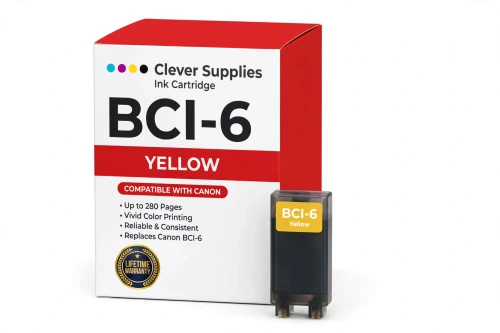
Compatible Canon BCI-6 Yellow Ink Cartridge
- Page Yield:
- 280 pages
- Shipping:
- Calculated at Checkout

Amazon Price:

- Page Yield:
- 280 pages
- Shipping:
- Calculated at Checkout
- Compatible Printers
- Canon i560
- Canon i860
- Canon i865
- Canon i900D
- Canon i950
- Canon i960
- Canon i9900
- Canon PIXMA iP3000
- Canon PIXMA iP4000
- Canon PIXMA iP4000R
- Canon PIXMA iP5000
- Canon PIXMA iP6000D
- Canon PIXMA iP8500
- Canon PIXMA MP750
- Canon PIXMA MP760
- Canon PIXMA MP780
- Canon S800
- Canon S820D
- Canon S830D
- Canon S900
- Canon S9000
- Canon BJC-8200
- BJC-3000
- BJC-6000
- BJC-6100
- MultiPass F50
- MultiPass F60
- MultiPass F80
- MultiPass MP700
- MultiPass MP730
- Multipass C755
- Multipass F30
- S400
- S450
- S500
- S520
- S530D
- S600
- S630
- S750
- i550
- i850
- Specifications
- SKU:
- CS-CN-6-Y
- Condition:
- New (compatible)
- OEM Part #:
- BCI-6
- Color:
- Yellow
- Ink Type:
- Dye
- Page Yield:
- 280 pages
- Chip:
- No chip — optical ink sensor
- Warranty:
- Lifetime Warranty
- Returns:
- 1 Year
- Description
- Reviews
The Clever Supplies compatible Canon BCI-6 Yellow ink cartridge replaces the Canon BCI-6 and fits 22 verified printers — the i560 and the rest of the list under Compatible Printers below. It is rated at about 280 pages; our cartridge is filled to the same specification with dye ink.
This generation of Canon printers checks ink with an optical sensor in the tank, not a chip. Installation is a straight swap, ink levels keep reading normally, and there are no chip-related warnings to clear.
Shop the BCI-6 family: BCI-3e Yellow, BCI-6 Black, BCI-6 Cyan, BCI-6 Magenta, BCI-6 Photo Cyan, BCI-6 Photo Magenta, BCI-6 Red, BCI-6 Green, BCI-3e Black, BCI-3e Cyan, BCI-3e Magenta, BCI-3e Photo Black, BCI-3e Photo Cyan, BCI-3e Photo Magenta, BCI-3e Set of 10, BCI-3e BCI-6 Set of 11, BCI-3e BCI-6 Set of 5, BCI-6 Set of 14, BCI-6 Set of 6, BCI-3e Set of 15, BCI-3e Set of 5, BCI-6 Set of 18, BCI-6 Set of 8.
Printer series: Canon i Series printers · PIXMA printers · Canon S Series printers · BubbleJet printers — every model in the Compatible Printers list below takes this cartridge.


CLEVER SUPPLIES · CANON BCI-6 INK
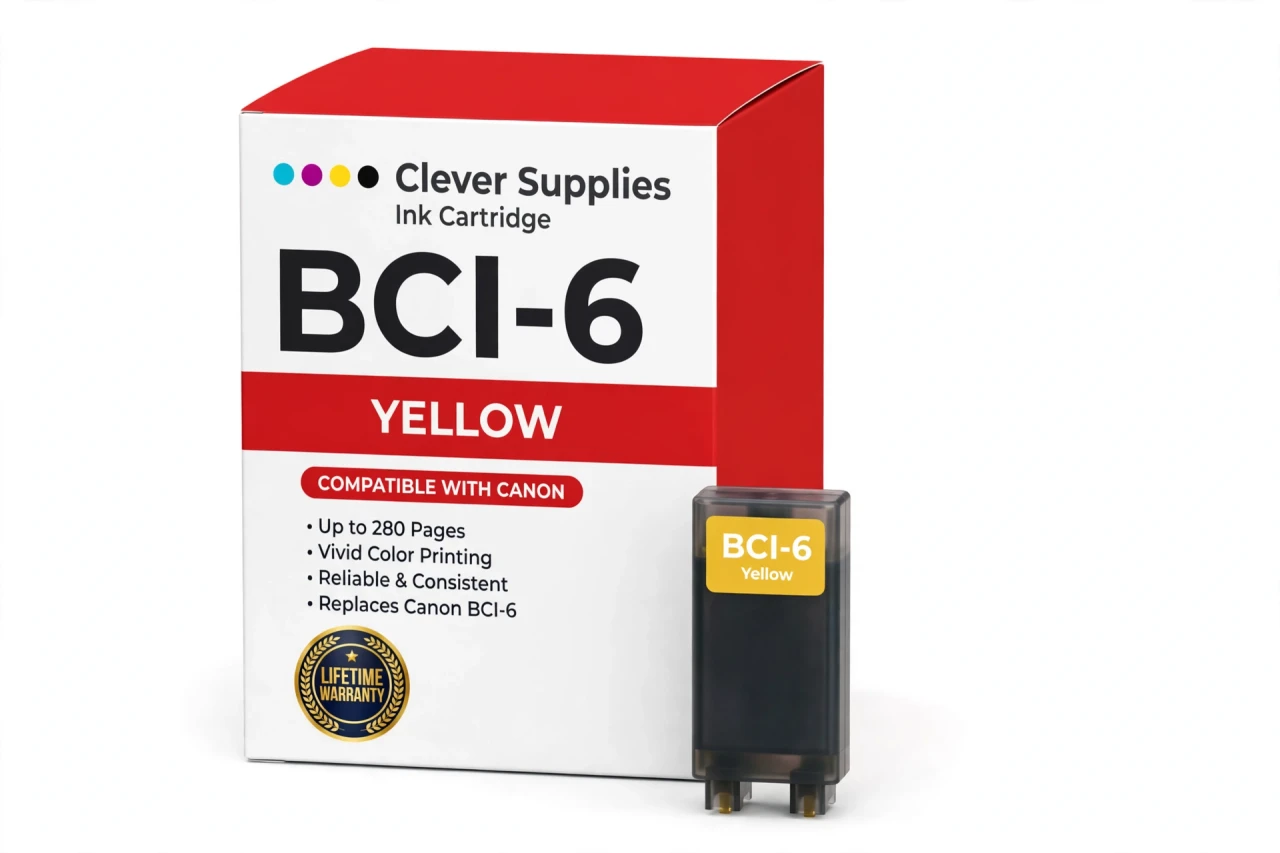
Compatible Canon BCI-6 Yellow Ink Cartridge
Replaces Canon BCI-6
280 pages · Dye ink
Fits: i560, i860, i865, i900D, i950 and more
Covered by the Clever Supplies Lifetime Warranty
Frequently Asked Questions
Why does a low yellow tank change the look of the whole photo?
Yellow is quiet but structural. It warms skin, builds every green with cyan, and holds highlights open. As the BCI-6 Yellow fades, the damage shows in other colors first — greens turn blue, faces turn pale, warm light turns cold. Owners often blame cyan or magenta for a cast that started here.
Which printers does the BCI-6 Yellow fit?
It fits the Canon i560, Canon i860, Canon i865, Canon i900D, Canon i950, Canon i960, Canon i9900, Canon PIXMA iP3000, Canon PIXMA iP4000 and Canon PIXMA iP5000 — the full list is under Compatible Printers on this page.
Everything prints with a blue-purple cast — should I check yellow first?
Yes. A blue or purple cast is the signature of missing yellow — yellow is the color that holds blue in check. Print the nozzle check and study the yellow band under good light: it is the faintest band on the sheet, and a gap in it explains the cast better than any settings change.
Yellow is hard to see on the page — how do I confirm it is printing at all?
Use the nozzle check pattern rather than a photograph. Its yellow block prints in isolation, so even a pale, broken pattern reads easily against white paper. If the block is missing entirely, run one cleaning cycle and retest; a block that never returns means the tank is empty or its flow has failed.
How many pages does the BCI-6 Yellow deliver?
About 280 pages under ISO/IEC 24711 at around 5% coverage — level with the rest of the family. Real consumption follows your subjects: meadows, beaches and autumn scenes mix yellow into most of the page, while portraits use it sparingly, so two owners can see very different totals from one tank.
How does the printer track a tank that has no chip?
Optically. This generation senses the ink level through the tank itself, so the BCI-6 Yellow needs no chip, produces no recognition warnings and asks for no reset after installation. The monitor keeps working exactly as it did with the original cartridge — the system predates chipped tanks.
When I replace yellow, which other tanks deserve a look?
The partners it mixes with. Greens depend on the BCI-6 Cyan, warm tones on the BCI-6 Magenta, and eight-color models refine both sides with the BCI-6 Green and BCI-6 Red. Check the monitor for each before ordering — replacing one tank at a time, as each runs low, is how this system is meant to be maintained.
Is this an original Canon yellow, or a compatible?
A Clever Supplies compatible, built to the same BCI-6 specification as the original Canon cartridge and filled with dye ink to the original standard. The printers it feeds were discontinued years ago, and original stock has become scarce and costly. This tank keeps them printing honestly — right color, right fit — at a sensible price.
What if a new yellow tank prints weakly or leaks?
It carries the Clever Supplies Lifetime Warranty: contact us and a leaking, misreading or poorly printing cartridge is replaced or refunded. Keep a sealed spare without worry, too — unopened cartridges are covered by 1-year returns. For a printer Canon no longer supports, that warranty stands behind every tank.
Related Items
Canon
Compatible Canon BCI-3e Yellow Ink Cartridge
The Clever Supplies compatible Canon BCI-3e Yellow ink cartridge replaces the Canon BCI-3e and fits 20 verified printers — the BJC-3000 and the rest of the list under Compatible Printers below. It is...

Canon
Compatible Canon BCI-6 Black Ink Cartridge
The Clever Supplies compatible Canon BCI-6 Black ink cartridge replaces the Canon BCI-6 and fits 22 verified printers — the i560 and the rest of the list under Compatible Printers below. It is rated...
Canon
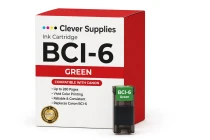
Compatible Canon BCI-6 Green Ink Cartridge
The Clever Supplies compatible Canon BCI-6 Green ink cartridge replaces the Canon BCI-6 and fits 22 verified printers — the i560 and the rest of the list under Compatible Printers below. It is rated...
Canon
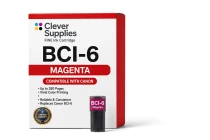
Compatible Canon BCI-6 Magenta Ink Cartridge
The Clever Supplies compatible Canon BCI-6 Magenta ink cartridge replaces the Canon BCI-6 and fits 22 verified printers — the i560 and the rest of the list under Compatible Printers below. It is...