





 See Compatible Printers
 Read more about our ink!
Canon
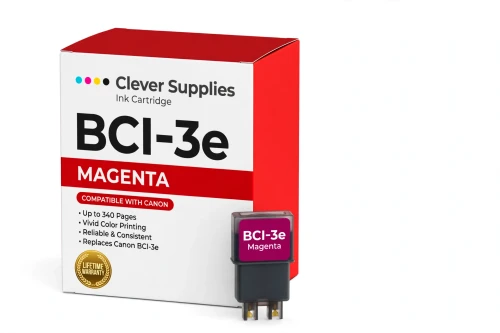
Compatible Canon BCI-3e Magenta Ink Cartridge
- Page Yield:
- 340 pages
- Shipping:
- Calculated at Checkout

Amazon Price:

- Page Yield:
- 340 pages
- Shipping:
- Calculated at Checkout
- Compatible Printers
- Canon BJC-3000
- Canon BJC-6000
- Canon BJC-6100
- Canon i550
- Canon i850
- Canon S400
- Canon S450
- Canon S500
- Canon S520
- Canon S530D
- Canon S600
- Canon S630
- Canon S750
- Canon MultiPASS C755
- Canon MultiPASS F30
- Canon MultiPASS F50
- Canon MultiPASS F60
- Canon MultiPASS F80
- Canon MultiPASS MP700
- Canon MultiPASS MP730
- BJC-8200
- PIXMA MP750
- PIXMA MP760
- PIXMA MP780
- PIXMA iP3000
- PIXMA iP4000
- PIXMA iP4000R
- PIXMA iP5000
- PIXMA iP6000D
- PIXMA iP8500
- S800
- S820D
- S830D
- S900
- S9000
- i560
- i860
- i865
- i900D
- i950
- i960
- i9900
- Specifications
- SKU:
- CS-CN-3-M
- Condition:
- New (compatible)
- OEM Part #:
- BCI-3e
- Color:
- Magenta
- Ink Type:
- Dye
- Page Yield:
- 340 pages
- Chip:
- No chip — optical ink sensor
- Warranty:
- Lifetime Warranty
- Returns:
- 1 Year
- Description
- Reviews
The Clever Supplies compatible Canon BCI-3e Magenta ink cartridge replaces the Canon BCI-3e and fits 20 verified printers — the BJC-3000 and the rest of the list under Compatible Printers below. It is rated at about 340 pages; our cartridge is filled to the same specification with dye ink.
No chip is involved on this cartridge family: the printer senses the ink level optically. That makes installation simple and removes the most common cause of "cartridge not recognized" messages on newer models.
Shop the BCI-3e family: BCI-3e Yellow, BCI-6 Black, BCI-6 Cyan, BCI-6 Magenta, BCI-6 Yellow, BCI-6 Photo Cyan, BCI-6 Photo Magenta, BCI-6 Red, BCI-6 Green, BCI-3e Black, BCI-3e Cyan, BCI-3e Photo Black, BCI-3e Photo Cyan, BCI-3e Photo Magenta, BCI-3e Set of 10, BCI-3e BCI-6 Set of 11, BCI-3e BCI-6 Set of 5, BCI-6 Set of 14, BCI-6 Set of 6, BCI-3e Set of 15, BCI-3e Set of 5, BCI-6 Set of 18, BCI-6 Set of 8.
Printer series: BubbleJet printers · Canon i Series printers · Canon S Series printers · MultiPASS printers — every model in the Compatible Printers list below takes this cartridge.


CLEVER SUPPLIES · CANON BCI-3e INK
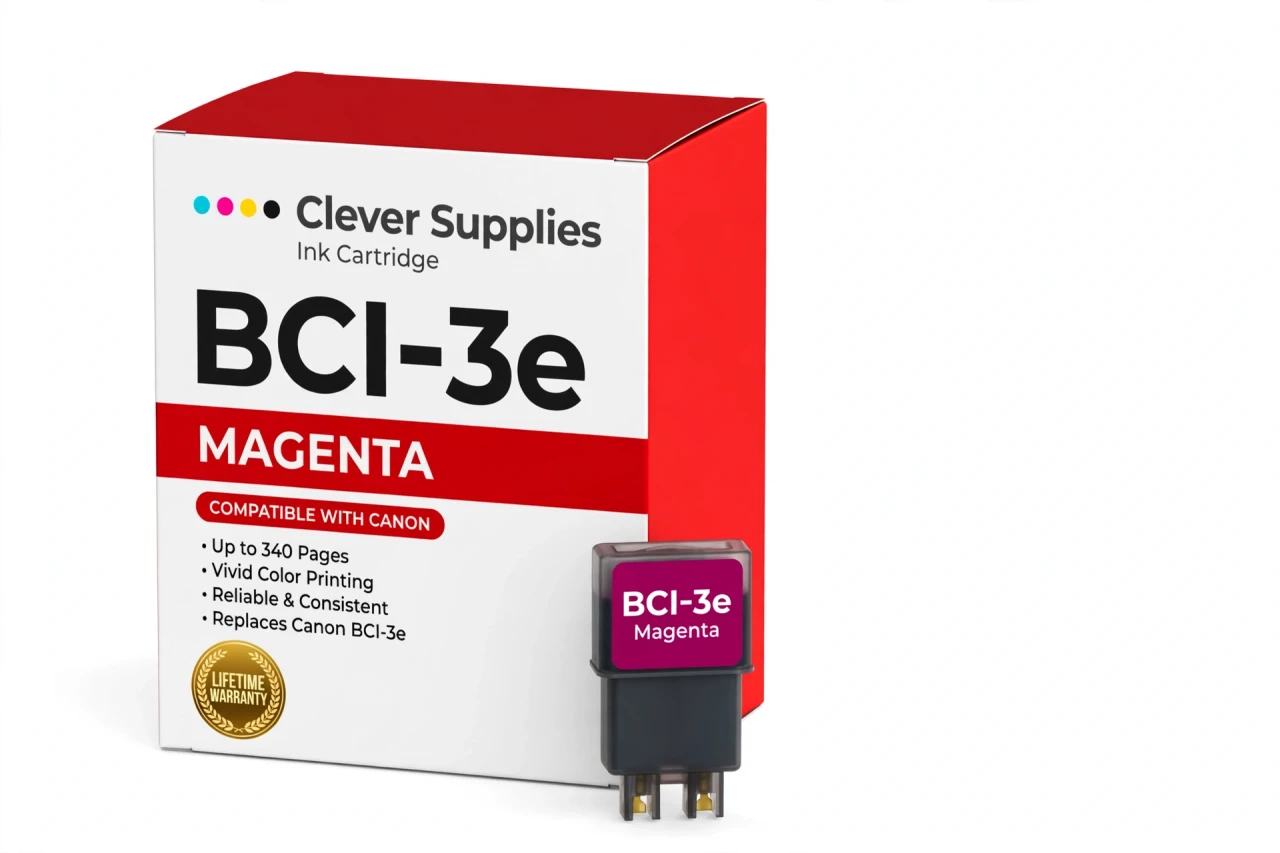
Compatible Canon BCI-3e Magenta Ink Cartridge
Replaces Canon BCI-3e
340 pages · Dye ink
Fits: BJC-3000, BJC-6000, BJC-6100, i550, i850 and more
Covered by the Clever Supplies Lifetime Warranty
Frequently Asked Questions
My reds look orange and faces look sunburned — could magenta be the cause?
Possibly the opposite: weak magenta makes reds collapse toward yellow-orange, while pictures that look harshly pink often mean magenta is fine and cyan is low. Print a nozzle check first. If the magenta block is pale or broken, this BCI-3e magenta tank is the fix; if it is solid, check the cyan slot before replacing anything.
Which Canon models take this magenta tank?
Compatible printers include the Canon BJC-6000, Canon BJC-6100, Canon i550, Canon i850, Canon S400, Canon S530D, Canon S630 and Canon MultiPASS F80, and the full list is under Compatible Printers on this page.
Why does magenta matter so much for logos and presentations?
Magenta carries brand reds, warm skin tones and much of the punch in charts and headline graphics. A tired magenta tank quietly flattens all of them, even while text still looks perfect. Fresh dye magenta restores the saturated reds and natural faces that make printed handouts and small-business materials look professional.
What yield is this tank rated for?
About 340 pages under ISO/IEC 24711 test conditions at around 5% coverage. Flyers with big red banners, photo pages and dense presentation graphics draw magenta far faster than memos do, so treat the rating as a benchmark for mixed office pages rather than a promise for full-color work.
How do I check the magenta level without a chip readout?
Look at the tank itself. This family uses an optical sensor, not a chip, so there is no electronic gauge to reset and no recognition warning to expect. The ink visible through the tank, plus a nozzle check when colors drift, tells you more reliably than any software estimate on printers of this age.
Do I need photo magenta as well, or is this tank enough?
For documents, charts and everyday color, this standard magenta is the required tank. Some photo models also hold BCI-3e Photo Magenta, a lighter dye for smooth photo transitions. The two are different slots: keep BCI-3e Cyan and BCI-3e Yellow healthy too, and add photo magenta only if your printer has that extra slot.
What happens during the swap?
With the cover open and the carriage centered, remove the old magenta tank and press the new BCI-3e tank into the magenta slot until it clicks into place. Close the cover, run a nozzle check, and print one color page. No chip steps, button holds or reset tools are involved at any point.
Is this tank made by Canon?
No. It is a Clever Supplies compatible tank built to the BCI-3e specification with dye ink. Original magenta for these discontinued BJC, i and S series printers is scarce; this compatible option keeps the color slot supplied without hunting new-old stock at collector prices.
Any storage advice for a backup magenta tank?
Store it sealed and upright in a cool spot away from windows. Do not unseal it early to check the color. When the installed tank runs low, open the spare and install it right away.
What if the new tank prints poorly?
Run one cleaning cycle and a nozzle check first, since a printer that sat idle may need priming. If magenta still fails, contact us: the Lifetime Warranty covers inkjet tanks that leak or print poorly, with replacement or refund, and returns run for 1 Year from purchase.
Related Items
Canon
Compatible Canon BCI-3e Photo Magenta Ink Cartridge
The Clever Supplies compatible Canon BCI-3e Photo Magenta ink cartridge replaces the Canon BCI-3e and fits 20 verified printers — the BJC-3000 and the rest of the list under Compatible Printers below...

Canon
Compatible Canon BCI-3e Black Ink Cartridge
The Clever Supplies compatible Canon BCI-3e Black ink cartridge replaces the Canon BCI-3e and fits 42 verified printers — the BJC-3000 and the rest of the list under Compatible Printers below. It is...
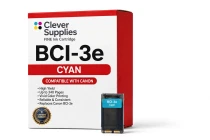
Canon
Compatible Canon BCI-3e Cyan Ink Cartridge
The Clever Supplies compatible Canon BCI-3e Cyan ink cartridge replaces the Canon BCI-3e and fits 20 verified printers — the BJC-3000 and the rest of the list under Compatible Printers below. It is...
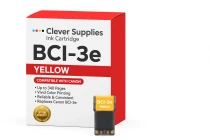
Canon
Compatible Canon BCI-3e Yellow Ink Cartridge
The Clever Supplies compatible Canon BCI-3e Yellow ink cartridge replaces the Canon BCI-3e and fits 20 verified printers — the BJC-3000 and the rest of the list under Compatible Printers below. It is...