





 See Compatible Printers
 Read more about our ink!
Canon
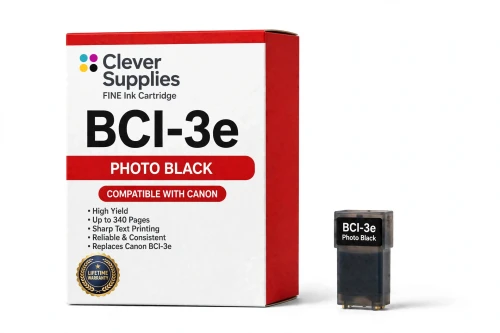
Compatible Canon BCI-3e Photo Black Ink Cartridge
- Page Yield:
- 340 pages
- Shipping:
- Calculated at Checkout

Amazon Price:

- Page Yield:
- 340 pages
- Shipping:
- Calculated at Checkout
- Compatible Printers
- Canon BJC-3000
- Canon BJC-6000
- Canon BJC-6100
- Canon i550
- Canon i850
- Canon S400
- Canon S450
- Canon S500
- Canon S520
- Canon S530D
- Canon S600
- Canon S630
- Canon S750
- Canon MultiPASS C755
- Canon MultiPASS F30
- Canon MultiPASS F50
- Canon MultiPASS F60
- Canon MultiPASS F80
- Canon MultiPASS MP700
- Canon MultiPASS MP730
- BJC-8200
- PIXMA MP750
- PIXMA MP760
- PIXMA MP780
- PIXMA iP3000
- PIXMA iP4000
- PIXMA iP4000R
- PIXMA iP5000
- PIXMA iP6000D
- PIXMA iP8500
- S800
- S820D
- S830D
- S900
- S9000
- i560
- i860
- i865
- i900D
- i950
- i960
- i9900
- Specifications
- SKU:
- CS-CN-3-PBK
- Condition:
- New (compatible)
- OEM Part #:
- BCI-3e
- Color:
- Photo Black
- Ink Type:
- Dye
- Page Yield:
- 340 pages
- Chip:
- No chip — optical ink sensor
- Warranty:
- Lifetime Warranty
- Returns:
- 1 Year
- Description
- Reviews
The Clever Supplies compatible Canon BCI-3e Photo Black ink cartridge replaces the Canon BCI-3e and fits 20 verified printers — the BJC-3000 and the rest of the list under Compatible Printers below. It is rated at about 340 pages; our cartridge is filled to the same specification with dye ink.
This generation of Canon printers checks ink with an optical sensor in the tank, not a chip. Installation is a straight swap, ink levels keep reading normally, and there are no chip-related warnings to clear.
Shop the BCI-3e family: BCI-3e Yellow, BCI-6 Black, BCI-6 Cyan, BCI-6 Magenta, BCI-6 Yellow, BCI-6 Photo Cyan, BCI-6 Photo Magenta, BCI-6 Red, BCI-6 Green, BCI-3e Black, BCI-3e Cyan, BCI-3e Magenta, BCI-3e Photo Cyan, BCI-3e Photo Magenta, BCI-3e Set of 10, BCI-3e BCI-6 Set of 11, BCI-3e BCI-6 Set of 5, BCI-6 Set of 14, BCI-6 Set of 6, BCI-3e Set of 15, BCI-3e Set of 5, BCI-6 Set of 18, BCI-6 Set of 8.
Printer series: BubbleJet printers · Canon i Series printers · Canon S Series printers · MultiPASS printers — every model in the Compatible Printers list below takes this cartridge.


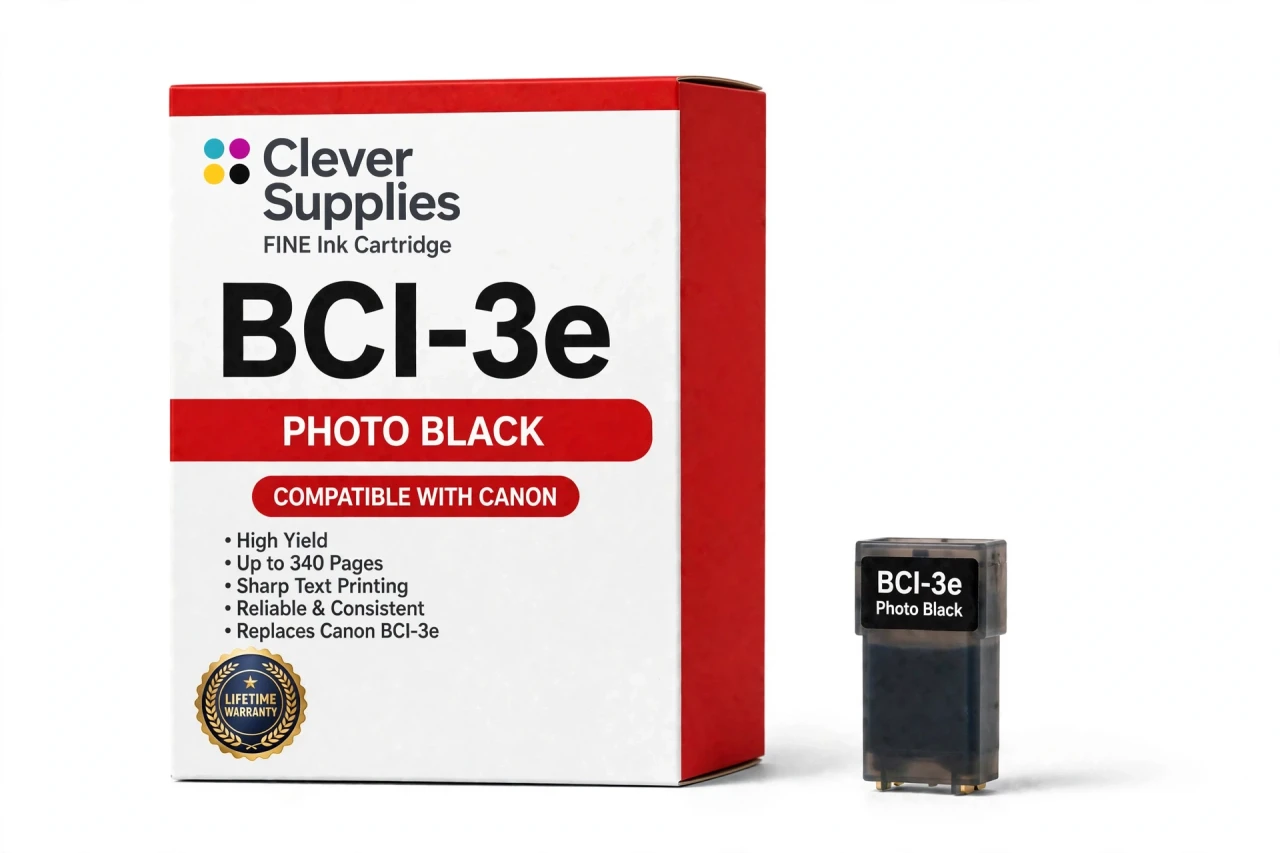
CLEVER SUPPLIES · CANON BCI-3e INK
Compatible Canon BCI-3e Photo Black Ink Cartridge
Replaces Canon BCI-3e
340 pages · Dye ink
Fits: BJC-3000, BJC-6000, BJC-6100, i550, i850 and more
Covered by the Clever Supplies Lifetime Warranty
Frequently Asked Questions
How is photo black different from the regular black tank?
They do different jobs. The regular BCI-3e Black is pigment ink made for crisp document text. This BCI-3e photo black is dye ink, formulated to blend into color images so shadows, night scenes and dark clothing hold detail instead of blocking up into flat black patches on photo paper.
Which printers have a photo black slot for this tank?
Photo models include the Canon BJC-3000, Canon BJC-6000, Canon i550, Canon i850, Canon S500, Canon S600, Canon S750 and Canon MultiPASS MP700, and the full list is under Compatible Printers on this page. Only install photo black if your printer has the labeled photo black position.
Can I put photo black in the regular black slot to save a trip?
No. The slots are keyed to different ink roles, and the printer expects pigment black for text work. Photo black belongs only in its own slot, alongside the standard colors. Using the right tank in the right slot protects both document sharpness and photo shadow quality.
What page yield does photo black carry?
About 340 pages under ISO/IEC 24711 conditions at around 5% coverage. Photo printing uses far more ink per page than the test standard, especially dark images, so a run of full-page night or portrait photos will empty this tank much sooner than mixed document pages would.
Why do my photo shadows look muddy even with a fresh regular black?
Because document black is not blended for photographs. On photo settings the printer leans on the dye photo black plus BCI-3e Photo Cyan and BCI-3e Photo Magenta to build gradual dark tones. If photo black is empty, shadows go muddy no matter how full the pigment tank is. Check that slot first.
How do I monitor this tank with no chip involved?
The printer reads the tank optically, so no chip warning will appear. Judge by the ink visible in the tank window and by your output: grayish, washed-out shadows on photos are the practical low-ink signal. There is nothing to reset after a swap — the sensor reads the new tank directly.
What is the replacement routine?
Open the cover, let the carriage center, lift the empty photo black tank out and seat the new BCI-3e tank in the photo black position until it locks. Close the cover and print a photo test page with strong shadow areas to confirm the deep tones are back before a full print run.
Is this a Canon original tank?
No, this is a Clever Supplies compatible tank built to the same BCI-3e specification, filled with dye ink. These photo printers left production years ago, and original photo black stock is scarce; this tank keeps the photo slot working so the printer can still do the job it was bought for.
How should an unopened photo black spare be kept?
Sealed, upright, at room temperature and away from sunlight. Photo tanks are used in bursts — a project, then weeks of documents — so a stored spare is the difference between finishing an album session and stopping halfway.
What warranty backs this tank?
The Clever Supplies Lifetime Warranty covers this inkjet tank: leaking or poor printing is handled with a replacement or refund, and returns are open for 1 Year. Run a cleaning cycle first, so a simple clog is not mistaken for a failed tank.
Related Items
Canon
Compatible Canon BCI-3e Photo Cyan Ink Cartridge
The Clever Supplies compatible Canon BCI-3e Photo Cyan ink cartridge replaces the Canon BCI-3e and fits 20 verified printers — the BJC-3000 and the rest of the list under Compatible Printers below...

Canon
Compatible Canon BCI-3e Photo Magenta Ink Cartridge
The Clever Supplies compatible Canon BCI-3e Photo Magenta ink cartridge replaces the Canon BCI-3e and fits 20 verified printers — the BJC-3000 and the rest of the list under Compatible Printers below...
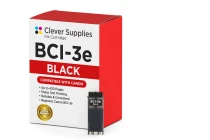
Canon
Compatible Canon BCI-3e Black Ink Cartridge
The Clever Supplies compatible Canon BCI-3e Black ink cartridge replaces the Canon BCI-3e and fits 42 verified printers — the BJC-3000 and the rest of the list under Compatible Printers below. It is...
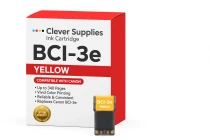
Canon
Compatible Canon BCI-3e Yellow Ink Cartridge
The Clever Supplies compatible Canon BCI-3e Yellow ink cartridge replaces the Canon BCI-3e and fits 20 verified printers — the BJC-3000 and the rest of the list under Compatible Printers below. It is...