





 See Compatible Printers
 Read more about our ink!
Canon
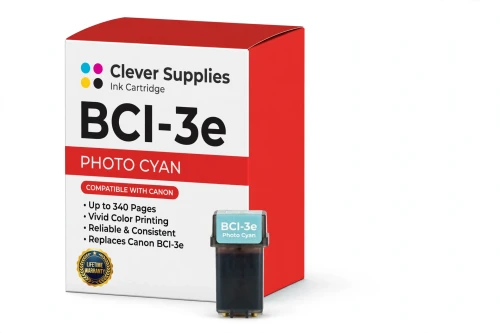
Compatible Canon BCI-3e Photo Cyan Ink Cartridge
- Page Yield:
- 340 pages
- Shipping:
- Calculated at Checkout

Amazon Price:

- Page Yield:
- 340 pages
- Shipping:
- Calculated at Checkout
- Compatible Printers
- Canon BJC-3000
- Canon BJC-6000
- Canon BJC-6100
- Canon i550
- Canon i850
- Canon S400
- Canon S450
- Canon S500
- Canon S520
- Canon S530D
- Canon S600
- Canon S630
- Canon S750
- Canon MultiPASS C755
- Canon MultiPASS F30
- Canon MultiPASS F50
- Canon MultiPASS F60
- Canon MultiPASS F80
- Canon MultiPASS MP700
- Canon MultiPASS MP730
- BJC-8200
- PIXMA MP750
- PIXMA MP760
- PIXMA MP780
- PIXMA iP3000
- PIXMA iP4000
- PIXMA iP4000R
- PIXMA iP5000
- PIXMA iP6000D
- PIXMA iP8500
- S800
- S820D
- S830D
- S900
- S9000
- i560
- i860
- i865
- i900D
- i950
- i960
- i9900
- Specifications
- SKU:
- CS-CN-3-PC
- Condition:
- New (compatible)
- OEM Part #:
- BCI-3e
- Color:
- Photo Cyan
- Ink Type:
- Dye
- Page Yield:
- 340 pages
- Chip:
- No chip — optical ink sensor
- Warranty:
- Lifetime Warranty
- Returns:
- 1 Year
- Description
- Reviews
The Clever Supplies compatible Canon BCI-3e Photo Cyan ink cartridge replaces the Canon BCI-3e and fits 20 verified printers — the BJC-3000 and the rest of the list under Compatible Printers below. It is rated at about 340 pages; our cartridge is filled to the same specification with dye ink.
No chip is involved on this cartridge family: the printer senses the ink level optically. That makes installation simple and removes the most common cause of "cartridge not recognized" messages on newer models.
Shop the BCI-3e family: BCI-3e Yellow, BCI-6 Black, BCI-6 Cyan, BCI-6 Magenta, BCI-6 Yellow, BCI-6 Photo Cyan, BCI-6 Photo Magenta, BCI-6 Red, BCI-6 Green, BCI-3e Black, BCI-3e Cyan, BCI-3e Magenta, BCI-3e Photo Black, BCI-3e Photo Magenta, BCI-3e Set of 10, BCI-3e BCI-6 Set of 11, BCI-3e BCI-6 Set of 5, BCI-6 Set of 14, BCI-6 Set of 6, BCI-3e Set of 15, BCI-3e Set of 5, BCI-6 Set of 18, BCI-6 Set of 8.
Printer series: BubbleJet printers · Canon i Series printers · Canon S Series printers · MultiPASS printers — every model in the Compatible Printers list below takes this cartridge.


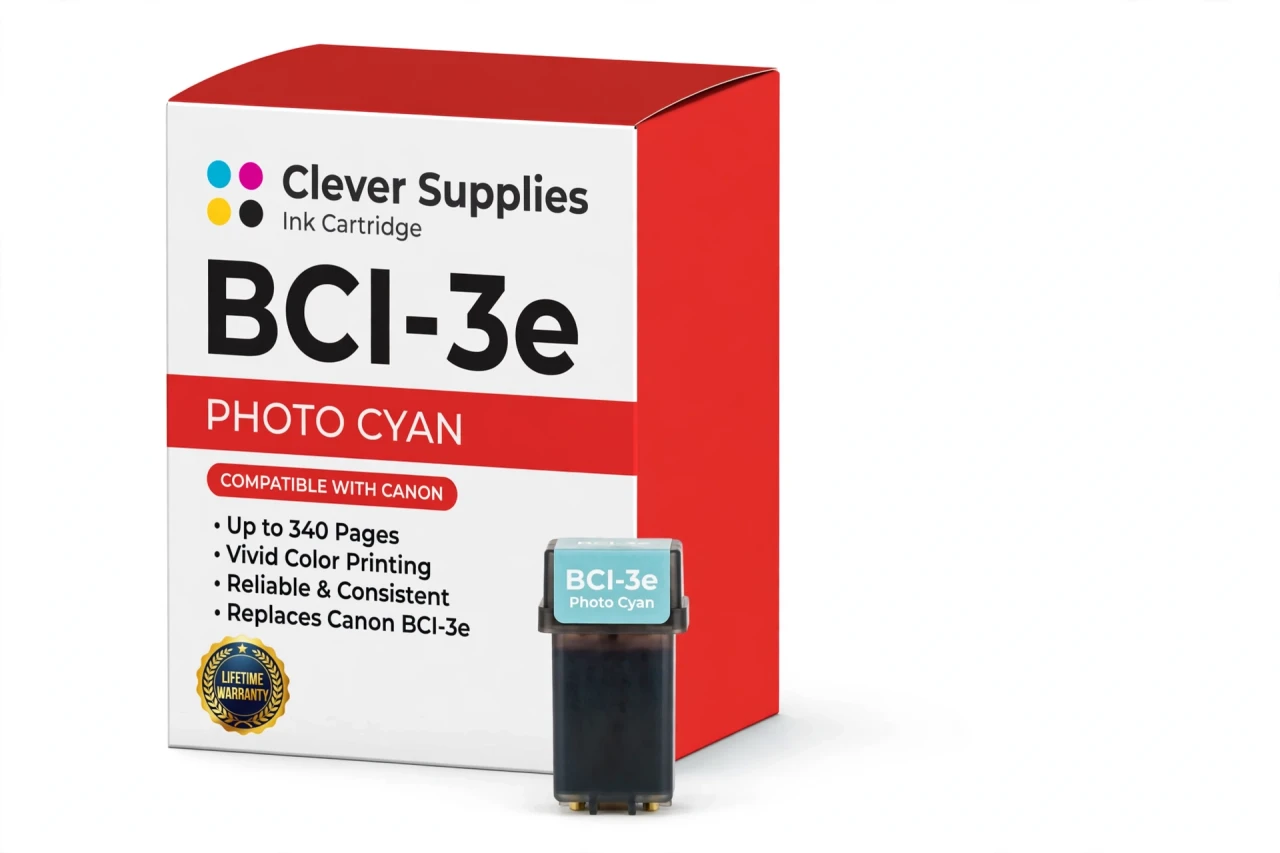
CLEVER SUPPLIES · CANON BCI-3e INK
Compatible Canon BCI-3e Photo Cyan Ink Cartridge
Replaces Canon BCI-3e
340 pages · Dye ink
Fits: BJC-3000, BJC-6000, BJC-6100, i550, i850 and more
Covered by the Clever Supplies Lifetime Warranty
Frequently Asked Questions
What does a light photo cyan tank add that standard cyan cannot?
Photo cyan is a diluted dye that lets the printer lay down very pale blue tones in small steps. Skies, water and soft backgrounds graduate smoothly instead of jumping in visible bands. The standard BCI-3e Cyan handles saturated color; this BCI-3e photo cyan handles the delicate end of the same range on photo models.
Which printers use this photo cyan tank?
It fits photo-capable models including the Canon BJC-6100, Canon i550, Canon i850, Canon S450, Canon S520, Canon S630, Canon MultiPASS C755 and Canon MultiPASS MP730, and the full list is under Compatible Printers on this page.
My skies print with visible steps and banding — is photo cyan empty?
That is the textbook symptom. When photo cyan runs dry, pale blue areas lose their fine steps and print grainy or striped, while bold colors still look normal. Check the ink visible in this tank before running repeated cleanings; no cleaning cycle can restore a color that simply is not in the carriage.
What is the rated yield?
About 340 pages under ISO/IEC 24711 test conditions at around 5% coverage. Large photo prints with big sky or water areas draw photo cyan heavily, so a photo session uses this tank faster than the headline figure suggests. Keep the rating as a mixed-use benchmark, not a photo-print promise.
Can standard cyan go in the photo cyan slot in a pinch?
No. The two tanks carry different dye strengths for different slots. Standard cyan in the photo position would oversaturate pale tones and defeat the gradient control the photo slot exists for. Keep each tank in its labeled position, and keep BCI-3e Photo Magenta and BCI-3e Photo Black in theirs.
Will the printer warn me before photo cyan runs out?
No chip warning exists on this family — the ink level is read optically from the tank. That means no false recognition errors, but also no electronic countdown. Glance at the tank window before a photo run; five seconds of checking beats discovering empty photo cyan on print number nine of ten.
How is the tank installed?
Open the cover, wait for the carriage to center, remove the spent photo cyan tank and press the new BCI-3e tank into the photo cyan slot until it seats firmly. Close the cover and print a test image with a large pale sky to verify the smooth transitions are back.
Is this made by Canon?
No — it is a Clever Supplies compatible tank built to the BCI-3e specification with dye ink. These photo printers have been discontinued for years and original photo cyan is scarce and costly; this compatible tank keeps the six-color photo system complete and usable.
How do I store a spare photo cyan tank between photo projects?
Keep it sealed and upright at room temperature, away from direct sun and heat. Photo printing tends to happen in projects with gaps between them, so store the spare where you keep photo paper — when the gradient quality drops, the replacement is already at hand.
What coverage comes with this tank?
The Clever Supplies Lifetime Warranty applies to this inkjet tank, covering leaks and poor print performance with a replacement or refund, and returns run for 1 Year. If a fresh tank still bands after one cleaning cycle and a nozzle check, contact us rather than burning more photo paper.
Related Items
Canon
Compatible Canon BCI-3e Cyan Ink Cartridge
The Clever Supplies compatible Canon BCI-3e Cyan ink cartridge replaces the Canon BCI-3e and fits 20 verified printers — the BJC-3000 and the rest of the list under Compatible Printers below. It is...

Canon
Compatible Canon BCI-3e Photo Black Ink Cartridge
The Clever Supplies compatible Canon BCI-3e Photo Black ink cartridge replaces the Canon BCI-3e and fits 20 verified printers — the BJC-3000 and the rest of the list under Compatible Printers below...
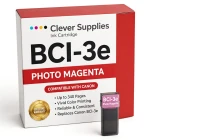
Canon
Compatible Canon BCI-3e Photo Magenta Ink Cartridge
The Clever Supplies compatible Canon BCI-3e Photo Magenta ink cartridge replaces the Canon BCI-3e and fits 20 verified printers — the BJC-3000 and the rest of the list under Compatible Printers below...
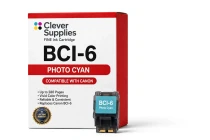
Canon
Compatible Canon BCI-6 Photo Cyan Ink Cartridge
The Clever Supplies compatible Canon BCI-6 Photo Cyan ink cartridge replaces the Canon BCI-6 and fits 22 verified printers — the i560 and the rest of the list under Compatible Printers below. It is...