





 See Compatible Printers
 Read more about our ink!
Canon
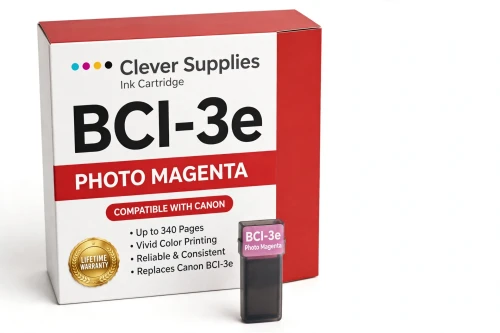
Compatible Canon BCI-3e Photo Magenta Ink Cartridge
- Page Yield:
- 340 pages
- Shipping:
- Calculated at Checkout

Amazon Price:

- Page Yield:
- 340 pages
- Shipping:
- Calculated at Checkout
- Compatible Printers
- Canon BJC-3000
- Canon BJC-6000
- Canon BJC-6100
- Canon i550
- Canon i850
- Canon S400
- Canon S450
- Canon S500
- Canon S520
- Canon S530D
- Canon S600
- Canon S630
- Canon S750
- Canon MultiPASS C755
- Canon MultiPASS F30
- Canon MultiPASS F50
- Canon MultiPASS F60
- Canon MultiPASS F80
- Canon MultiPASS MP700
- Canon MultiPASS MP730
- BJC-8200
- PIXMA MP750
- PIXMA MP760
- PIXMA MP780
- PIXMA iP3000
- PIXMA iP4000
- PIXMA iP4000R
- PIXMA iP5000
- PIXMA iP6000D
- PIXMA iP8500
- S800
- S820D
- S830D
- S900
- S9000
- i560
- i860
- i865
- i900D
- i950
- i960
- i9900
- Specifications
- SKU:
- CS-CN-3-PM
- Condition:
- New (compatible)
- OEM Part #:
- BCI-3e
- Color:
- Photo Magenta
- Ink Type:
- Dye
- Page Yield:
- 340 pages
- Chip:
- No chip — optical ink sensor
- Warranty:
- Lifetime Warranty
- Returns:
- 1 Year
- Description
- Reviews
The Clever Supplies compatible Canon BCI-3e Photo Magenta ink cartridge replaces the Canon BCI-3e and fits 20 verified printers — the BJC-3000 and the rest of the list under Compatible Printers below. It is rated at about 340 pages; our cartridge is filled to the same specification with dye ink.
This generation of Canon printers checks ink with an optical sensor in the tank, not a chip. Installation is a straight swap, ink levels keep reading normally, and there are no chip-related warnings to clear.
Shop the BCI-3e family: BCI-3e Yellow, BCI-6 Black, BCI-6 Cyan, BCI-6 Magenta, BCI-6 Yellow, BCI-6 Photo Cyan, BCI-6 Photo Magenta, BCI-6 Red, BCI-6 Green, BCI-3e Black, BCI-3e Cyan, BCI-3e Magenta, BCI-3e Photo Black, BCI-3e Photo Cyan, BCI-3e Set of 10, BCI-3e BCI-6 Set of 11, BCI-3e BCI-6 Set of 5, BCI-6 Set of 14, BCI-6 Set of 6, BCI-3e Set of 15, BCI-3e Set of 5, BCI-6 Set of 18, BCI-6 Set of 8.
Printer series: BubbleJet printers · Canon i Series printers · Canon S Series printers · MultiPASS printers — every model in the Compatible Printers list below takes this cartridge.


CLEVER SUPPLIES · CANON BCI-3e INK
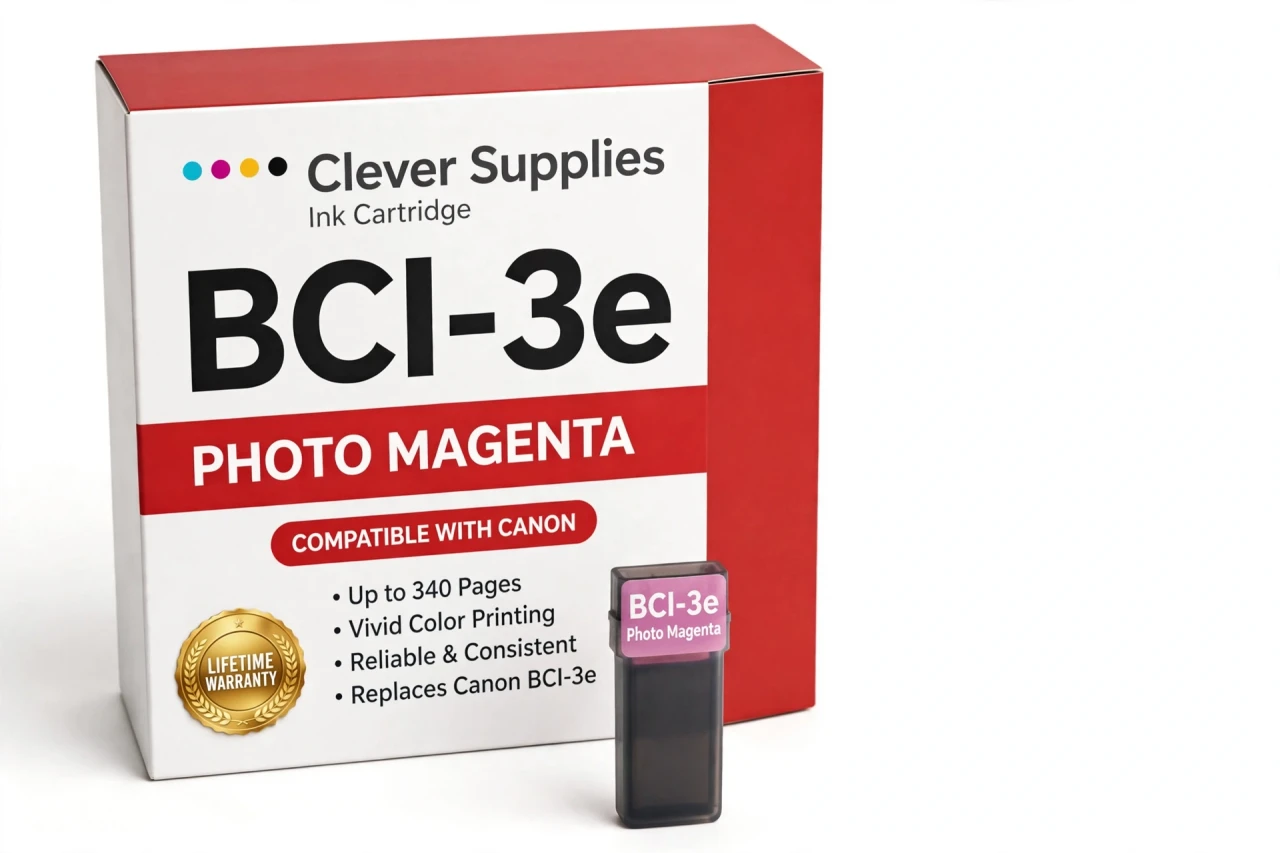
Compatible Canon BCI-3e Photo Magenta Ink Cartridge
Replaces Canon BCI-3e
340 pages · Dye ink
Fits: BJC-3000, BJC-6000, BJC-6100, i550, i850 and more
Covered by the Clever Supplies Lifetime Warranty
Frequently Asked Questions
Why do portraits and sunsets need a separate photo magenta?
Skin, blush tones and sunset skies live in the pale pink-to-red range, where full-strength magenta steps too coarsely. This BCI-3e photo magenta is a lighter dye that fills those steps in, so faces look natural instead of blotchy and evening skies fade smoothly. The standard BCI-3e Magenta still does the bold color work.
Which photo printers accept this tank?
Compatible models include the Canon BJC-3000, Canon BJC-6000, Canon i550, Canon i850, Canon S400, Canon S600, Canon S750 and Canon MultiPASS F30, and the full list is under Compatible Printers on this page.
How can I tell photo magenta is the tank that ran out?
Portraits give it away first: faces turn flat or oddly yellow-green, and pink flowers lose their soft shading, while strong reds in graphics still print. Look at the ink visible in the photo magenta tank, then confirm with a nozzle check before swapping, so you replace the slot that is actually empty.
What yield should I plan around?
The rating is about 340 pages under ISO/IEC 24711 conditions at around 5% coverage. Portraits and warm-toned photos pull photo magenta steadily, and full-page prints use many times the test-page ink, so expect a shorter real run during heavy photo work and plan a spare accordingly.
Is photo magenta interchangeable with regular magenta?
No. They are different dye strengths in different slots. Regular magenta in the photo slot would flood pale tones; photo magenta in the regular slot would wash out strong reds. Use this tank only in the photo magenta position, next to BCI-3e Photo Cyan and BCI-3e Photo Black.
How does ink monitoring work without a chip?
An optical sensor reads the tank directly, so there is no chip to fail and no reset procedure after a change. The trade-off is simple: you monitor the visible ink in the tank rather than a software gauge. On photo printers of this generation, that window check is the intended routine.
What is the swap procedure on an i or S series photo model?
Open the cover, let the carriage settle in the center, lift out the old photo magenta tank and press the new BCI-3e tank into its labeled slot until it locks. Close the cover, run a nozzle check, and print one portrait to confirm skin tones are smooth before starting a batch.
Is this an original Canon cartridge?
No. It is a Clever Supplies compatible tank built to the same BCI-3e specification and filled with dye ink. Original photo magenta for these long-discontinued printers is difficult to source; this tank keeps the photo color system complete so the printer retains its photo quality.
How should I keep a backup tank ready?
Store it sealed, upright and at steady room temperature, out of sunlight. Do not open it just to inspect the color. A sealed spare stored with your photo supplies means a faded portrait run can be fixed in minutes instead of waiting on a delivery.
What warranty and returns cover this purchase?
This tank carries the Clever Supplies Lifetime Warranty for inkjet products — a tank that leaks or prints poorly is replaced or refunded — with returns accepted for 1 Year. If color is still off after installing and running a nozzle check, contact us and we will help sort out the slot.
Related Items
Canon
Compatible Canon BCI-3e Magenta Ink Cartridge
The Clever Supplies compatible Canon BCI-3e Magenta ink cartridge replaces the Canon BCI-3e and fits 20 verified printers — the BJC-3000 and the rest of the list under Compatible Printers below. It...

Canon
Compatible Canon BCI-3e Photo Black Ink Cartridge
The Clever Supplies compatible Canon BCI-3e Photo Black ink cartridge replaces the Canon BCI-3e and fits 20 verified printers — the BJC-3000 and the rest of the list under Compatible Printers below...
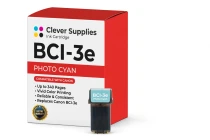
Canon
Compatible Canon BCI-3e Photo Cyan Ink Cartridge
The Clever Supplies compatible Canon BCI-3e Photo Cyan ink cartridge replaces the Canon BCI-3e and fits 20 verified printers — the BJC-3000 and the rest of the list under Compatible Printers below...
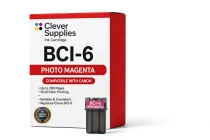
Canon
Compatible Canon BCI-6 Photo Magenta Ink Cartridge
The Clever Supplies compatible Canon BCI-6 Photo Magenta ink cartridge replaces the Canon BCI-6 and fits 22 verified printers — the i560 and the rest of the list under Compatible Printers below. It...