





 See Compatible Printers
 Read more about our ink!
Canon
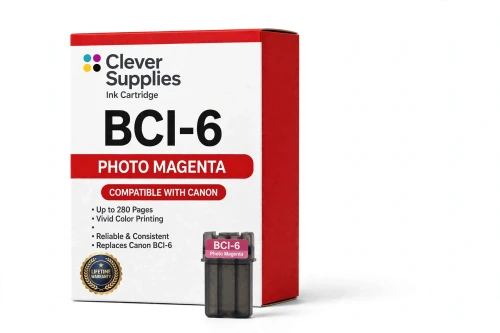
Compatible Canon BCI-6 Photo Magenta Ink Cartridge
- Page Yield:
- 280 pages
- Shipping:
- Calculated at Checkout

Amazon Price:

- Page Yield:
- 280 pages
- Shipping:
- Calculated at Checkout
- Compatible Printers
- Canon i560
- Canon i860
- Canon i865
- Canon i900D
- Canon i950
- Canon i960
- Canon i9900
- Canon PIXMA iP3000
- Canon PIXMA iP4000
- Canon PIXMA iP4000R
- Canon PIXMA iP5000
- Canon PIXMA iP6000D
- Canon PIXMA iP8500
- Canon PIXMA MP750
- Canon PIXMA MP760
- Canon PIXMA MP780
- Canon S800
- Canon S820D
- Canon S830D
- Canon S900
- Canon S9000
- Canon BJC-8200
- BJC-3000
- BJC-6000
- BJC-6100
- MultiPass F50
- MultiPass F60
- MultiPass F80
- MultiPass MP700
- MultiPass MP730
- Multipass C755
- Multipass F30
- S400
- S450
- S500
- S520
- S530D
- S600
- S630
- S750
- i550
- i850
- Specifications
- SKU:
- CS-CN-6-PM
- Condition:
- New (compatible)
- OEM Part #:
- BCI-6
- Color:
- Photo Magenta
- Ink Type:
- Dye
- Page Yield:
- 280 pages
- Chip:
- No chip — optical ink sensor
- Warranty:
- Lifetime Warranty
- Returns:
- 1 Year
- Description
- Reviews
The Clever Supplies compatible Canon BCI-6 Photo Magenta ink cartridge replaces the Canon BCI-6 and fits 22 verified printers — the i560 and the rest of the list under Compatible Printers below. It is rated at about 280 pages; our cartridge is filled to the same specification with dye ink.
This generation of Canon printers checks ink with an optical sensor in the tank, not a chip. Installation is a straight swap, ink levels keep reading normally, and there are no chip-related warnings to clear.
Shop the BCI-6 family: BCI-3e Yellow, BCI-6 Black, BCI-6 Cyan, BCI-6 Magenta, BCI-6 Yellow, BCI-6 Photo Cyan, BCI-6 Red, BCI-6 Green, BCI-3e Black, BCI-3e Cyan, BCI-3e Magenta, BCI-3e Photo Black, BCI-3e Photo Cyan, BCI-3e Photo Magenta, BCI-3e Set of 10, BCI-3e BCI-6 Set of 11, BCI-3e BCI-6 Set of 5, BCI-6 Set of 14, BCI-6 Set of 6, BCI-3e Set of 15, BCI-3e Set of 5, BCI-6 Set of 18, BCI-6 Set of 8.
Printer series: Canon i Series printers · PIXMA printers · Canon S Series printers · BubbleJet printers — every model in the Compatible Printers list below takes this cartridge.


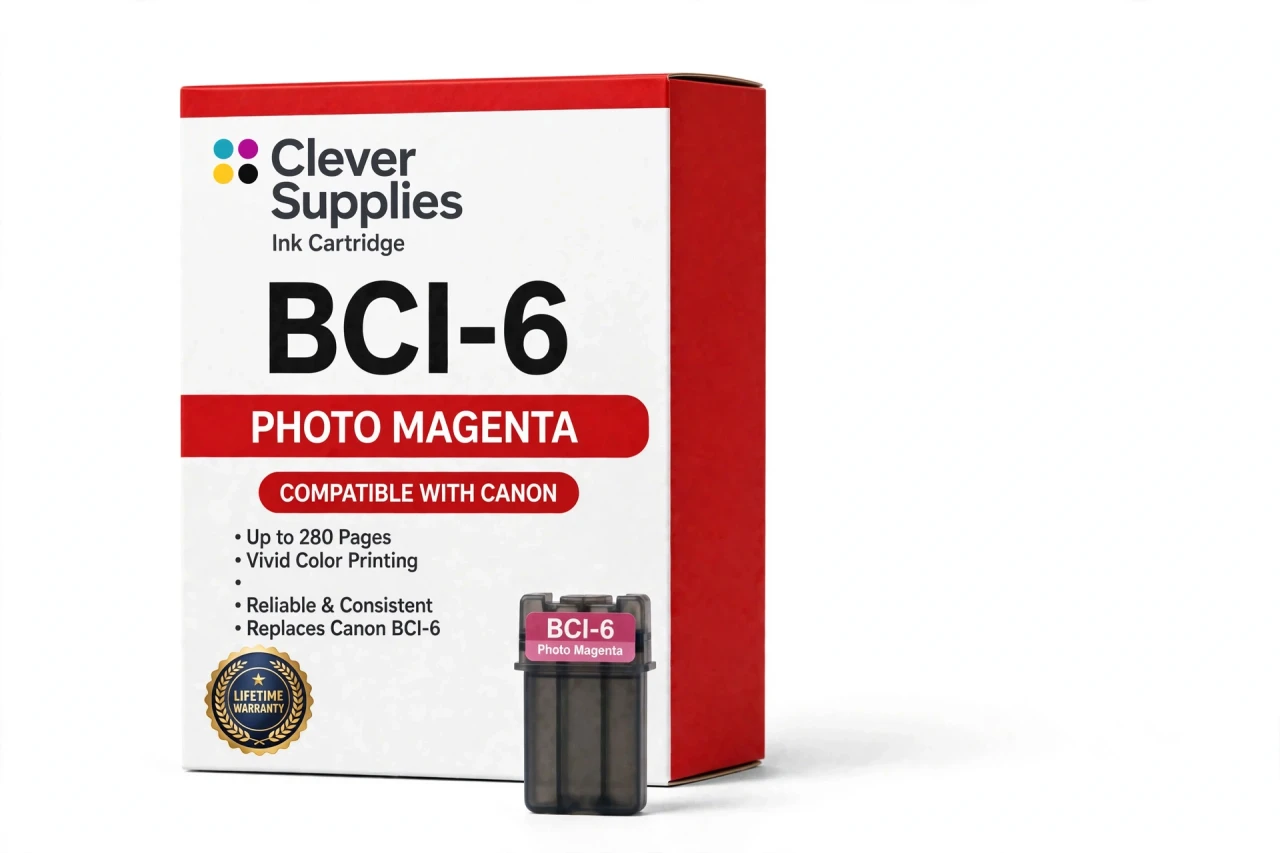
CLEVER SUPPLIES · CANON BCI-6 INK
Compatible Canon BCI-6 Photo Magenta Ink Cartridge
Replaces Canon BCI-6
280 pages · Dye ink
Fits: i560, i860, i865, i900D, i950 and more
Covered by the Clever Supplies Lifetime Warranty
Frequently Asked Questions
Why do faces need a separate photo magenta tank?
Because skin lives in the pale end of the warm colors, where full-strength magenta prints as visible steps and speckle. The BCI-6 Photo Magenta is a lighter dye load, so the printer can build a cheek or a forehead highlight in fine increments. Portraits are where this tank proves itself; landscapes give it less to do.
Portraits show harsh steps between pink and red — which tank smooths that out?
This one. Stepped transitions in faces and red fabrics mean the light warm ink is missing, low or not flowing. Check the photo magenta band on a nozzle test first. If cleaning does not restore it, replace the tank — and confirm the full-strength BCI-6 Magenta is healthy too, since the two hand tones across a face.
Which printers take the BCI-6 Photo Magenta?
It fits the Canon i900D, Canon i950, Canon i960, Canon i9900, Canon PIXMA iP6000D, Canon PIXMA iP8500, Canon PIXMA MP750, Canon i560, Canon i860 and Canon i865 — the full list is under Compatible Printers on this page.
What is the actual difference between Photo Magenta and Magenta in this family?
Strength. Both are dye inks in the same color family, but photo magenta is mixed lighter on purpose. The full-strength tank works where reds and purples are saturated; this lighter tank works where color should whisper — highlights on skin, pale flowers, the bright edge of a sunset. Each has its own labeled slot.
How is the page yield figured for this cartridge?
About 280 pages under ISO/IEC 24711 at around 5% coverage, the family standard. A test page holds little of what this ink prints, so read the figure as a tank-size measure. A run of large portraits with soft backgrounds will move the level faster than document work ever could.
Photo magenta does not seem to flow after installation — what should I check?
Three things, in order. First, that the protective tape and seal came fully off. Second, that the cartridge clicked into the slot labeled photo magenta, not the magenta slot beside it. Third, run the nozzle check and one cleaning cycle. Light inks show weak flow sooner than strong ones, so look carefully.
How can I tell photo magenta is running low if there is no chip?
The way this generation always has: an optical sensor reads the level through the tank itself, and the monitor reports it. No chip is fitted or needed, and there is no reset trick to learn. Glance at the monitor before a portrait session — running dry halfway across a face is the failure worth avoiding.
Is it smarter to buy photo magenta inside a set?
For regular photo printers, usually. This tank works alongside the BCI-6 Photo Cyan, and the two light inks tend to finish together, so sets like the BCI-6 Set of 18 restock the whole eight-color system at once. Every cartridge in a set is individually sealed, so nothing is opened before its turn.
What protection comes with this cartridge?
A Lifetime Warranty, standard for every Clever Supplies inkjet cartridge: a tank that leaks, reads incorrectly or prints poorly is replaced or refunded when you contact us. Unopened spares carry 1-year returns as well. This compatible is built to the original BCI-6 specification — the warranty stands behind that promise.
Related Items
Canon
Compatible Canon BCI-6 Magenta Ink Cartridge
The Clever Supplies compatible Canon BCI-6 Magenta ink cartridge replaces the Canon BCI-6 and fits 22 verified printers — the i560 and the rest of the list under Compatible Printers below. It is...

Canon
Compatible Canon BCI-3e Photo Magenta Ink Cartridge
The Clever Supplies compatible Canon BCI-3e Photo Magenta ink cartridge replaces the Canon BCI-3e and fits 20 verified printers — the BJC-3000 and the rest of the list under Compatible Printers below...
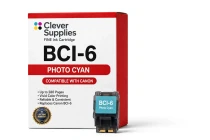
Canon
Compatible Canon BCI-6 Photo Cyan Ink Cartridge
The Clever Supplies compatible Canon BCI-6 Photo Cyan ink cartridge replaces the Canon BCI-6 and fits 22 verified printers — the i560 and the rest of the list under Compatible Printers below. It is...
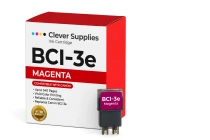
Canon
Compatible Canon BCI-3e Magenta Ink Cartridge
The Clever Supplies compatible Canon BCI-3e Magenta ink cartridge replaces the Canon BCI-3e and fits 20 verified printers — the BJC-3000 and the rest of the list under Compatible Printers below. It...