





 See Compatible Printers
 Read more about our ink!
Canon
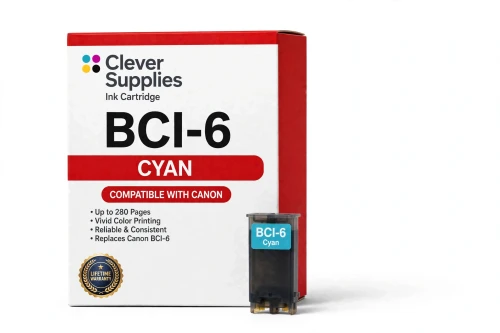
Compatible Canon BCI-6 Cyan Ink Cartridge
- Page Yield:
- 280 pages
- Shipping:
- Calculated at Checkout

Amazon Price:

- Page Yield:
- 280 pages
- Shipping:
- Calculated at Checkout
- Compatible Printers
- Canon i560
- Canon i860
- Canon i865
- Canon i900D
- Canon i950
- Canon i960
- Canon i9900
- Canon PIXMA iP3000
- Canon PIXMA iP4000
- Canon PIXMA iP4000R
- Canon PIXMA iP5000
- Canon PIXMA iP6000D
- Canon PIXMA iP8500
- Canon PIXMA MP750
- Canon PIXMA MP760
- Canon PIXMA MP780
- Canon S800
- Canon S820D
- Canon S830D
- Canon S900
- Canon S9000
- Canon BJC-8200
- BJC-3000
- BJC-6000
- BJC-6100
- MultiPass F50
- MultiPass F60
- MultiPass F80
- MultiPass MP700
- MultiPass MP730
- Multipass C755
- Multipass F30
- S400
- S450
- S500
- S520
- S530D
- S600
- S630
- S750
- i550
- i850
- Specifications
- SKU:
- CS-CN-6-C
- Condition:
- New (compatible)
- OEM Part #:
- BCI-6
- Color:
- Cyan
- Ink Type:
- Dye
- Page Yield:
- 280 pages
- Chip:
- No chip — optical ink sensor
- Warranty:
- Lifetime Warranty
- Returns:
- 1 Year
- Description
- Reviews
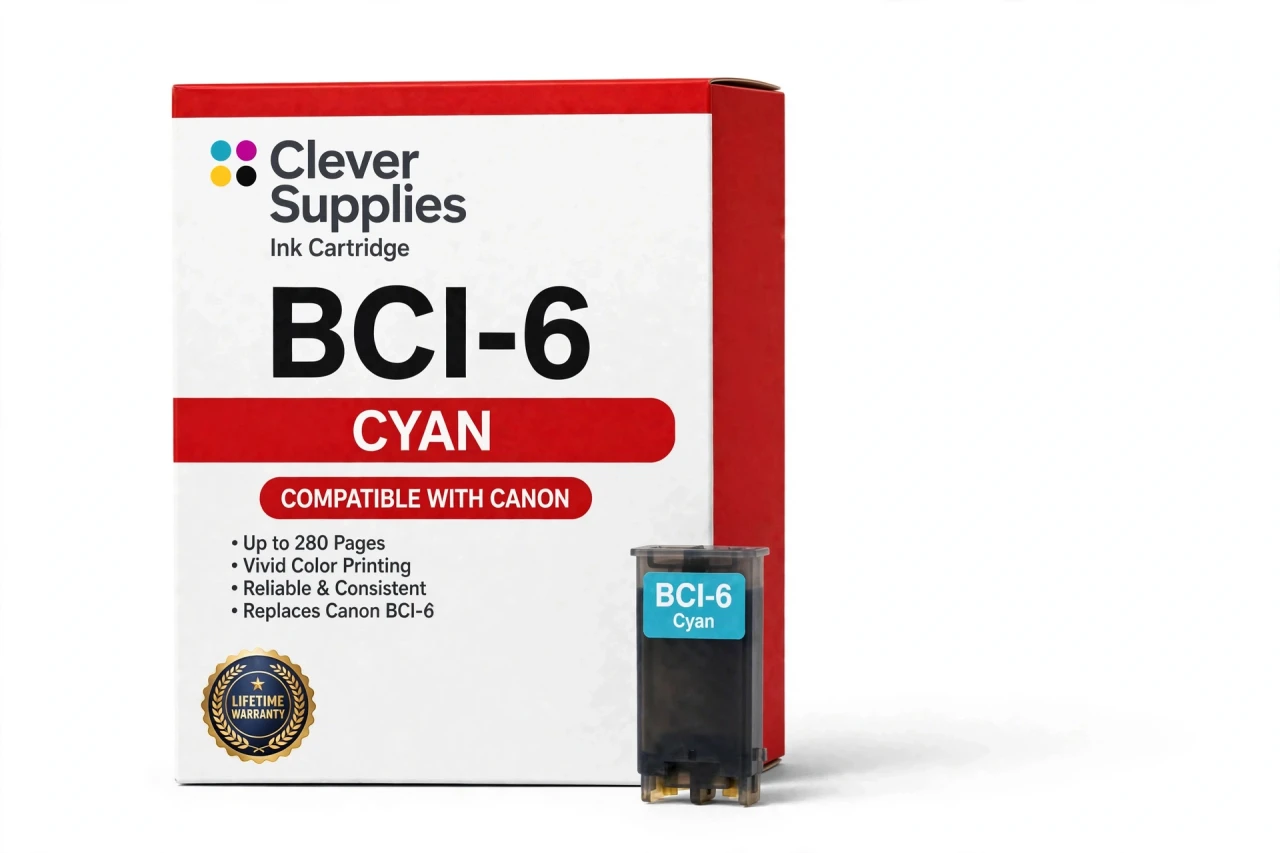
The Clever Supplies compatible Canon BCI-6 Cyan ink cartridge replaces the Canon BCI-6 and fits 22 verified printers — the i560 and the rest of the list under Compatible Printers below. It is rated at about 280 pages; our cartridge is filled to the same specification with dye ink.
No chip is involved on this cartridge family: the printer senses the ink level optically. That makes installation simple and removes the most common cause of "cartridge not recognized" messages on newer models.
Shop the BCI-6 family: BCI-3e Yellow, BCI-6 Black, BCI-6 Magenta, BCI-6 Yellow, BCI-6 Photo Cyan, BCI-6 Photo Magenta, BCI-6 Red, BCI-6 Green, BCI-3e Black, BCI-3e Cyan, BCI-3e Magenta, BCI-3e Photo Black, BCI-3e Photo Cyan, BCI-3e Photo Magenta, BCI-3e Set of 10, BCI-3e BCI-6 Set of 11, BCI-3e BCI-6 Set of 5, BCI-6 Set of 14, BCI-6 Set of 6, BCI-3e Set of 15, BCI-3e Set of 5, BCI-6 Set of 18, BCI-6 Set of 8.
Printer series: Canon i Series printers · PIXMA printers · Canon S Series printers · BubbleJet printers — every model in the Compatible Printers list below takes this cartridge.


CLEVER SUPPLIES · CANON BCI-6 INK
Compatible Canon BCI-6 Cyan Ink Cartridge
Replaces Canon BCI-6
280 pages · Dye ink
Fits: i560, i860, i865, i900D, i950 and more
Covered by the Clever Supplies Lifetime Warranty
Frequently Asked Questions
Why does cyan seem to run out before the other colors?
Look at what fills most photo pages: sky and water. Both are built largely from cyan, so a stack of landscape prints, beach photos or blue-heavy graphics drains this tank faster than its neighbors. It is a coverage effect, not a defect — the BCI-6 Cyan is working the largest areas of the page.
Which printers does the BCI-6 Cyan fit?
The list includes the Canon i560, Canon i860, Canon i865, Canon i900D, Canon i950, Canon i960, Canon i9900, Canon PIXMA iP3000, Canon PIXMA iP4000 and Canon PIXMA iP5000 — the full list is under Compatible Printers on this page.
My photos came out too pink — is a missing cyan the usual cause?
Often, yes. Take cyan away and blues wash out while the whole print leans red or magenta. Before blaming a file or a monitor, print the nozzle check: a missing or broken cyan band tells you this tank or its flow is the problem.
How far does 280 pages go when most prints are full-color photos?
The rating is about 280 pages under ISO/IEC 24711 conditions at roughly 5% coverage. A full-page photo can cover most of the sheet, and cyan carries much of that load in outdoor scenes, so expect far fewer sheets per tank on photo work than on mixed documents. The rating compares tanks fairly; it is not a photo count.
Should cyan and photo cyan be replaced together?
Not necessarily. They are separate tanks with separate jobs: this BCI-6 Cyan lays down the main blue areas, while the BCI-6 Photo Cyan handles the pale gradients. Replace whichever one the ink monitor shows low. Heavy photo printers do tend to order both at once, alongside the BCI-6 Photo Magenta, simply to avoid a second pause mid-run.
Will I see a "not recognized" warning with this tank?
No. This family has no chip at all: the printer reads the ink level optically from the tank itself. With nothing electronic to recognize, there is no chip warning to clear and no reset step after you install it. The tank drops in and the gauge behaves as it did with the original.
My greens look dull even with a fresh green tank — should I check cyan first?
Yes. On most printers in this family, green on paper is built from cyan plus yellow, and even the eight-tank models lean on cyan for depth. A weak cyan supply flattens grass and leaves no matter how new the green tank is. The BCI-6 Yellow is the other half of that mix, and the dedicated BCI-6 Green only refines it.
Is this tank dye or pigment, and why does it matter for photos?
It is a dye ink, like the original BCI-6 Cyan. Dye soaks into photo paper coatings and blends smoothly with the neighboring colors, which is what gives these printers their glossy, continuous-tone photo look. Pigment suits matte documents instead; this photo family was designed around dye.
What if this cyan cartridge fails in the middle of a print run?
Every Clever Supplies inkjet cartridge carries a Lifetime Warranty, and returns run for 1 year. If a tank leaks, reads incorrectly or prints poorly, contact us for a replacement or a refund. That cover is the point of buying a compatible for a discontinued line: the risk sits with us.
Related Items
Canon
Compatible Canon BCI-6 Photo Cyan Ink Cartridge
The Clever Supplies compatible Canon BCI-6 Photo Cyan ink cartridge replaces the Canon BCI-6 and fits 22 verified printers — the i560 and the rest of the list under Compatible Printers below. It is...

Canon
Compatible Canon BCI-3e Cyan Ink Cartridge
The Clever Supplies compatible Canon BCI-3e Cyan ink cartridge replaces the Canon BCI-3e and fits 20 verified printers — the BJC-3000 and the rest of the list under Compatible Printers below. It is...
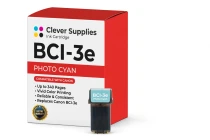
Canon
Compatible Canon BCI-3e Photo Cyan Ink Cartridge
The Clever Supplies compatible Canon BCI-3e Photo Cyan ink cartridge replaces the Canon BCI-3e and fits 20 verified printers — the BJC-3000 and the rest of the list under Compatible Printers below...
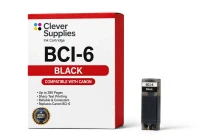
Canon
Compatible Canon BCI-6 Black Ink Cartridge
The Clever Supplies compatible Canon BCI-6 Black ink cartridge replaces the Canon BCI-6 and fits 22 verified printers — the i560 and the rest of the list under Compatible Printers below. It is rated...