





 See Compatible Printers
 Read more about our ink!
Canon
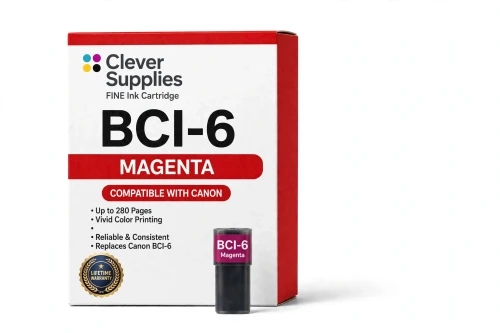
Compatible Canon BCI-6 Magenta Ink Cartridge
- Page Yield:
- 280 pages
- Shipping:
- Calculated at Checkout

Amazon Price:

- Page Yield:
- 280 pages
- Shipping:
- Calculated at Checkout
- Compatible Printers
- Canon i560
- Canon i860
- Canon i865
- Canon i900D
- Canon i950
- Canon i960
- Canon i9900
- Canon PIXMA iP3000
- Canon PIXMA iP4000
- Canon PIXMA iP4000R
- Canon PIXMA iP5000
- Canon PIXMA iP6000D
- Canon PIXMA iP8500
- Canon PIXMA MP750
- Canon PIXMA MP760
- Canon PIXMA MP780
- Canon S800
- Canon S820D
- Canon S830D
- Canon S900
- Canon S9000
- Canon BJC-8200
- BJC-3000
- BJC-6000
- BJC-6100
- MultiPass F50
- MultiPass F60
- MultiPass F80
- MultiPass MP700
- MultiPass MP730
- Multipass C755
- Multipass F30
- S400
- S450
- S500
- S520
- S530D
- S600
- S630
- S750
- i550
- i850
- Specifications
- SKU:
- CS-CN-6-M
- Condition:
- New (compatible)
- OEM Part #:
- BCI-6
- Color:
- Magenta
- Ink Type:
- Dye
- Page Yield:
- 280 pages
- Chip:
- No chip — optical ink sensor
- Warranty:
- Lifetime Warranty
- Returns:
- 1 Year
- Description
- Reviews
The Clever Supplies compatible Canon BCI-6 Magenta ink cartridge replaces the Canon BCI-6 and fits 22 verified printers — the i560 and the rest of the list under Compatible Printers below. It is rated at about 280 pages; our cartridge is filled to the same specification with dye ink.
No chip is involved on this cartridge family: the printer senses the ink level optically. That makes installation simple and removes the most common cause of "cartridge not recognized" messages on newer models.
Shop the BCI-6 family: BCI-3e Yellow, BCI-6 Black, BCI-6 Cyan, BCI-6 Yellow, BCI-6 Photo Cyan, BCI-6 Photo Magenta, BCI-6 Red, BCI-6 Green, BCI-3e Black, BCI-3e Cyan, BCI-3e Magenta, BCI-3e Photo Black, BCI-3e Photo Cyan, BCI-3e Photo Magenta, BCI-3e Set of 10, BCI-3e BCI-6 Set of 11, BCI-3e BCI-6 Set of 5, BCI-6 Set of 14, BCI-6 Set of 6, BCI-3e Set of 15, BCI-3e Set of 5, BCI-6 Set of 18, BCI-6 Set of 8.
Printer series: Canon i Series printers · PIXMA printers · Canon S Series printers · BubbleJet printers — every model in the Compatible Printers list below takes this cartridge.


CLEVER SUPPLIES · CANON BCI-6 INK
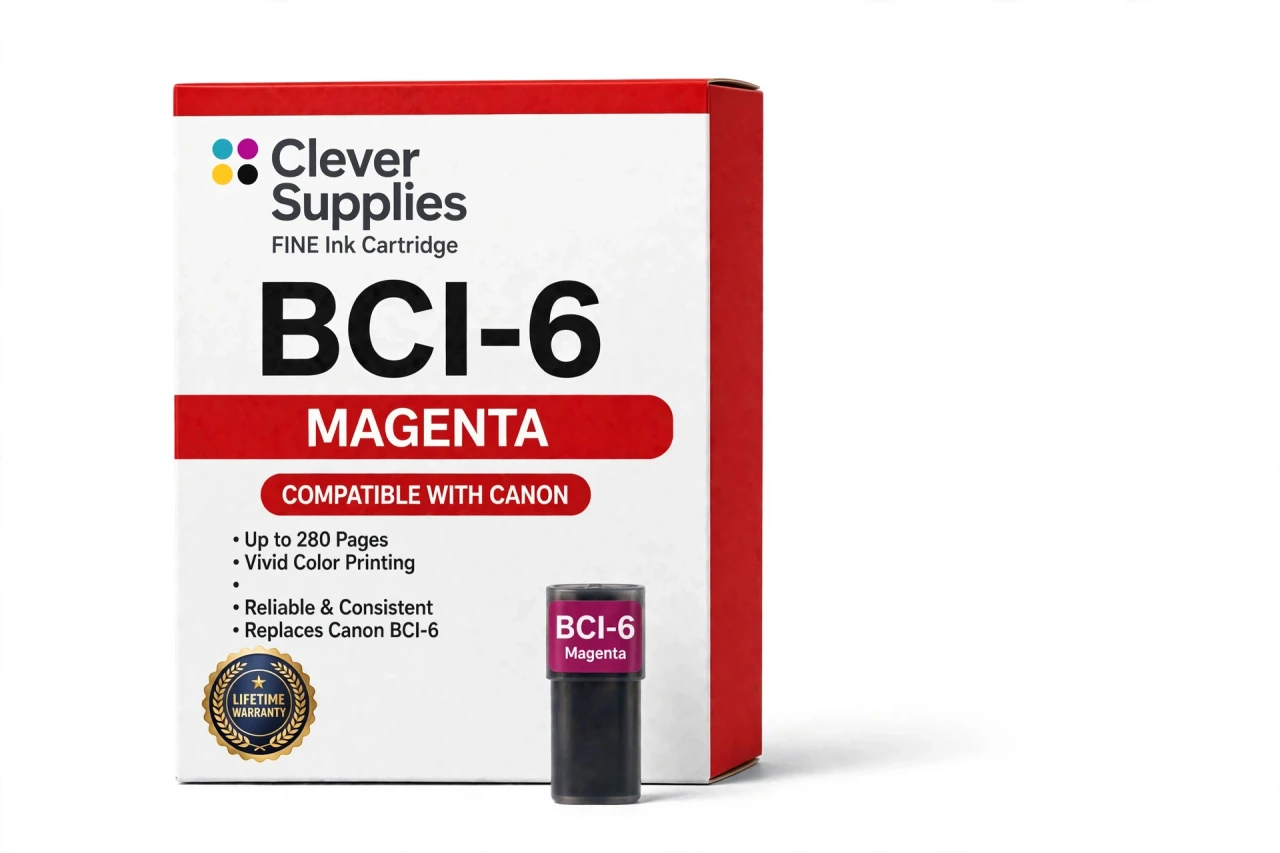
Compatible Canon BCI-6 Magenta Ink Cartridge
Replaces Canon BCI-6
280 pages · Dye ink
Fits: i560, i860, i865, i900D, i950 and more
Covered by the Clever Supplies Lifetime Warranty
Frequently Asked Questions
Why do portraits and sunsets drain magenta so fast?
Because magenta does the warm half of photo printing. Skin tones, evening skies, red clothing, brick, wood — all of them are mixed with a heavy share of this ink. A weekend of family portraits can empty the BCI-6 Magenta while cyan barely moves. That uneven appetite is normal for this family, not a sign of a leak.
Skin tones look greenish or gray — could magenta be the missing piece?
Yes, that is the classic symptom. Remove magenta from the mix and faces lose their warmth, sliding toward green and gray. Run the nozzle check pattern and look at the magenta band: if it is broken or absent, clean the nozzles, and if the band stays weak, this tank is ready to be replaced.
Will this magenta tank fit my printer?
It fits the Canon i560, Canon i860, Canon i865, Canon i900D, Canon i950, Canon i960, Canon i9900, Canon PIXMA iP4000, Canon PIXMA iP5000 and Canon PIXMA MP780 — the full list is under Compatible Printers on this page.
BCI-6 Magenta and Photo Magenta — can one stand in for the other?
No. They are different tanks for different slots. Magenta is the full-strength color that carries reds and purples; the BCI-6 Photo Magenta is a lighter load made for smooth gradients in faces and skies. A printer that lists both needs both — seating one in the other's slot gives wrong color.
What page count should I expect from this tank?
About 280 pages, rated under ISO/IEC 24711 at around 5% coverage — the same basis as the rest of the family. Treat it as a comparison number rather than a promise: warm, saturated images draw far more magenta per page than the test assumes, while text pages with a small color logo draw almost none.
Do I need to reset anything after installing magenta?
Nothing. This generation has no chip: the printer reads the ink level optically from the tank itself, so installation is a plain swap with no reset procedure and no recognition warning to dismiss. Seat the tank until it clicks, run a nozzle check to confirm clean flow, and print.
Reds are printing orange — is that a magenta problem or a yellow problem?
Usually magenta. Red on paper is magenta laid over yellow, so when magenta fades, reds slide orange while yellows stay bright. If reds drifted warm recently, check this tank's level and nozzle band before touching the BCI-6 Yellow. The BCI-6 Red tank on eight-color models only deepens reds — it does not replace magenta.
Is this an original Canon cartridge or a compatible?
A compatible, made by Clever Supplies to the same BCI-6 specification as the original Canon tank and filled with dye ink to the original standard. The printers it serves left production years ago, and original stock is scarce and priced accordingly. This is how owners keep the machine instead of the museum shelf.
If the color looks off from a new tank, what are my options?
Start with the nozzle check and one cleaning cycle — new-tank color complaints are usually flow, not ink. If the magenta still prints weakly, the Lifetime Warranty covers it: contact us for a replacement or a refund. Unopened cartridges can also be returned within 1 year, so ordering a spare ahead carries no real risk.
Related Items
Canon
Compatible Canon BCI-6 Photo Magenta Ink Cartridge
The Clever Supplies compatible Canon BCI-6 Photo Magenta ink cartridge replaces the Canon BCI-6 and fits 22 verified printers — the i560 and the rest of the list under Compatible Printers below. It...

Canon
Compatible Canon BCI-3e Magenta Ink Cartridge
The Clever Supplies compatible Canon BCI-3e Magenta ink cartridge replaces the Canon BCI-3e and fits 20 verified printers — the BJC-3000 and the rest of the list under Compatible Printers below. It...
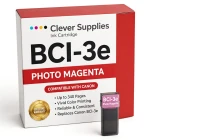
Canon
Compatible Canon BCI-3e Photo Magenta Ink Cartridge
The Clever Supplies compatible Canon BCI-3e Photo Magenta ink cartridge replaces the Canon BCI-3e and fits 20 verified printers — the BJC-3000 and the rest of the list under Compatible Printers below...
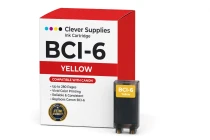
Canon
Compatible Canon BCI-6 Yellow Ink Cartridge
The Clever Supplies compatible Canon BCI-6 Yellow ink cartridge replaces the Canon BCI-6 and fits 22 verified printers — the i560 and the rest of the list under Compatible Printers below. It is rated...