





 See Compatible Printers
 Read more about our ink!
Canon
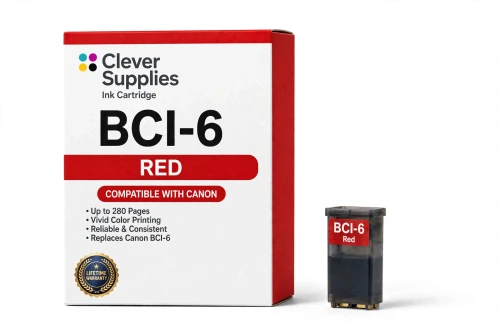
Compatible Canon BCI-6 Red Ink Cartridge
- Page Yield:
- 280 pages
- Shipping:
- Calculated at Checkout

Amazon Price:

- Page Yield:
- 280 pages
- Shipping:
- Calculated at Checkout
- Compatible Printers
- Canon i560
- Canon i860
- Canon i865
- Canon i900D
- Canon i950
- Canon i960
- Canon i9900
- Canon PIXMA iP3000
- Canon PIXMA iP4000
- Canon PIXMA iP4000R
- Canon PIXMA iP5000
- Canon PIXMA iP6000D
- Canon PIXMA iP8500
- Canon PIXMA MP750
- Canon PIXMA MP760
- Canon PIXMA MP780
- Canon S800
- Canon S820D
- Canon S830D
- Canon S900
- Canon S9000
- Canon BJC-8200
- BJC-3000
- BJC-6000
- BJC-6100
- MultiPass F50
- MultiPass F60
- MultiPass F80
- MultiPass MP700
- MultiPass MP730
- Multipass C755
- Multipass F30
- S400
- S450
- S500
- S520
- S530D
- S600
- S630
- S750
- i550
- i850
- Specifications
- SKU:
- CS-CN-6-R
- Condition:
- New (compatible)
- OEM Part #:
- BCI-6
- Color:
- Red
- Ink Type:
- Dye
- Page Yield:
- 280 pages
- Chip:
- No chip — optical ink sensor
- Warranty:
- Lifetime Warranty
- Returns:
- 1 Year
- Description
- Reviews
The Clever Supplies compatible Canon BCI-6 Red ink cartridge replaces the Canon BCI-6 and fits 22 verified printers — the i560 and the rest of the list under Compatible Printers below. It is rated at about 280 pages; our cartridge is filled to the same specification with dye ink.
These printers read the ink tank optically rather than through an electronic chip, so there is no chip to fail and no recognition warning to work around — the tank drops in and the printer tracks the ink level from the tank itself.
Shop the BCI-6 family: BCI-3e Yellow, BCI-6 Black, BCI-6 Cyan, BCI-6 Magenta, BCI-6 Yellow, BCI-6 Photo Cyan, BCI-6 Photo Magenta, BCI-6 Green, BCI-3e Black, BCI-3e Cyan, BCI-3e Magenta, BCI-3e Photo Black, BCI-3e Photo Cyan, BCI-3e Photo Magenta, BCI-3e Set of 10, BCI-3e BCI-6 Set of 11, BCI-3e BCI-6 Set of 5, BCI-6 Set of 14, BCI-6 Set of 6, BCI-3e Set of 15, BCI-3e Set of 5, BCI-6 Set of 18, BCI-6 Set of 8.
Printer series: Canon i Series printers · PIXMA printers · Canon S Series printers · BubbleJet printers — every model in the Compatible Printers list below takes this cartridge.


CLEVER SUPPLIES · CANON BCI-6 INK
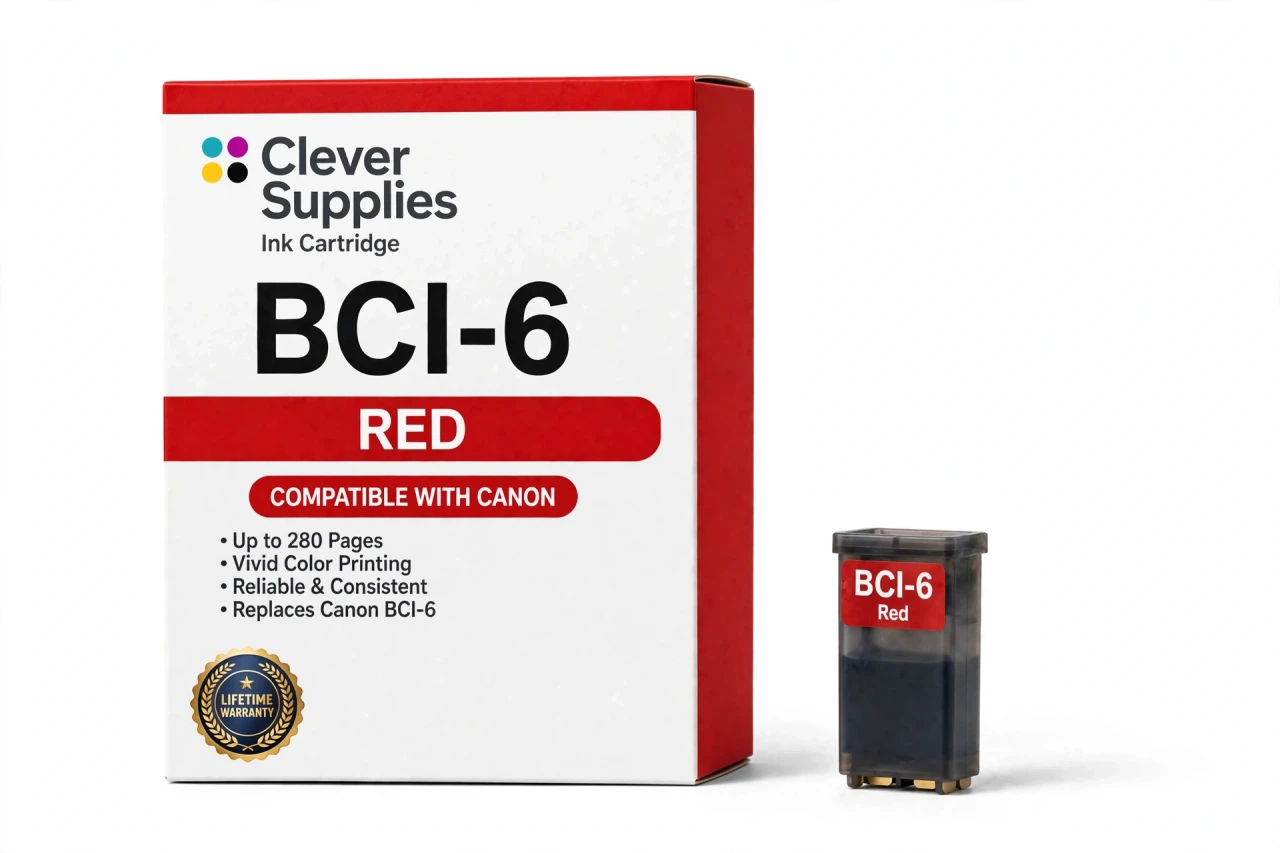
Compatible Canon BCI-6 Red Ink Cartridge
Replaces Canon BCI-6
280 pages · Dye ink
Fits: i560, i860, i865, i900D, i950 and more
Covered by the Clever Supplies Lifetime Warranty
Frequently Asked Questions
What can a dedicated red tank print that magenta and yellow cannot?
True, saturated red. Mixing red from magenta and yellow tops out early — brick goes brownish, sunset reds go orange, deep product reds go dull. The BCI-6 Red puts the color down directly, extending the gamut on the warm side. Autumn foliage, evening skies and red packaging show the payoff.
Which Canon models accept the BCI-6 Red?
The compatibility list runs to the Canon i9900, Canon PIXMA iP8500, Canon i560, Canon i860, Canon i865, Canon i900D, Canon i950, Canon i960, Canon PIXMA iP3000 and Canon PIXMA iP4000 — the full list is under Compatible Printers on this page.
Sunsets look orange and brick-red looks brown — is the red tank the missing piece?
Quite possibly — those are exactly the tones a magenta-yellow mix cannot reach. Print a nozzle check and confirm every other band is complete, since a weak BCI-6 Magenta also drags reds downward. If magenta is healthy and deep reds still flatten, an empty or clogged red tank is the likely answer.
Why did Canon pair red with green in the eight-tank system?
Balance. Standard inks run out of reach in two opposite places: deep warm reds on one side, saturated greens on the other. Adding the BCI-6 Green alongside this red stretched the gamut both ways at once. The tanks are independent and replaced separately, but eight-color printers are at their best with both healthy.
Red is rated at 280 pages — what does that mean for a specialty color?
The same basis as the family: about 280 pages under ISO/IEC 24711 at around 5% coverage. A specialty tank rarely sees test-page duty, though — red is drawn in bursts, heavy during an autumn portfolio and untouched during a month of documents, so calendar life varies far more than the rating suggests.
Will this tank trigger any cartridge errors?
No. There is no chip on this family to trigger one. The printer reads ink level optically, straight from the tank, so installation ends at seating the cartridge — no warnings to clear, no reset sequence, nothing to recognize. If the level gauge ever looks stuck, reseating the tank is the whole procedure.
Red and magenta look alike in the box — how do I avoid the wrong slot?
Read the tank, not the tint. Every cartridge is labeled with its color name, and the holder is labeled to match. Red goes in the slot marked red; the BCI-6 Magenta and the lighter BCI-6 Photo Magenta each have their own. Thirty seconds of label-checking beats a page of wrong color.
Original red tanks are hard to find — what exactly is this option?
A Clever Supplies compatible, built to the same BCI-6 specification as the original and filled to the original standard. These printers left production years ago, and specialty colors disappeared from Canon shelves first. This tank is how an eight-color printer that still prints beautifully stays in service instead of being replaced over one slot.
What cover does a niche cartridge like this carry?
The full Clever Supplies Lifetime Warranty — the same cover as the black tank. If it leaks, flows poorly or prints weak color, contact us for a replacement or refund. Specialty status changes nothing, and unopened cartridges sit under the 1-year returns window as well.
Related Items
Canon
Compatible Canon BCI-6 Black Ink Cartridge
The Clever Supplies compatible Canon BCI-6 Black ink cartridge replaces the Canon BCI-6 and fits 22 verified printers — the i560 and the rest of the list under Compatible Printers below. It is rated...

Canon
Compatible Canon BCI-6 Magenta Ink Cartridge
The Clever Supplies compatible Canon BCI-6 Magenta ink cartridge replaces the Canon BCI-6 and fits 22 verified printers — the i560 and the rest of the list under Compatible Printers below. It is...
Canon
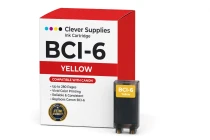
Compatible Canon BCI-6 Yellow Ink Cartridge
The Clever Supplies compatible Canon BCI-6 Yellow ink cartridge replaces the Canon BCI-6 and fits 22 verified printers — the i560 and the rest of the list under Compatible Printers below. It is rated...
Canon
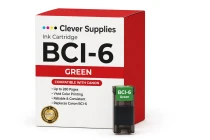
Compatible Canon BCI-6 Green Ink Cartridge
The Clever Supplies compatible Canon BCI-6 Green ink cartridge replaces the Canon BCI-6 and fits 22 verified printers — the i560 and the rest of the list under Compatible Printers below. It is rated...