




ML-2851NDL
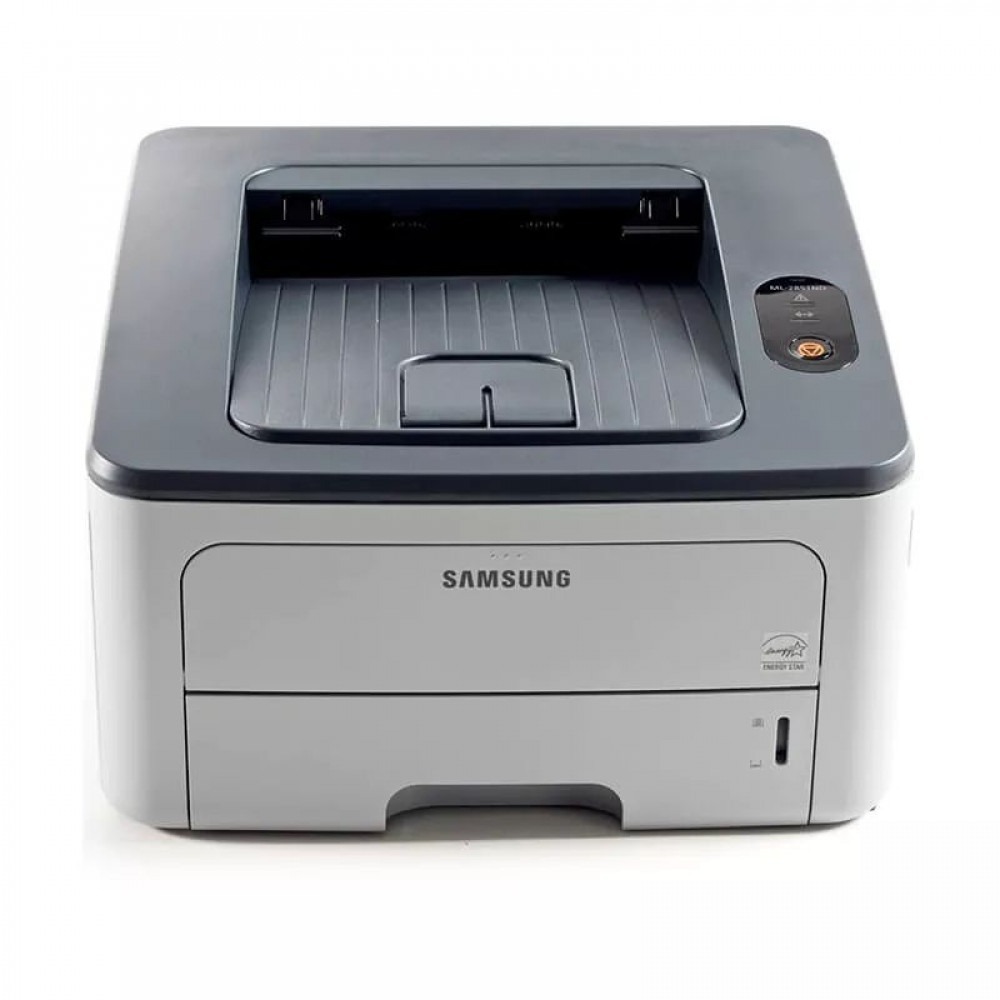
The Samsung ML-2851NDL is a regional configuration of the networked, duplexing ML-2851ND — same shared small-office mono laser under a market-specific suffix.
It runs on ML-D2850A or ML-D2850B cartridges. Compatible and genuine OEM toner for the ML-2851NDL is available here.
Toner Cartridges for ML-2851NDL
This printer works with the following toner cartridges:
- Samsung ML-D2850A
- Samsung ML-D2850B
More Samsung Printers
Frequently Asked Questions
What is the purpose of the orange tab on the new ML-D2850A cartridge for the ML-2851NDL?
The orange tab on a new ML-D2850A guards the drum shutter and toner seal during shipping - remove it before installing the cartridge in the ML-2851NDL. Leaving it on blocks printing or jams the mechanism. Keep the tab only until the moment of installation, then discard it.
Where should I start troubleshooting when the ML-2851NDL cannot be found on the network?
Start by checking that the Ethernet cable clicks firmly into both the ML-2851NDL and the router, with the link light on. Print a network report to confirm the printer holds a valid address on your subnet. If the address looks wrong, the cable or the DHCP assignment is the place to look, not the ML-D2850A cartridge.
What steps should I take when the ML-2851NDL fails to recognize a new cartridge?
A firmware update can tighten chip checks, so the ML-2851NDL may report the ML-D2850A as unrecognized right after one. Begin by reseating the cartridge and wiping the chip contacts gently with a dry cloth. If it printed fine before the update and reseating fails, ask your cartridge supplier about a compatible replacement.