




ML-2850DR
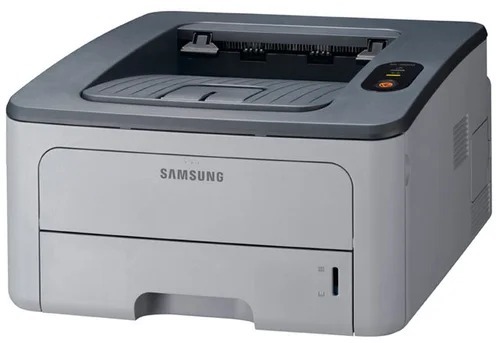
The Samsung ML-2850DR pairs automatic duplexing with a regional configuration — the small-office mono laser with two-sided printing under a market-specific suffix.
It accepts ML-D2850A and ML-D2850B cartridges. Compatible and genuine OEM toner for the ML-2850DR is available here.
Toner Cartridges for ML-2850DR
This printer works with the following toner cartridges:
- Samsung ML-D2850A
- Samsung ML-D2850B
More Samsung Printers
Frequently Asked Questions
Spots repeat at regular intervals on ML-2850DR pages - what does that indicate?
Vertical streaks on the ML-2850DR usually trace to a scratched or dirty imaging drum, not the toner supply. Use the driver's cleaning function and inspect the drum for marks. A streak repeating in the same place on every page means the drum or imaging unit is the replacement candidate — not the ML-D2850A.
Why do my ML-2850DR prints look light even though I never enabled eco mode?
Light prints from the ML-2850DR when you never turned on eco mode usually mean toner-save is active in the driver quality tab — it can default on in some installs. Switch it off and print a test page at normal quality. Only blame the ML-D2850A if output remains light at full density.
Is it okay to keep a spare ML-D2850A for the ML-2850DR in a hot garage?
Store a spare ML-D2850A in its sealed bag, upright, in a cool dry room - a closet beats a garage for ML-2850DR supplies. Heat and humidity degrade toner and can warp the cartridge shell. Keep it away from direct sunlight even inside the sealed box.