




ML-2851ND
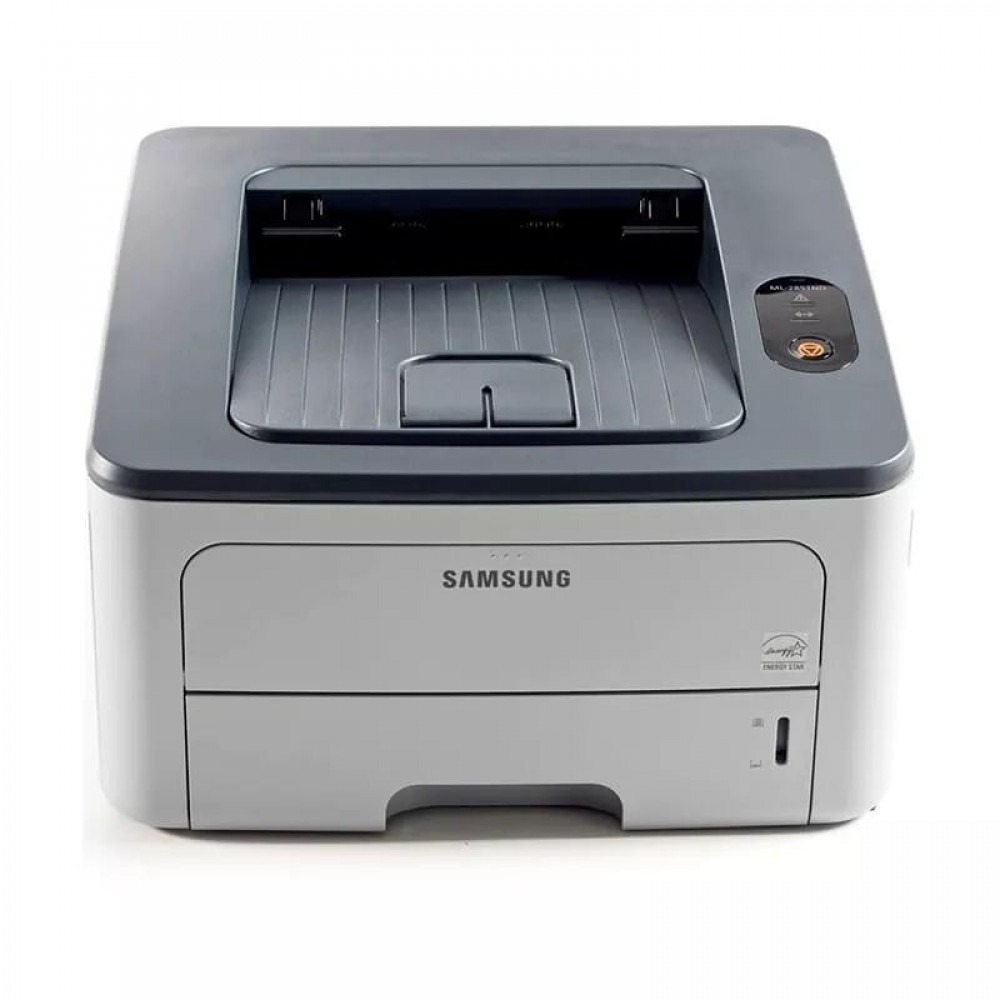
The Samsung ML-2851ND combined networking and duplexing in one refresh — an Ethernet-connected, two-sided mono laser built for shared small-office printing.
Its toner options are ML-D2850A and the high-yield ML-D2850B. Compatible and genuine OEM cartridges for the ML-2851ND are stocked here.
Toner Cartridges for ML-2851ND
This printer works with the following toner cartridges:
- Samsung ML-D2850A
- Samsung ML-D2850B
More Samsung Printers
Frequently Asked Questions
Do I need to shake the new ML-D2850A before putting it in the ML-2851ND?
Start by opening the ML-2851ND's front cover and pulling the spent ML-D2850A out by its handle. Strip any orange seals or tape from the new cartridge, then slide it in along the rails until it clicks. Close the cover and run a test page to verify even toner coverage.
The ML-2851ND prints an extra blank page with jobs - how do I stop it?
Intermittent blank pages on the ML-2851ND suggest a loose ML-D2850A cartridge or a driver hiccup rather than an empty cartridge - empty toner fades gradually, not suddenly. Reseat the cartridge and restart the print spooler on your computer. Check for a pattern, such as blanks only on the first page after waking from sleep.
What is the process for connecting the ML-2851ND to an office network using an Ethernet cable?
With the link light on but no jobs arriving at the ML-2851ND, the driver port on the computer is likely pointing at an old IP address — the toner level of the ML-D2850A has nothing to do with it. Print a fresh network report from the printer and line its address up against the port setting. Updating the port or reinstalling the driver with the current address typically clears it up.