




ML-2851
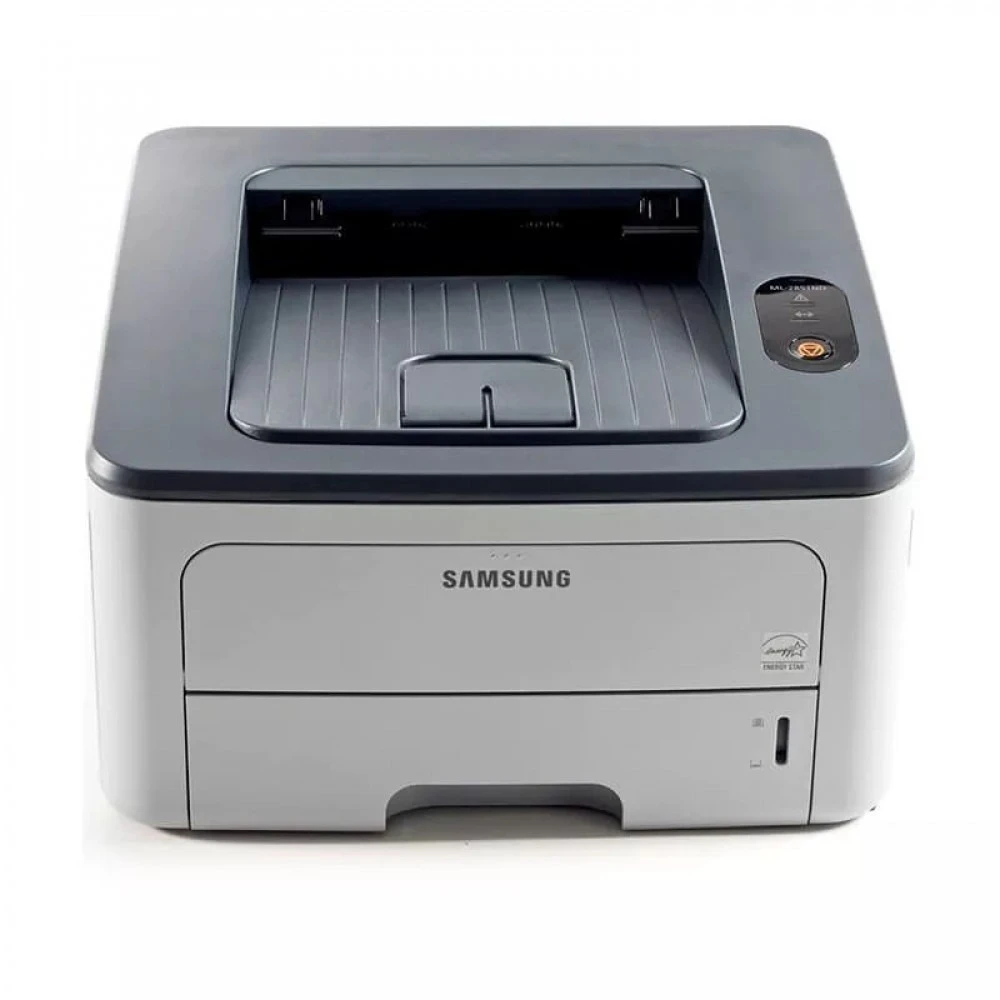
The Samsung ML-2851 refreshed the 2850 platform — a compact mono laser single-function printer keeping the line's small-office speed and simplicity.
It uses ML-D2850A or the higher-yield ML-D2850B toner. Both compatible and genuine OEM cartridges for the ML-2851 are stocked here.
Toner Cartridges for ML-2851
This printer works with the following toner cartridges:
- Samsung ML-D2850A
- Samsung ML-D2850B
More Samsung Printers
Frequently Asked Questions
Why would the ML-2851 jam repeatedly right after I changed the toner cartridge?
A low ML-D2850A cartridge does not cause jams in the ML-2851; low toner shows up as faded prints, not feed errors. If jams started around the same time, treat them as separate issues and check the paper and rollers first. Replacing toner early will not fix a mechanical feed problem.
Do I need to shake the new ML-D2850A before putting it in the ML-2851?
For the ML-2851, open the front cover and remove the spent ML-D2850A by its handle. Take the orange seals and tape off the new cartridge, then slide it in along the rails until it clicks into place. Close the cover and print a test page to confirm even toner coverage.
Do the first few pages from a fresh ML-D2850A in the ML-2851 come out oddly before it settles in?
Handle the ML-D2850A by its ends or handle and keep fingers off the green drum shutter and chip contacts. A fingerprint on the drum shows up as a permanent flaw on ML-2851 pages. During installation, shield the cartridge from direct sunlight.