




ML-2851NDR
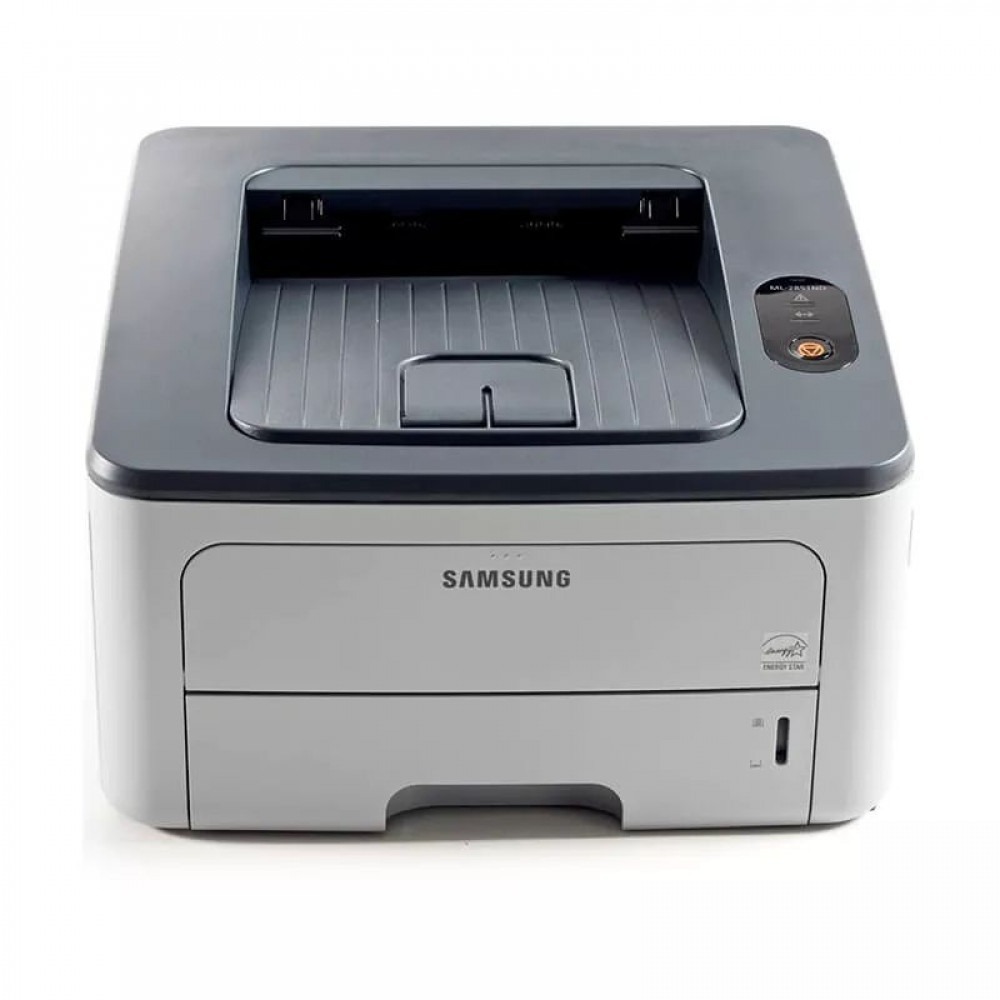
The Samsung ML-2851NDR is another market variant of the network-plus-duplex ML-2851ND — identical shared small-office mono printing under a different region code.
Its toner is ML-D2850A or ML-D2850B. Both compatible and genuine OEM cartridges for the ML-2851NDR are stocked here.
Toner Cartridges for ML-2851NDR
This printer works with the following toner cartridges:
- Samsung ML-D2850A
- Samsung ML-D2850B
More Samsung Printers
Frequently Asked Questions
The ML-2851NDR worked yesterday and now the driver says it is unavailable - what happened?
If the computer cannot see the ML-2851NDR, the driver is the likely culprit rather than hardware. Get the current driver from Samsung or HP support, then run setup with the printer on and cabled or networked. Match the installer to your real connection (USB or network) and verify with a test page before suspecting the ML-D2850A cartridge.
The ML-2851NDR says the cartridge is not genuine - what does that mean?
A low-toner alert on the ML-2851NDR is a rough estimate, so printing past it is fine while output still looks clean. Removing the ML-D2850A and rocking it gently side to side usually redistributes toner and recovers more pages. Line up a replacement now so fading mid-job does not catch you out, and match it by the ML-D2850A code.
My ML-2851NDR prints blank only sometimes - what does that suggest?
On the ML-2851NDR, blank pages following a jam clear usually mean a torn scrap is still lodged in the path or the ML-D2850A went back in loosely. Open the machine, hunt for leftover paper fragments, and seat the cartridge firmly. Print a panel test page to confirm the path is fully clear.