




T650N
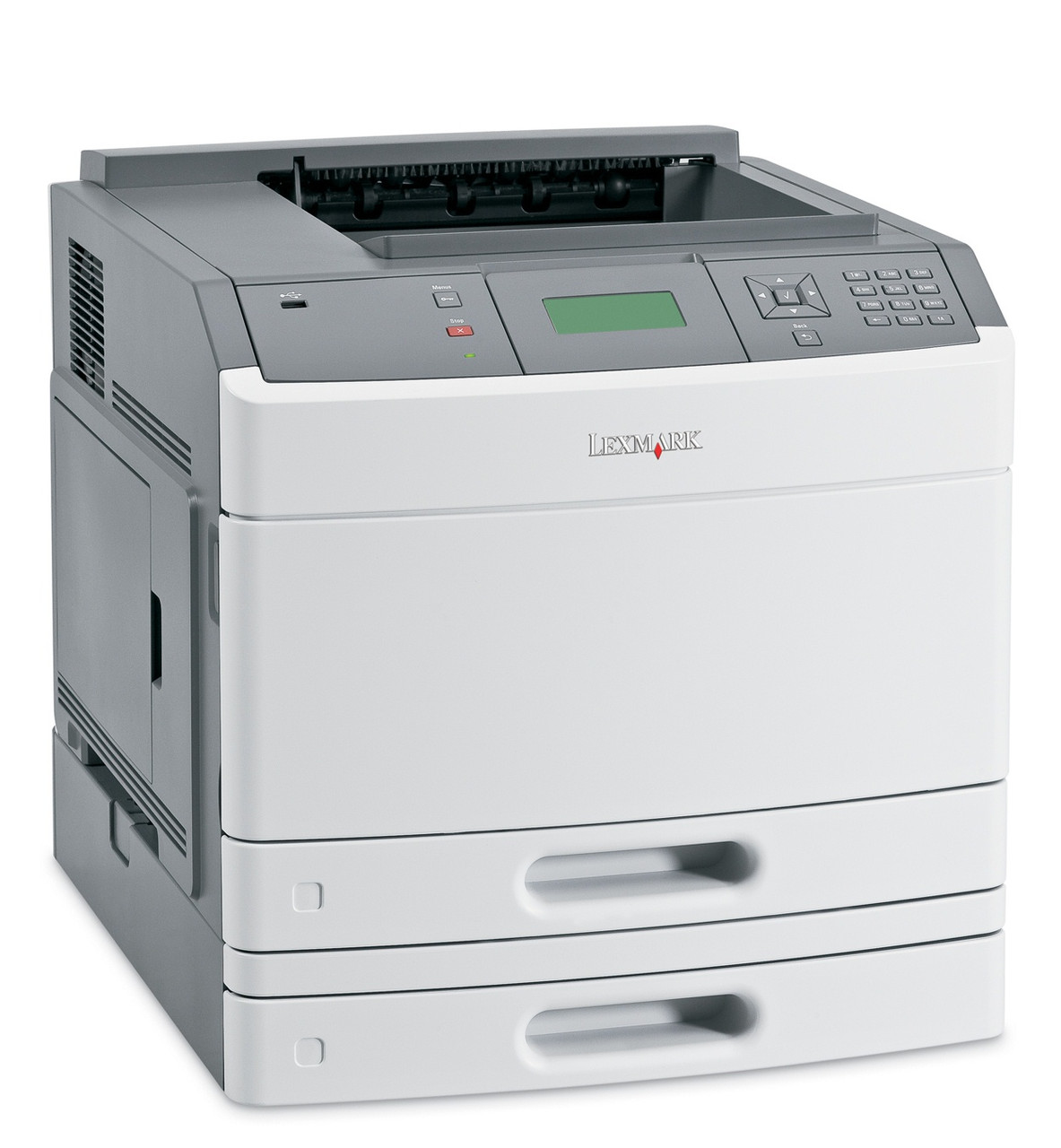
The T650N is the T650 configuration Lexmark aimed at the office network: the N in its name marks the built-in Ethernet connection that lets a workgroup share one mono laser instead of clustering around a single PC. It feeds from the same two black cartridges as the rest of the family — the standard-yield T650A11A at roughly 7,000 pages, and the high-yield T650H11A, better known as the T650H, at roughly 25,000 pages. Nothing about the shared setup changes the supply routine; the cartridge that goes into a standalone T650 goes into this one in exactly the same way.
Shared printers develop shared habits. Jobs arrive from every desk on the floor, the queue rarely sits empty during office hours, and nobody feels personally responsible for the toner gauge — which is why the T650N rewards an office that stocks ahead. Centralized management through the same Lexmark tools used across the T65x line keeps deployment uniform when several of these printers are on the network. This is the configuration for teams that have outgrown a USB-attached machine but do not print enough two-sided volume to step up to the duplex models.
Toner Cartridges for T650N
Which cartridge should you buy?
For a networked printer, the honest way to size a cartridge is by the queue, not by the desk. A T650N serving a handful of users can empty the standard T650A11A cartridge surprisingly fast once everyone's jobs are pooled, so most shared installations settle on the high-yield T650H11A and its roughly 25,000-page rating. Fewer swaps also means fewer occasions for the printer to sit flashing a toner warning while the person who knows where spares live is at lunch. The 2-pack is the natural buying unit for a shared machine — replace from the shelf, reorder when the spare goes in — and single cartridges remain handy for a site that prints lightly or is testing the model. Because every model in the family drinks from the same shelf, a spare bought for this printer is never stranded if the fleet changes.
Chip, toner and everyday use
The chip in each cartridge reports levels back through the printer, which means the toner gauge can be checked from the embedded web page as easily as from the front panel — worth doing in a weekly routine on a shared machine, since no single user watches it. When the low warning appears, the cartridge still holds a reserve; use that window to confirm a spare is on site rather than waiting for faded output. A fading cartridge can be coaxed along briefly by removing it and rocking it gently to even out the toner inside, but on a workgroup printer that trick should buy hours, not weeks. Store spares sealed, flat and away from direct sunlight, and rotate stock so the oldest cartridge goes in first.
Frequently Asked Questions
What do the letters in T650N, T650DN and T650DTN mean?
They describe the hardware configuration: N is the network connection, D adds automatic two-sided printing, and T adds an extra paper tray. The names matter for paper handling only — every configuration in the family, including this T650DN, runs on the same pair of cartridges listed on this page.
Which cartridge belongs in a shared T650N?
Either of the family's two black cartridges fits: the standard T650A11A or the high-yield T650H11A. Shared queues usually justify the high-yield size, since pooled volume from several users adds up quickly.
How many pages will one cartridge print on our network printer?
Ratings are quoted at 5% coverage: about 7,000 pages for the standard cartridge and about 25,000 for the high-yield. A busy shared queue printing dense documents will land below those numbers, while light memos and drafts can push past them — the ratings are best used to compare the two sizes against each other.
Will a compatible cartridge work properly in a networked printer?
Yes. The cartridges on this page are built to the original specifications, chip included, so level reporting and print quality behave as they do with a genuine cartridge, and using one does not void the printer's warranty. They are covered by a 1-year warranty and 1-year returns.
More printers that use the same cartridges
Every model below shares the T650N's cartridge shelf, which keeps fleet stocking simple: T650, T650DN, T650DTN, T652, T652DN, T652DTN, T652N, T654, T654DN, T654DTN, T654N, T656, T656DNE, TS654dn, TS656dne.