




LASERJET M610N
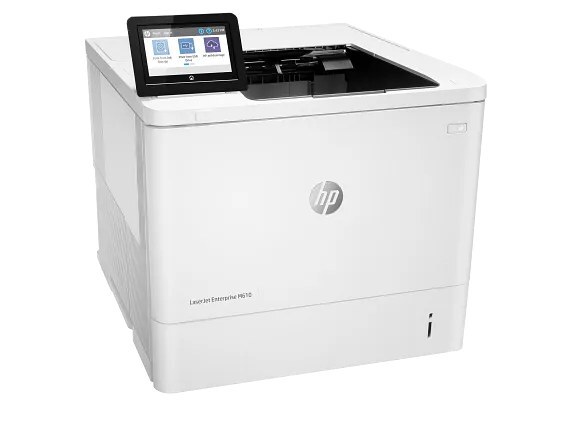
Shared over the wire, simple everywhere else: the LASERJET M610N put HP's early-2020s mono printing on the office network with Ethernet — and left duplex off the spec sheet for offices that print single-sided by habit.
Toner options span three yields in the 147 family: W1470A standard, W1470X high-yield, W1470Y extra-high-yield. One slot, three choices.
Toner Cartridges for LASERJET M610N
This printer works with the following toner cartridges:
- HP W1470A
- HP W1470X
- HP W1470Y
More HP Printers
- LASERJET M610DN
- LASERJET M611DN
- LASERJET M611N
- LASERJET M611X
- LASERJET M612DN
- LASERJET M612X
- LASERJET M634H
- LASERJET M634Z
- LASERJET M635H
- LASERJET M635Z
- LASERJET M636FH
- LASERJET M636Z
Frequently Asked Questions
What cartridges fit the LASERJET M610N?
For the LASERJET M610N, buy W1470A (standard), W1470X (high-yield), and W1470Y (extra-high-yield) — those are the exact codes built for this printer.
How should I store spare toner cartridges for the LASERJET M610N?
Keep spare W1470A cartridges for the LASERJET M610N sealed in their original packaging, stored upright in a cool, dry place away from direct sunlight — and leave the protective seal on until installation day.
The LASERJET M610N says there is a jam but I cannot see any paper — what now?
Small torn scraps often hide behind rollers or under the W1470A cartridge in the LASERJET M610N; remove the cartridge carefully and inspect with a flashlight, since the LASERJET M610N's sensor can detect fragments you cannot see at first glance.