




LASERJET M610DN
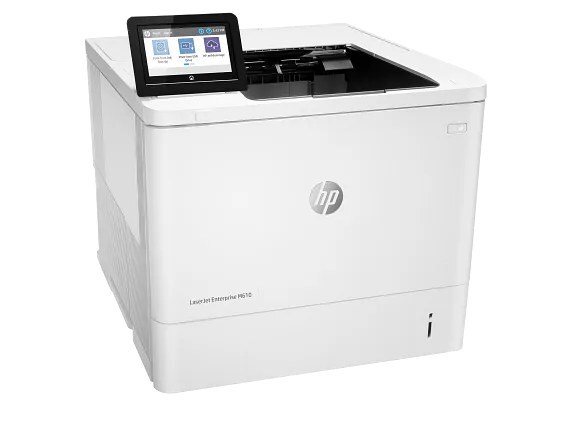
Duplex and Ethernet from day one: the LaserJet M610DN is the early-2020s mono printer configured for the shared office — automatic two-sided printing over the network. The workgroup default: everyone prints, both sides, no cables to individual desks.
It feeds on HP 147A/147X/147Y toner (W1470A standard, W1470X high-yield, W1470Y extra-high-yield). Shared and duplexing, the M610DN earns its high-yield cartridges.
Toner Cartridges for LASERJET M610DN
This printer works with the following toner cartridges:
- HP W1470A
- HP W1470X
- HP W1470Y
More HP Printers
- LASERJET M610N
- LASERJET M611DN
- LASERJET M611N
- LASERJET M611X
- LASERJET M612DN
- LASERJET M612X
- LASERJET M634H
- LASERJET M634Z
- LASERJET M635H
- LASERJET M635Z
- LASERJET M636FH
- LASERJET M636Z
Frequently Asked Questions
What toner does the LASERJET M610DN need?
Only W1470A (standard), W1470X (high-yield), and W1470Y (extra-high-yield) fit the LASERJET M610DN; buying by code number is the surest way to avoid a mismatch.
Why can't my computer find the LASERJET M610DN on the network?
First confirm the Ethernet cable is seated and the LASERJET M610DN's link light is on, then print a configuration page from the LASERJET M610DN — if it has no IP address, check the cable and the switch port before reinstalling the driver.
Can I keep printing after the LASERJET M610DN shows a low-toner message?
Yes, in most cases. The LASERJET M610DN warns early, so keep printing until quality actually drops, and have the replacement W1470A ready for a quick swap in the LASERJET M610DN.