




LASERJET M635Z
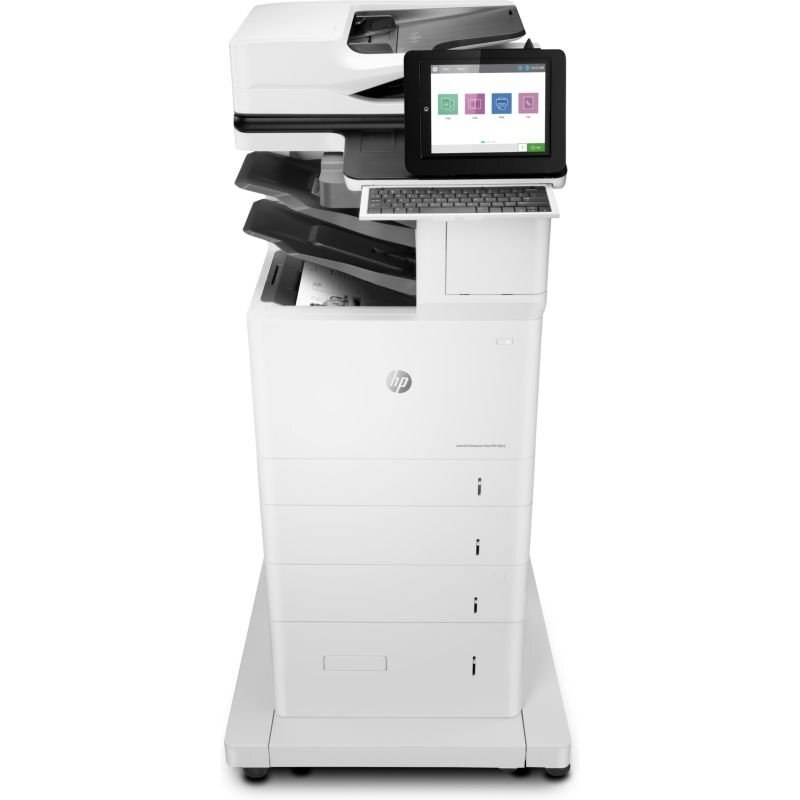
When the spec sheet matters, the LaserJet M635Z is the flagship configuration of the M635 line — built for offices where the printer is shared, managed, and expected to simply work. Its toner is the HP 147A/147X/147Y family: W1470A standard, with W1470X and W1470Y high-yield options for busier months.
Compatible and genuine OEM cartridges for the M635Z sit side by side on our shelves. Pick OEM for factory-original output or compatible to stretch the budget — either way, fast shipping from Clever Supplies keeps the M635Z printing.
Toner Cartridges for LASERJET M635Z
This printer works with the following toner cartridges:
- HP W1470A
- HP W1470X
- HP W1470Y
More HP Printers
- LASERJET M610DN
- LASERJET M610N
- LASERJET M611DN
- LASERJET M611N
- LASERJET M611X
- LASERJET M612DN
- LASERJET M612X
- LASERJET M634H
- LASERJET M634Z
- LASERJET M635H
- LASERJET M636FH
- LASERJET M636Z
Frequently Asked Questions
Does the LASERJET M635Z use W1470A or a different cartridge?
The LASERJET M635Z runs on W1470A (standard), W1470X (high-yield), and W1470Y (extra-high-yield). Keep the code from your empty cartridge handy when you reorder.
Why is the LASERJET M635Z showing as offline?
An offline LASERJET M635Z is usually a connection hiccup, not a hardware fault — verify the USB or network link, power-cycle the LASERJET M635Z, and remove and re-add the printer on your computer if needed.
Why do pages from the LASERJET M635Z have vertical lines?
Repeating vertical lines on the LASERJET M635Z's pages often come from the W1470A cartridge's drum or from debris on the LASERJET M635Z's rollers; try a fresh W1470A, and if the lines continue, inspect the paper path for stuck toner.