




LASERJET M636Z
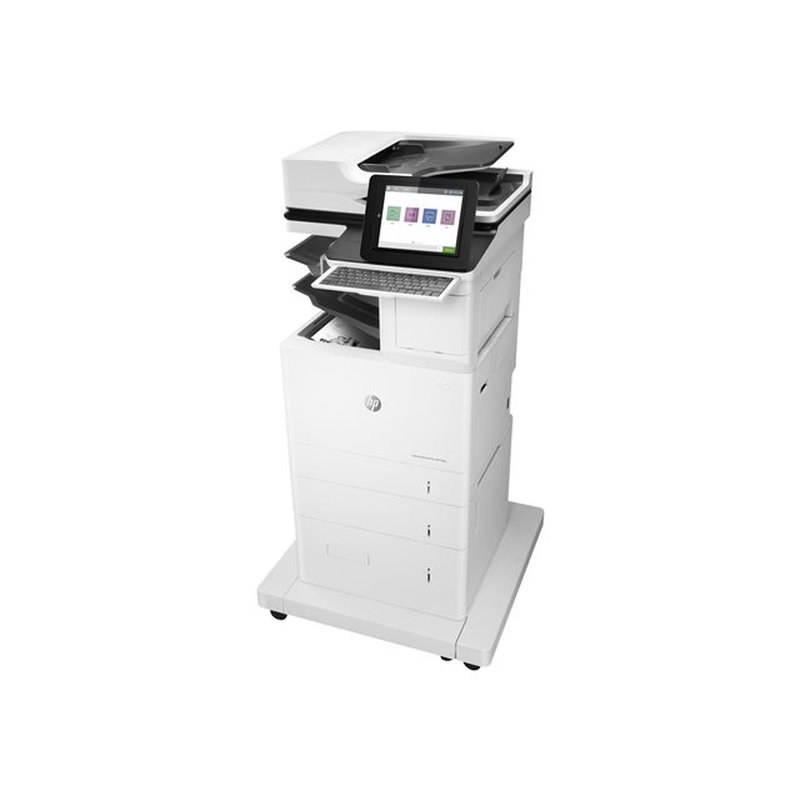
The M636 line's flagship: the LaserJet M636Z is the top configuration for departments that run their monochrome printing hard and want the machine to match. It takes the HP 147A/147X/147Y family — W1470A standard, W1470X and W1470Y high-yield.
Genuine OEM and compatible W1470A, W1470X and W1470Y cartridges for the M636Z are stocked here. Busy departments lean on the high-yield options; the standard W1470A covers lighter routines. Clever Supplies ships quickly.
Toner Cartridges for LASERJET M636Z
This printer works with the following toner cartridges:
- HP W1470A
- HP W1470X
- HP W1470Y
More HP Printers
- LASERJET M610DN
- LASERJET M610N
- LASERJET M611DN
- LASERJET M611N
- LASERJET M611X
- LASERJET M612DN
- LASERJET M612X
- LASERJET M634H
- LASERJET M634Z
- LASERJET M635H
- LASERJET M635Z
- LASERJET M636FH
Frequently Asked Questions
What toner does the LASERJET M636Z need?
Only W1470A (standard), W1470X (high-yield), and W1470Y (extra-high-yield) fit the LASERJET M636Z; buying by code number is the surest way to avoid a mismatch.
Can I move between A, X, and Y cartridges in the LASERJET M636Z?
You can switch freely among W1470A, W1470X, and W1470Y in the LASERJET M636Z — no settings to change. The Y is the largest of the three sizes made for the LASERJET M636Z.
How do I replace the toner cartridge in the LASERJET M636Z?
Open the LASERJET M636Z's front access door, pull the spent cartridge straight out, unpack the new W1470A and remove its sealing tape, then slide it in until it seats — the LASERJET M636Z runs a short cycle once you close the door.