




LASERJET M611DN
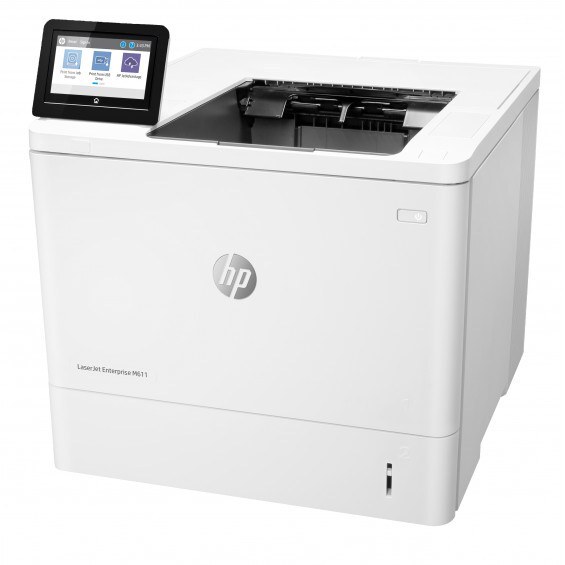
When the M610 tier wasn't enough, the LaserJet M611DN stepped in: a faster early-2020s mono engine with Ethernet and automatic duplex. The departmental shared printer for offices whose black-and-white volume kept climbing.
Toner is HP's 147A/147X/147Y range — W1470A, W1470X, or W1470Y — three yields, one black cartridge slot.
Toner Cartridges for LASERJET M611DN
This printer works with the following toner cartridges:
- HP W1470A
- HP W1470X
- HP W1470Y
More HP Printers
- LASERJET M610DN
- LASERJET M610N
- LASERJET M611N
- LASERJET M611X
- LASERJET M612DN
- LASERJET M612X
- LASERJET M634H
- LASERJET M634Z
- LASERJET M635H
- LASERJET M635Z
- LASERJET M636FH
- LASERJET M636Z
Frequently Asked Questions
Does the LASERJET M611DN use W1470A or a different cartridge?
The LASERJET M611DN runs on W1470A (standard), W1470X (high-yield), and W1470Y (extra-high-yield). Keep the code from your empty cartridge handy when you reorder.
What should I do when paper jams in the LASERJET M611DN?
Turn the LASERJET M611DN off first, then clear paper from the input tray, the rear door, and the cartridge area, pulling sheets in the direction they normally travel through the LASERJET M611DN.
Why is the LASERJET M611DN showing as offline?
An offline LASERJET M611DN is usually a connection hiccup, not a hardware fault — verify the USB or network link, power-cycle the LASERJET M611DN, and remove and re-add the printer on your computer if needed.