




Color Laser 1250
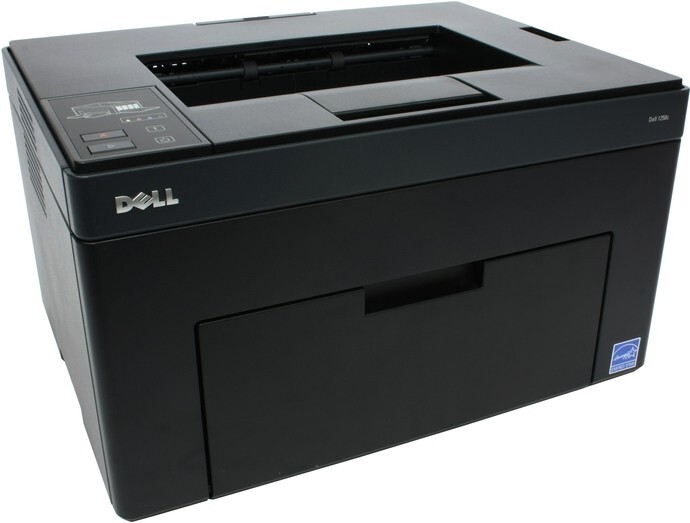
The Dell 1250 brought color laser printing down to a desktop-friendly size and price. Built as a single-function printer with a straightforward USB setup, it was aimed at home offices and tiny workgroups that needed crisp color for flyers, charts, and everyday documents — without paying for features they'd never use.
Running costs matter most on a budget color laser, and that's where toner choice pays off. Clever Supplies stocks compatible and genuine OEM toner for the Dell 1250, including the high-yield 331-0778 black and matching color cartridges (331-0777, 331-0780, 331-0779), so you can print more pages between replacements. Order online and get fast shipping straight to your office. The same four cartridges also go by a shorter set of Dell codes — black 810WH, cyan C5GC3, magenta XMX5D and yellow WM2JC — so whichever number is printed on the cartridge you pull out, the replacement is easy to match.
Toner Cartridges for Dell 1250
This printer works with the following toner cartridges:
- Dell 331-0778
- Dell 331-0777
- Dell 331-0780
- Dell 331-0779
- Dell 810WH
- Dell C5GC3
- Dell XMX5D
- Dell WM2JC
- Dell XKP2P
- Dell YX24V
- Dell MHT79
- Dell J95NM
Frequently Asked Questions
What toner cartridges fit the Dell 1250?
The Dell 1250 accepts the Dell cartridges listed above, including XKP2P and J95NM. Buying by cartridge code rather than by printer description alone avoids mismatches.
Why does my Dell 1250 say a color is low when I mostly print black?
The Dell 1250 uses a little color toner even on mostly-black pages, for calibration and registration. That's why a color cartridge in the XKP2P/J95NM range can run low before black does — it's normal.
Why does my Dell 1250 leave toner smudges on pages?
Smudges that wipe off the page mean the toner isn't being fused — on the Dell 1250 that points to the fuser, not the cartridge. Smudges baked into the page usually mean a dirty drum or a cartridge (XKP2P range) past its best.