




ALTALINK C8045
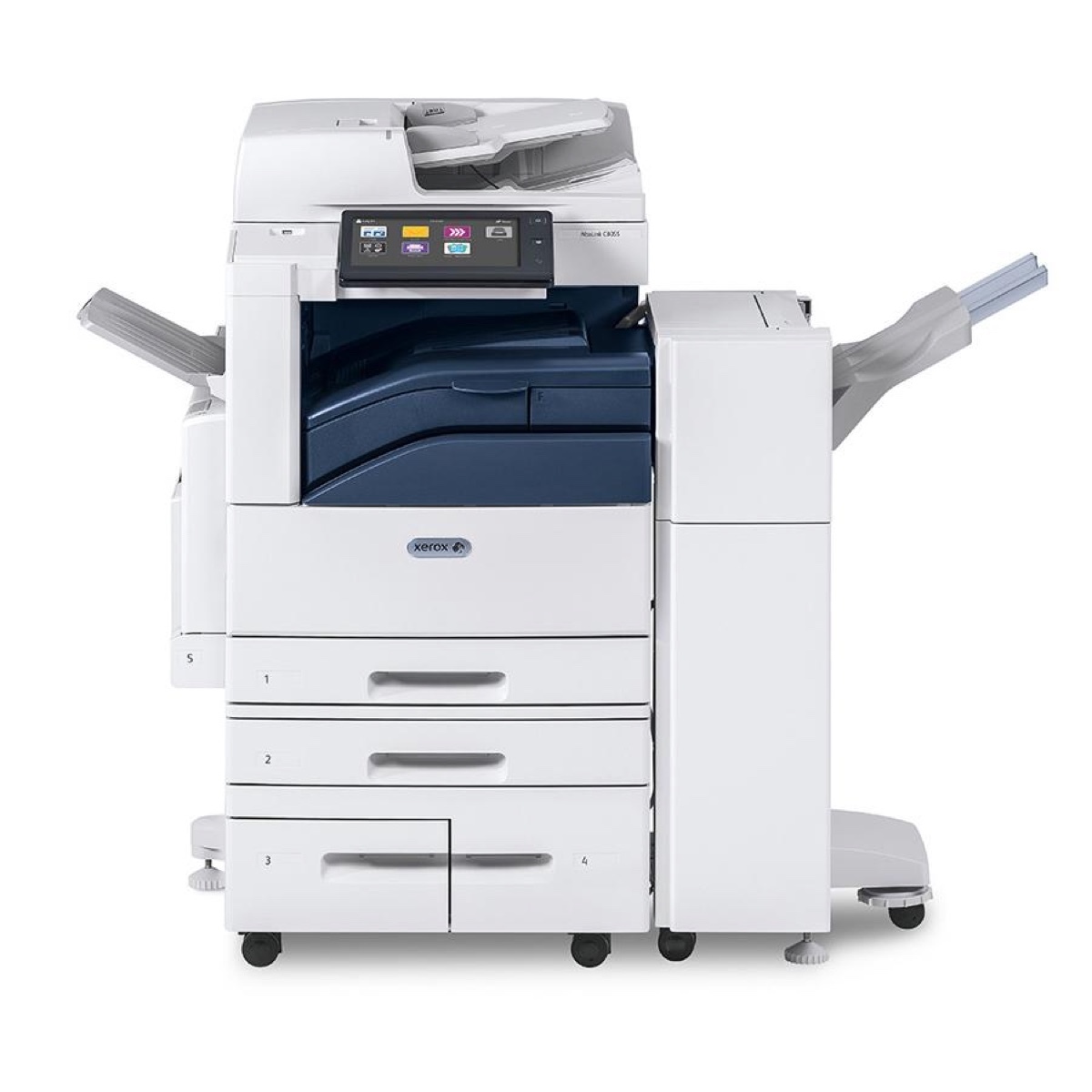
Heavier color workloads are what the Xerox ALTALINK C8045 was made to absorb: a fast color multifunction printer for departments whose documents carry more graphics than text. Its black cartridge is 006R01697, and the color work is divided among three more — 006R01698 for cyan, 006R01699 for magenta and 006R01700 for yellow. Each carries its own number and is swapped on its own, so the C8045 never forces a set change when a single color gives out.
Run a graphics-heavy department and the usual toner pattern turns upside down. On a text-bound machine black disappears first; on the C8045, a page of charts, photos and branded color can carry many times the coverage of a memo, and the colors often empty ahead of the black. Which color fades first is practically a report on what the department produces — presentation teams burn magenta and cyan, while a group printing forms leans on yellow far less. That pattern, once noticed, makes reordering almost automatic.
Toner Cartridges for ALTALINK C8045
| Cartridge | Color | Page Yield |
|---|---|---|
| 006R01697 | Black | Standard yield |
| 006R01697 (2 Pack) | Black | Standard yield |
| 006R01698 | Cyan | See product page |
| 006R01699 | Magenta | See product page |
| 006R01700 | Yellow | See product page |
| 006R01697, 006R01698, 006R01699, 006R01700 (4 Color Set) | Black, Cyan, Magenta, Yellow | See product page |
Which cartridge should you buy?
For a color-led machine like this one, singles are the default smart buy: they match your spending to the color that genuinely ran out, and the C8045's colors rarely empty in step with each other. The exception is project work. When a big proposal run or a marketing push drains two or three colors in the same week, the 4 color set restocks everything in one order and resets all four levels together. Keep the black 2 pack in mind too — even a color department prints plenty of plain text, and black is the cartridge whose absence stops ordinary work cold. Buy for the pattern you have actually observed on your own machine, not the pattern a generic office would have.
Chip, toner and everyday use
Page yield figures deserve a footnote on this model more than most: they are measured at 5% coverage, and a full-color page from a C8045 can run at several times that, so a cartridge's real life here is measured in your documents, not in the rating. When a color starts to band or fade on one side, removing the cartridge and rocking it gently side to side redistributes the remaining toner and often restores even output for a while. If the machine does not recognize a new cartridge, take it out and push it home firmly until it seats — the chip connection is the usual culprit. Store color spares in their sealed boxes away from sunlight, because a cartridge may wait months for its turn.
Frequently Asked Questions
Which cartridges does the ALTALINK C8045 use?
Four of them: 006R01697 for black, 006R01698 for cyan, 006R01699 for magenta and 006R01700 for yellow. All four are separate cartridges, replaced individually as each one empties.
Why do the color cartridges empty faster than the black on our C8045?
Coverage. Ratings assume about 5% of the page is covered; graphics-rich color pages cover far more, so each spends toner at several times the memo rate. Chart- and image-heavy departments live at the high-coverage end.
Does the C8045 need a separate drum unit replaced?
The supplies listed for the C8045 on this page are the four toner cartridges, and no separate drum unit appears among them. Toner is the recurring supply this machine asks you to manage.
Can I buy all four colors in one box?
Yes — the 4 color set combines the black, cyan, magenta and yellow cartridges in a single order. It suits a full refresh or a new installation; for routine top-ups, singles of the color that ran out are the leaner buy.
More printers that use the same cartridges
One set of supplies covers this whole corner of the AltaLink range, because the same four cartridges are also at work in the ALTALINK C8030, ALTALINK C8035, ALTALINK C8055 and ALTALINK C8070.