




CLX-3186W
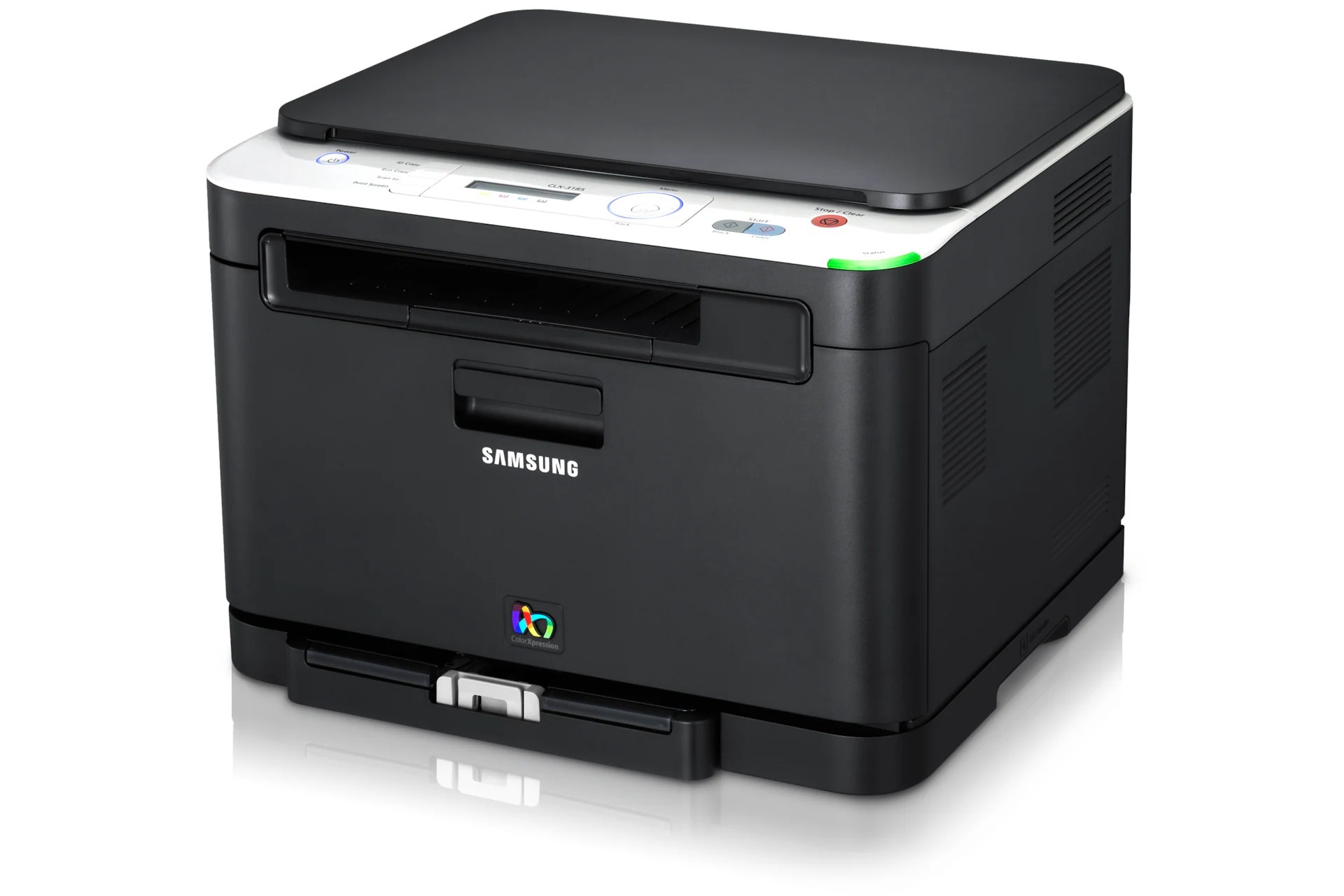
The Samsung CLX-3186W arrived in the early 2010s as a color laser multifunction printer with its running costs kept firmly in check, and its last letter marks the wireless version — the one that joins your network without a cable. Samsung assigned it four separate toners of its own: CLT-K407S in black, CLT-C407S in cyan, CLT-M407S in magenta and CLT-Y407S in yellow.
Wireless placement made this a favorite for home offices that rearranged themselves often — the printer could live wherever a power outlet and a signal existed, rather than wherever the router happened to be. It found its niche with home workers and micro-businesses printing a personal mix: documents all week, color pages when a client or a classroom demanded them. Four separate cartridges suit that rhythm, because the colors wait patiently while black does the daily work.
Toner Cartridges for CLX-3186W
| Cartridge | Color | Page Yield |
|---|---|---|
| CLT-K407S | Black | See product page |
| CLT-C407S | Cyan | See product page |
| CLT-M407S | Magenta | See product page |
| CLT-Y407S | Yellow | See product page |
| CLT-K407S Black 2 Pack | Black | See product page |
| CLT-407S 4 Color Set | Black, cyan, magenta, yellow | See product page |
| CLX-3186W 4 Color Set | Black, cyan, magenta, yellow | See product page |
| CLX-3186W Premium Quality 4 Color Set | Black, cyan, magenta, yellow | See product page |
Which cartridge should you buy?
With a single yield per color, the savings on this printer come from how you print and how you stock, not from cartridge sizes. Keep a spare black — the CLT-K407S Black 2 Pack covers that in one purchase — and order colors individually as each one is flagged. The 4 Color Set earns its place when you are setting the printer up, moving it to a new home office, or facing several low colors at once; the Premium Quality set is the same refresh in the higher-grade line. Resist replacing a color early 'while you are at it' — a cartridge with toner left is money still in the machine.
Chip, toner and everyday use
The Eco setting is this printer's best cost lever: it lays down lighter toner that stays perfectly readable for everyday documents, and Samsung built it for exactly that purpose. Pair it with grayscale defaults for text and each cartridge stretches noticeably further. Think of the consumables in two tiers — toner is the ink, the imaging unit is the stamp that applies it; toner runs out, the imaging unit wears out, and the fixes are different. When a cartridge does go in, seal off, gentle rock, firm seat. Spares keep best stored flat, sealed, and out of direct sun and heat.
Frequently Asked Questions
Can I replace the imaging unit myself on the CLX-3186W?
Yes, it is designed as an owner-swappable part. Keep it covered while it is out of the machine and avoid leaving it in bright light — its surface is light-sensitive. Toner warnings and imaging warnings mean different parts, so replace the one the display actually names and you will not waste money on the wrong consumable.
Does Eco mode change print speed or just quality?
Eco mode lightens the toner laid down on the page, which keeps everyday documents readable while using less toner. Since this family's cartridges come in one yield, Eco genuinely is your best per-page lever. Use full quality for final, customer-facing pages and Eco for everything internal.
How do I choose between genuine and compatible cartridges?
Output from a good compatible cartridge is typically very close to genuine on this printer; the gap widens with bargain-bin cartridges of unknown origin. Read recent reviews of the specific cartridge, not just the brand. Every compatible cartridge here carries a 1-year warranty and 1-year returns, and fit problems almost always trace back to a wrong code rather than the compatible label.
My prints look faded — is the cartridge empty?
Not always. Remove the cartridge the display points to and rock it gently side to side; settled toner redistributes and density often returns for a good run of pages. If fading comes straight back, that cartridge is truly near its end and a replacement is due.
More printers that use the same cartridges
The same four-cartridge system appears in a long list of Samsung CLP and CLX models, including CLP-320NK, CLP-320W, CLP-321, CLP-321N, CLP-325, CLP-325K, CLP-325N, CLP-325W, CLP-325WK, CLP-326, CLX-3180, CLX-3180FN, CLX-3180FW, CLX-3180K, CLX-3180N, CLX-3180WK, CLX-3185, CLX-3185CW, CLX-3185FN, CLX-3185FW, CLX-3185K, CLX-3185N, CLX-3185NK, CLX-3185W, CLX-3185WK, CLX-3186, CLX-3186FN, CLX-3186FW, CLX-3186N, CLX-3195, CLX-3195FW, Samsung-CLT407, CLP-320, CLP-320K, CLP-320N.