




CLX-3185N
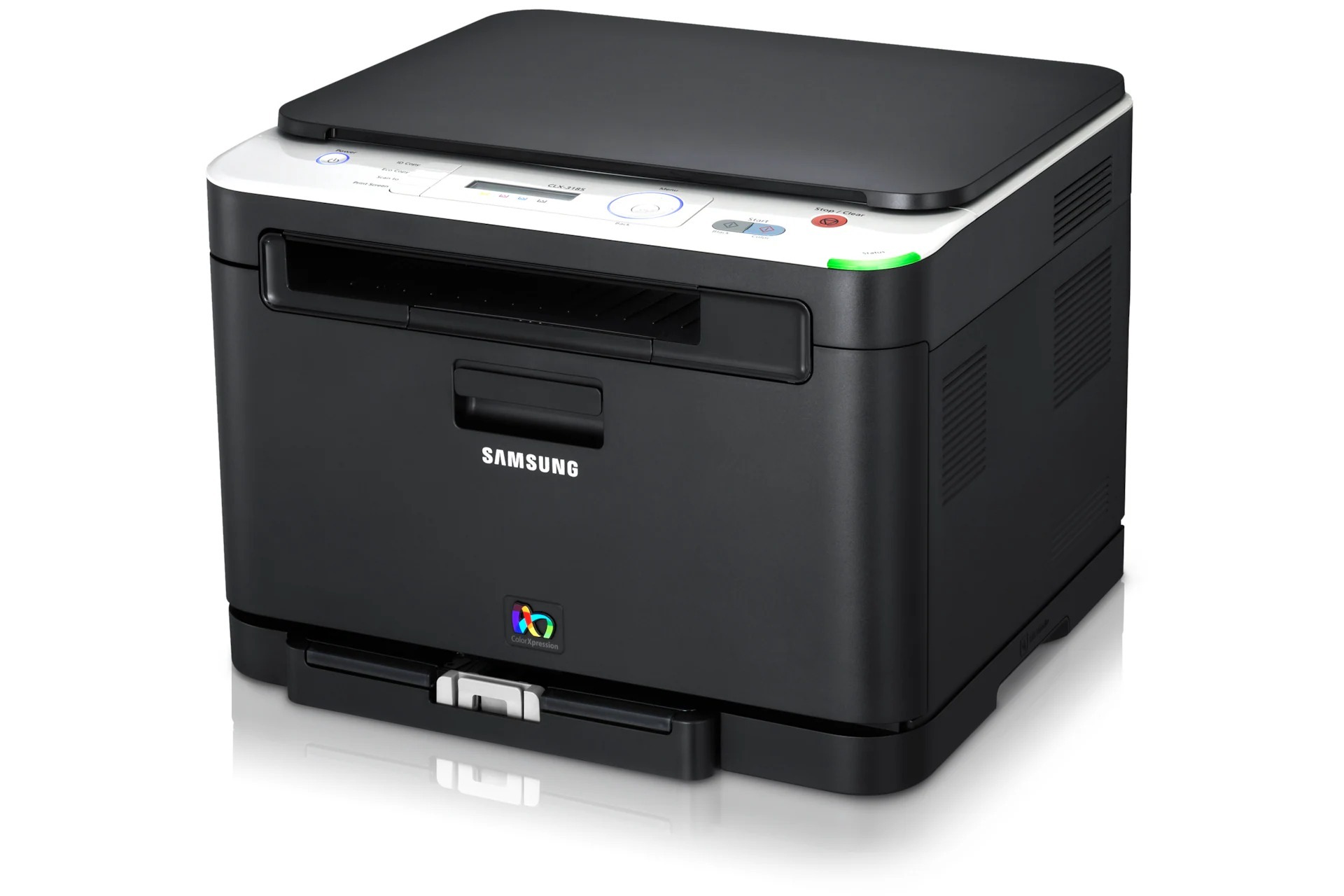
The Samsung CLX-3185N is a color laser multifunction printer from Samsung's early 2010s CLP/CLX lineup. Unlike the plain CLX-3185, this one adds wired Ethernet networking — which is what the letter means. It earned its keep in home offices and micro-businesses looking for affordable color laser output.
It runs on Samsung's CLT-K407S toner set, with CLT-K407S handling black and CLT-C407S among the color cartridges. Our shelves hold compatible and genuine OEM CLT-K407S toner alike, all shipping fast from Clever Supplies.
Toner Cartridges for CLX-3185N
This printer works with the following toner cartridges:
- Samsung CLT-K407S
- Samsung CLT-C407S
- Samsung CLT-M407S
- Samsung CLT-Y407S
More Samsung Printers
- CLP-320
- CLP-320K
- CLP-320N
- CLP-320NK
- CLP-320W
- CLP-321
- CLP-321N
- CLP-325
- CLP-325K
- CLP-325N
- CLP-325W
- CLP-325WK
- CLP-326
- CLX-3180
- CLX-3180FN
- CLX-3180FW
- CLX-3180K
- CLX-3180N
- CLX-3180WK
- CLX-3185
- CLX-3185CW
- CLX-3185FN
- CLX-3185FW
- CLX-3185K
- CLX-3185NK
- CLX-3185W
- CLX-3185WK
- CLX-3186
- CLX-3186FN
- CLX-3186FW
- CLX-3186N
- CLX-3186W
- CLX-3195
- CLX-3195FW
Frequently Asked Questions
First-time toner buyer: why does my CLX-3185N have two separate consumables?
The CLX-3185N tracks the imaging unit separately from toner, so each warning refers to a specific part. A new imaging unit often restores the CLX-3185N's output to like-new sharpness immediately. Toner runs out; imaging units wear out — different failures, different fixes.
The CLX-3185N driver installed but printing fails — what next?
An offline CLX-3185N in Windows is usually a stale port or a sleep-state hiccup — restart the printer and the spooler. Restart the print spooler service when the CLX-3185N queues jobs but prints nothing. The CLX-3185N is a well-supported printer — current drivers exist for all major operating systems.
How can I make the CLX-3185N's color cartridges last longer?
You only ever replace the empty cartridge on the CLX-3185N — the CLT-K407S black, say — and the other three keep working until their turn comes. Print everyday documents in grayscale on the CLX-3185N to stretch the color cartridges dramatically. Each empty cartridge is just one quarter of the system asking for attention.