




CLX-3185WK
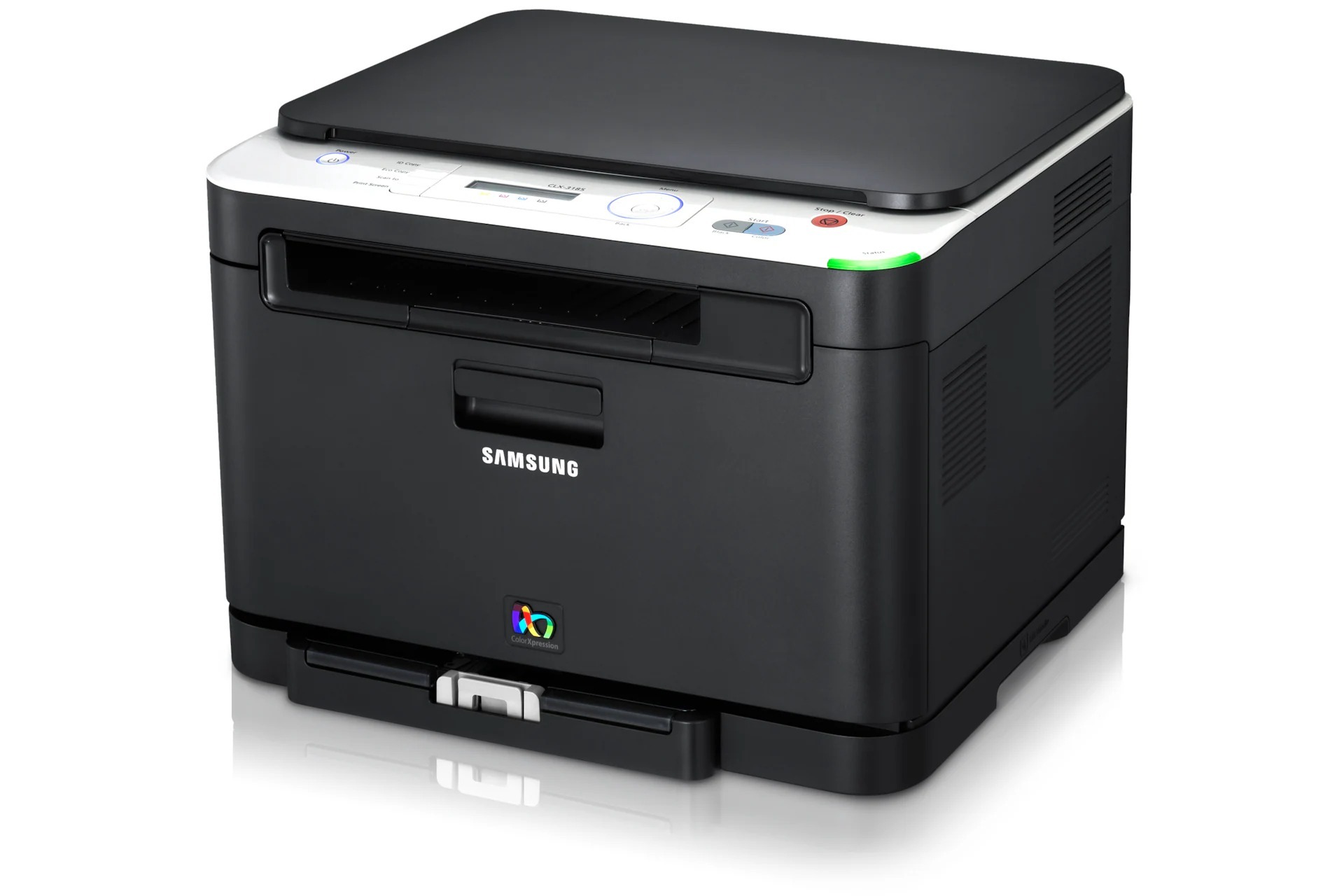
A member of Samsung's early 2010s CLP/CLX generation, the CLX-3185WK is a color laser multifunction printer. Mechanically it mirrors the CLX-3185, with the variant designation reflecting its bundle and region. It was a practical fit for home offices and micro-businesses looking for affordable color laser output.
For consumables it uses the CLT-K407S series, with CLT-K407S as the black cartridge and CLT-C407S as magenta. Compatible CLT-K407S toner and genuine Samsung OEM cartridges are both in stock, with fast Clever Supplies shipping.
Toner Cartridges for CLX-3185WK
This printer works with the following toner cartridges:
- Samsung CLT-K407S
- Samsung CLT-C407S
- Samsung CLT-M407S
- Samsung CLT-Y407S
More Samsung Printers
- CLP-320
- CLP-320K
- CLP-320N
- CLP-320NK
- CLP-320W
- CLP-321
- CLP-321N
- CLP-325
- CLP-325K
- CLP-325N
- CLP-325W
- CLP-325WK
- CLP-326
- CLX-3180
- CLX-3180FN
- CLX-3180FW
- CLX-3180K
- CLX-3180N
- CLX-3180WK
- CLX-3185
- CLX-3185CW
- CLX-3185FN
- CLX-3185FW
- CLX-3185K
- CLX-3185N
- CLX-3185NK
- CLX-3185W
- CLX-3186
- CLX-3186FN
- CLX-3186FW
- CLX-3186N
- CLX-3186W
- CLX-3195
- CLX-3195FW
Frequently Asked Questions
New owner here — how do the four cartridges in the CLX-3185WK work together?
You only ever replace the empty cartridge on the CLX-3185WK; the other three keep working until their turn comes. When replacing, match the exact color code — the CLX-3185WK will reject a magenta cartridge in the cyan slot. Understanding the four-cartridge system takes the mystery out of CLX-3185WK toner orders.
Need some guidance — how do I set a static IP on the CLX-3185WK?
Most CLX-3185WK units support mobile printing through the manufacturer's app or standard protocols once on the network. For a busy office CLX-3185WK, Ethernet eliminates an entire category of intermittent problems. Wireless convenience is real, but Ethernet reliability wins for a shared CLX-3185WK.
Quick question: do starter cartridges differ from replacement CLT-K407S cartridges on the CLX-3185WK?
Keep the code CLT-K407S handy — it is the toner the CLX-3185WK is engineered to run on. Regional variants of Samsung toner exist, so make sure the CLT-K407S you buy is the version sold for your region. It is always the cartridge code, not the printer's marketing name, that decides compatibility.