




CLX-3185FN
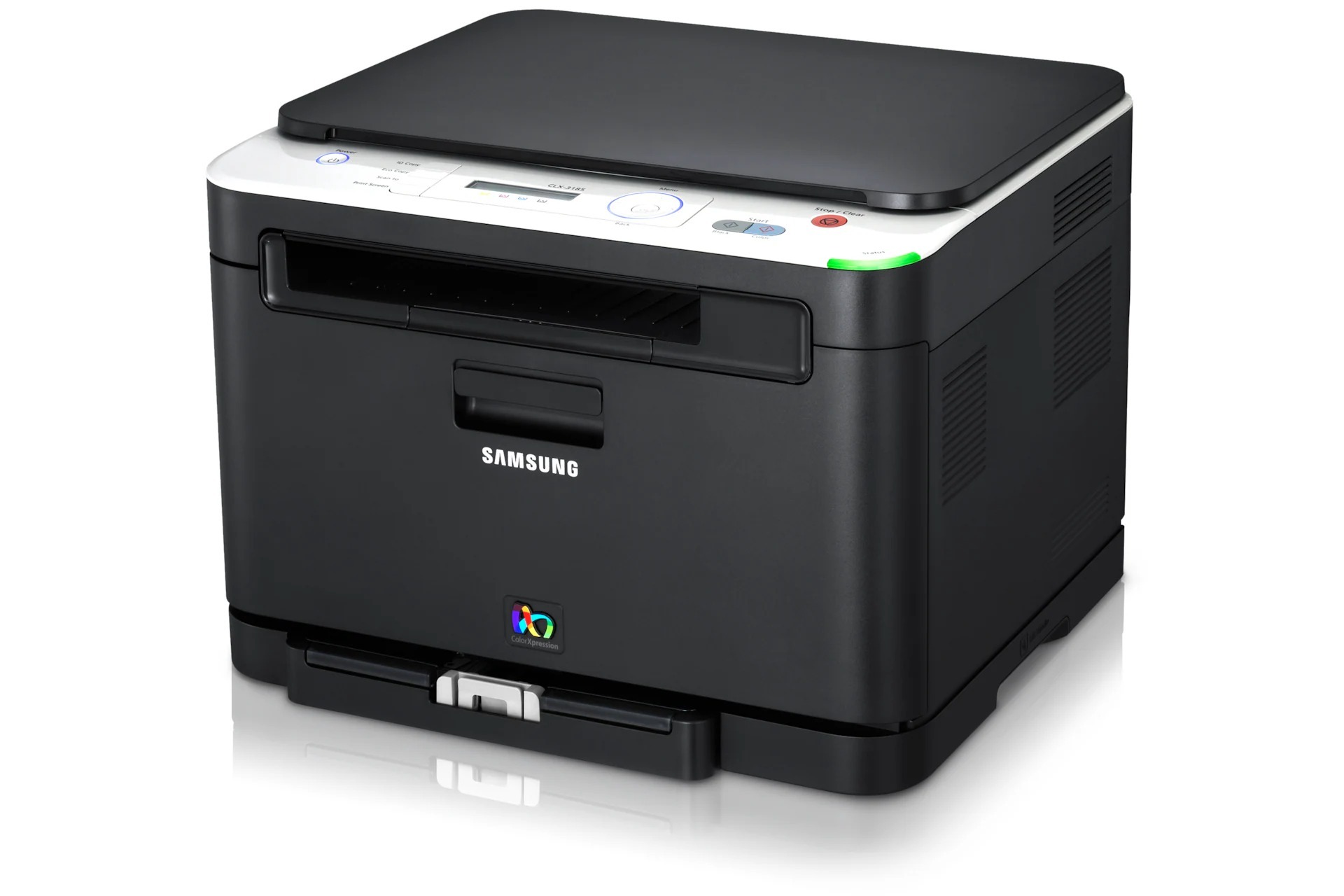
A color laser multifunction printer from Samsung's early 2010s CLP/CLX range, the CLX-3185FN brought color laser output to smaller budgets. Samsung sold it as a configuration variant of the CLX-3185 line for specific channel needs. It earned its keep in home offices and micro-businesses looking for affordable color laser output.
Toner for this machine comes from the CLT-K407S family — CLT-K407S for black, plus CLT-C407S and its cyan and yellow siblings. Clever Supplies carries both compatible and genuine OEM CLT-K407S cartridges for it, with fast shipping on every order.
Toner Cartridges for CLX-3185FN
This printer works with the following toner cartridges:
- Samsung CLT-K407S
- Samsung CLT-C407S
- Samsung CLT-M407S
- Samsung CLT-Y407S
More Samsung Printers
- CLP-320
- CLP-320K
- CLP-320N
- CLP-320NK
- CLP-320W
- CLP-321
- CLP-321N
- CLP-325
- CLP-325K
- CLP-325N
- CLP-325W
- CLP-325WK
- CLP-326
- CLX-3180
- CLX-3180FN
- CLX-3180FW
- CLX-3180K
- CLX-3180N
- CLX-3180WK
- CLX-3185
- CLX-3185CW
- CLX-3185FW
- CLX-3185K
- CLX-3185N
- CLX-3185NK
- CLX-3185W
- CLX-3185WK
- CLX-3186
- CLX-3186FN
- CLX-3186FW
- CLX-3186N
- CLX-3186W
- CLX-3195
- CLX-3195FW
Frequently Asked Questions
Help me decide: how do I install a new CLT-K407S cartridge in my CLX-3185FN?
The CLX-3185FN's cartridge bay is keyed so CLT-K407S only fits one way — never force it, just align and slide. Write the install date on the new cartridge's box flap to track CLT-K407S life on your CLX-3185FN. Most defective-cartridge reports trace back to a missed seal or a loose install.
Maintenance check: my CLX-3185FN came with toner in the box — which replacement do I order?
The CLX-3185FN is built around the CLT-K407S toner family, so that code is the one to match when you reorder. You can keep a spare CLT-K407S on hand and it will fit any CLX-3185FN you own, since compatibility is tied to the model family. Write CLT-K407S on a label inside the printer lid and reordering becomes a two-second job.
Quick question: is there a downside to Eco printing on the CLX-3185FN?
The CLX-3185FN's Eco mode does not change resolution — it simply uses less toner to form each character. Eco mode shines on text; graphics-heavy pages benefit less, so set expectations for the CLX-3185FN accordingly. Small density trade, large savings — that is the Eco bargain on the CLX-3185FN.