




CLX-3185NK
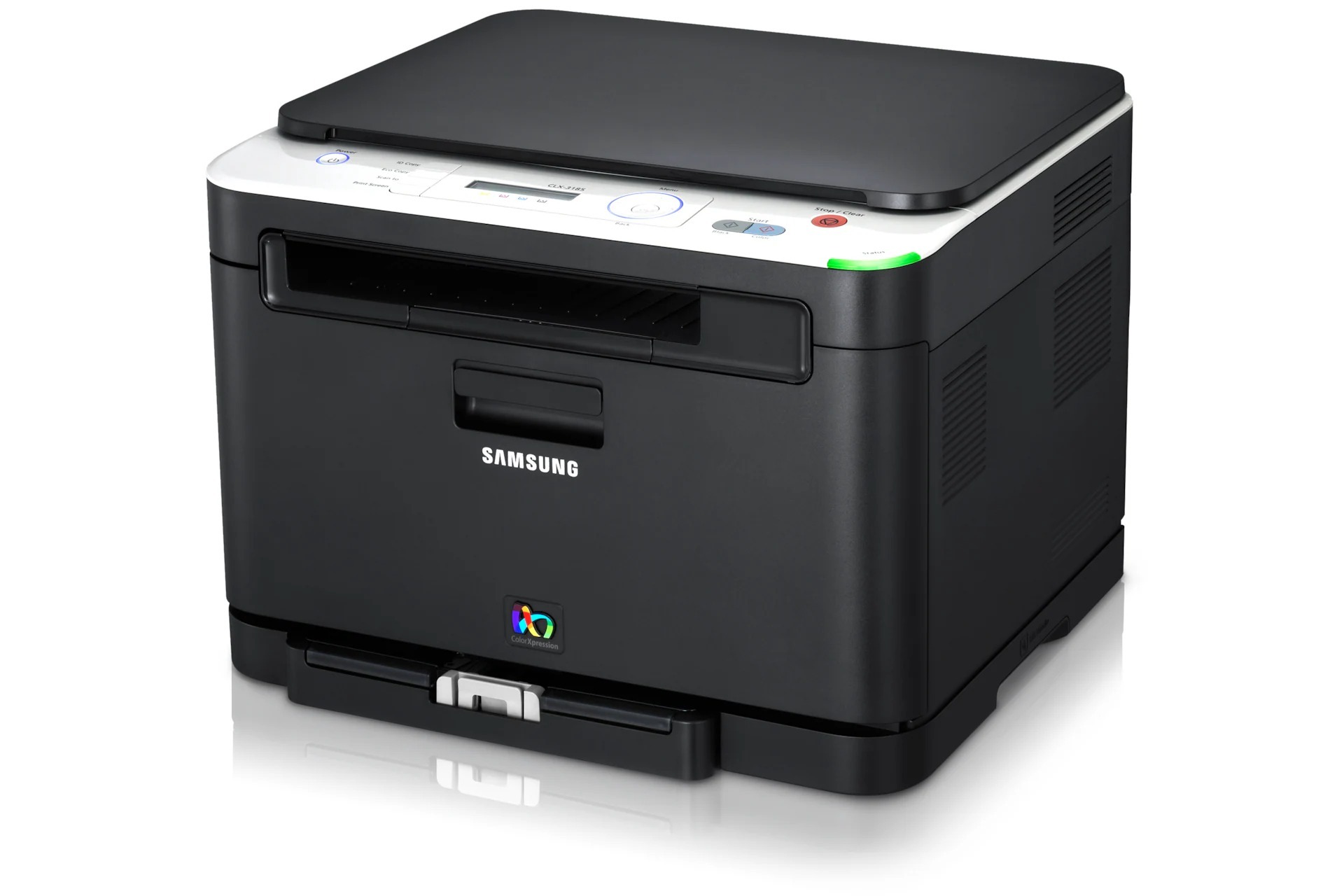
The CLX-3185NK arrived in the early 2010s as a color laser multifunction printer with running costs kept firmly in check. Samsung sold it as a configuration variant of the CLX-3185 line for specific channel needs. Its buyers were mostly home offices and micro-businesses looking for affordable color laser output.
The specified toner is Samsung's CLT-K407S range: CLT-K407S black alongside CLT-C407S magenta. Our shelves hold compatible and genuine OEM CLT-K407S toner alike, all shipping fast from Clever Supplies.
Toner Cartridges for CLX-3185NK
This printer works with the following toner cartridges:
- Samsung CLT-K407S
- Samsung CLT-C407S
- Samsung CLT-M407S
- Samsung CLT-Y407S
More Samsung Printers
- CLP-320
- CLP-320K
- CLP-320N
- CLP-320NK
- CLP-320W
- CLP-321
- CLP-321N
- CLP-325
- CLP-325K
- CLP-325N
- CLP-325W
- CLP-325WK
- CLP-326
- CLX-3180
- CLX-3180FN
- CLX-3180FW
- CLX-3180K
- CLX-3180N
- CLX-3180WK
- CLX-3185
- CLX-3185CW
- CLX-3185FN
- CLX-3185FW
- CLX-3185K
- CLX-3185N
- CLX-3185W
- CLX-3185WK
- CLX-3186
- CLX-3186FN
- CLX-3186FW
- CLX-3186N
- CLX-3186W
- CLX-3195
- CLX-3195FW
Frequently Asked Questions
Quick question: my new CLT-K407S prints faded right after installing in the CLX-3185NK — why?
The sealing tape on a new CLT-K407S must be removed entirely — a partial pull leaves the CLX-3185NK printing blank or streaked. Avoid touching the imaging drum or roller surfaces while the CLX-3185NK's bay is open. First prints after a CLT-K407S change should be crisp; if not, recheck the install steps.
Office question: why does the CLX-3185NK show a toner error with a brand-new cartridge?
Not compatible on the CLX-3185NK after installing CLT-K407S most often means the cartridge code is wrong for this model — double-check it first. A soft cloth on the chip contacts removes the film that sometimes causes read failures. Nine times out of ten, it is seating, contacts, or code — in that order.
Need some guidance — how can I lower the cost per page on my CLX-3185NK?
Consolidating small print jobs into batches helps the CLX-3185NK use toner more efficiently across warm-up cycles. Choose compatible CLT-K407S cartridges to lower the cartridge price itself, which flows straight into cost per page. Nothing lowers cost per page like not printing the page — preview first.