




CLX-3186N
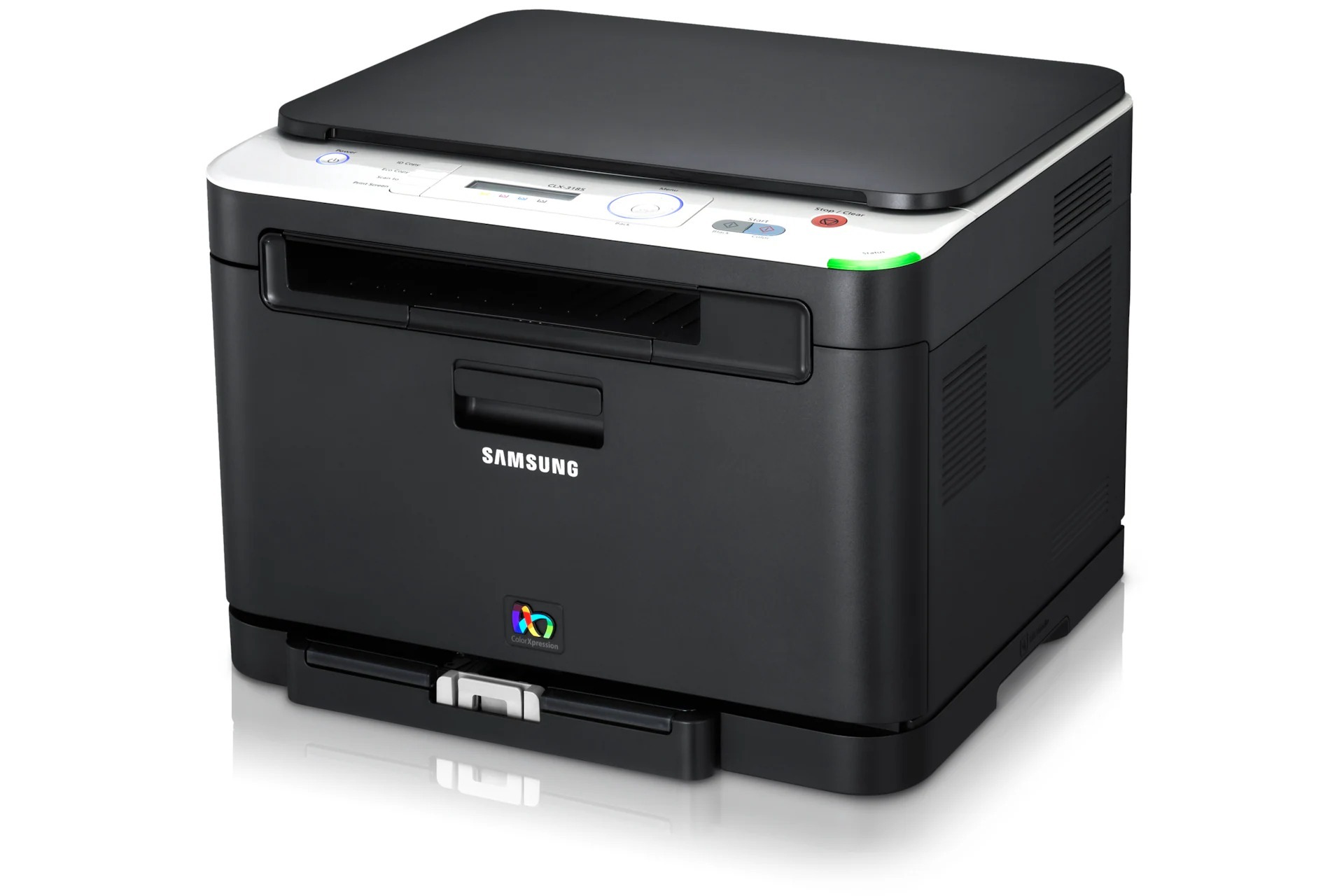
The Samsung CLX-3186N joined the CLP/CLX stable in the early 2010s as a color laser multifunction printer, and its final letter marks the difference from the base model: wired Ethernet networking. It takes one toner family — CLT-K407S for black pages alongside CLT-C407S for cyan, CLT-M407S for magenta and CLT-Y407S for yellow.
An Ethernet port turns a desktop all-in-one into shared infrastructure, and that is how the CLX-3186N was typically used: plugged into the office network, serving a small team whose members print very different things. One person's color charts and another's plain-text contracts come out of the same four cartridges, so levels drift apart quickly. That is normal for this system — and precisely why each color is its own cartridge with its own gauge.
Toner Cartridges for CLX-3186N
| Cartridge | Color | Page Yield |
|---|---|---|
| CLT-K407S | Black | See product page |
| CLT-Y407S | Yellow | See product page |
| CLT-C407S | Cyan | See product page |
| CLT-M407S | Magenta | See product page |
| CLT-407S 4 Color Set | Black, cyan, magenta, yellow | See product page |
| CLT-K407S Black 2 Pack | Black | See product page |
| CLX-3186N Premium Quality 4 Color Set | Black, cyan, magenta, yellow | See product page |
| CLX-3186N 4 Color Set | Black, cyan, magenta, yellow | See product page |
Which cartridge should you buy?
Ordering for this printer comes down to one discipline: buy the cartridge the display names, and no other. Because a shared machine's colors empty at unpredictable times, singles keep cash from sitting in cartridges nobody needs yet. The exception is black — team printing is document printing, so the CLT-K407S Black 2 Pack is cheap insurance against the 'printer is down' morning. When the machine is being set up, recommissioned or generally refreshed, a 4 Color Set puts all four levels back to full in a single order, with the Premium Quality set as the higher-grade equivalent.
Chip, toner and everyday use
Before installing any cartridge, find the protective seal and remove it completely — a seal left in place is a classic cause of blank pages and error messages on a brand-new cartridge. Note the date on the box flap when you install; on a shared printer, knowing when a cartridge went in helps the next person judge whether fading means empty or something else. A gentle side-to-side rock before installing levels the toner for the first pages. If output fades mid-cartridge, the same rock redistributes what remains and often restores full density for a while.
Frequently Asked Questions
What cartridges does the CLX-3186N take?
Four: CLT-K407S for black, CLT-C407S for cyan, CLT-M407S for magenta and CLT-Y407S for yellow. When in doubt, pull the old cartridge out and compare the code printed on it with the new one — an exact match means it fits. Once your team knows these codes, reordering is error-proof for the life of the printer.
Does this printer accept both yield versions of its cartridges?
There is only one yield version per color in this family, so the question answers itself: light users and high-volume users install the same cartridges. Choosing well is about how often you want to change them — heavy users simply keep a spare, especially of black.
What is the protective seal on my new cartridge — do I remove it?
Yes, always. The seal keeps toner from shifting or leaking in transit, and it must come off fully before the cartridge goes in. Seal out, gentle shake, slide in until it seats — that short ritual is the whole installation, and skipping the first step is the most common cause of a 'faulty' new cartridge.
Why do the colors on our shared printer never run out together?
Because your team does not print four colors evenly — documents are mostly black text with occasional color. Each cartridge has its own level and its own warning, so replace them one at a time as they are named. That staggered pattern is the system working as designed.
More printers that use the same cartridges
Samsung used this same cartridge set across much of its CLP and CLX color laser range, including CLP-320NK, CLP-320N, CLP-320K, CLP-320, Samsung-CLT407, CLX-3195FW, CLX-3195, CLX-3186W, CLX-3186FW, CLX-3186FN, CLX-3186, CLX-3185WK, CLX-3185W, CLX-3185NK, CLX-3185N, CLX-3185K, CLX-3185FW, CLX-3185FN, CLX-3185CW, CLX-3185, CLX-3180WK, CLX-3180N, CLX-3180K, CLX-3180FW, CLX-3180FN, CLX-3180, CLP-326, CLP-325WK, CLP-325W, CLP-325N, CLP-325K, CLP-325, CLP-321N, CLP-321, CLP-320W.