




CLX-3185FW
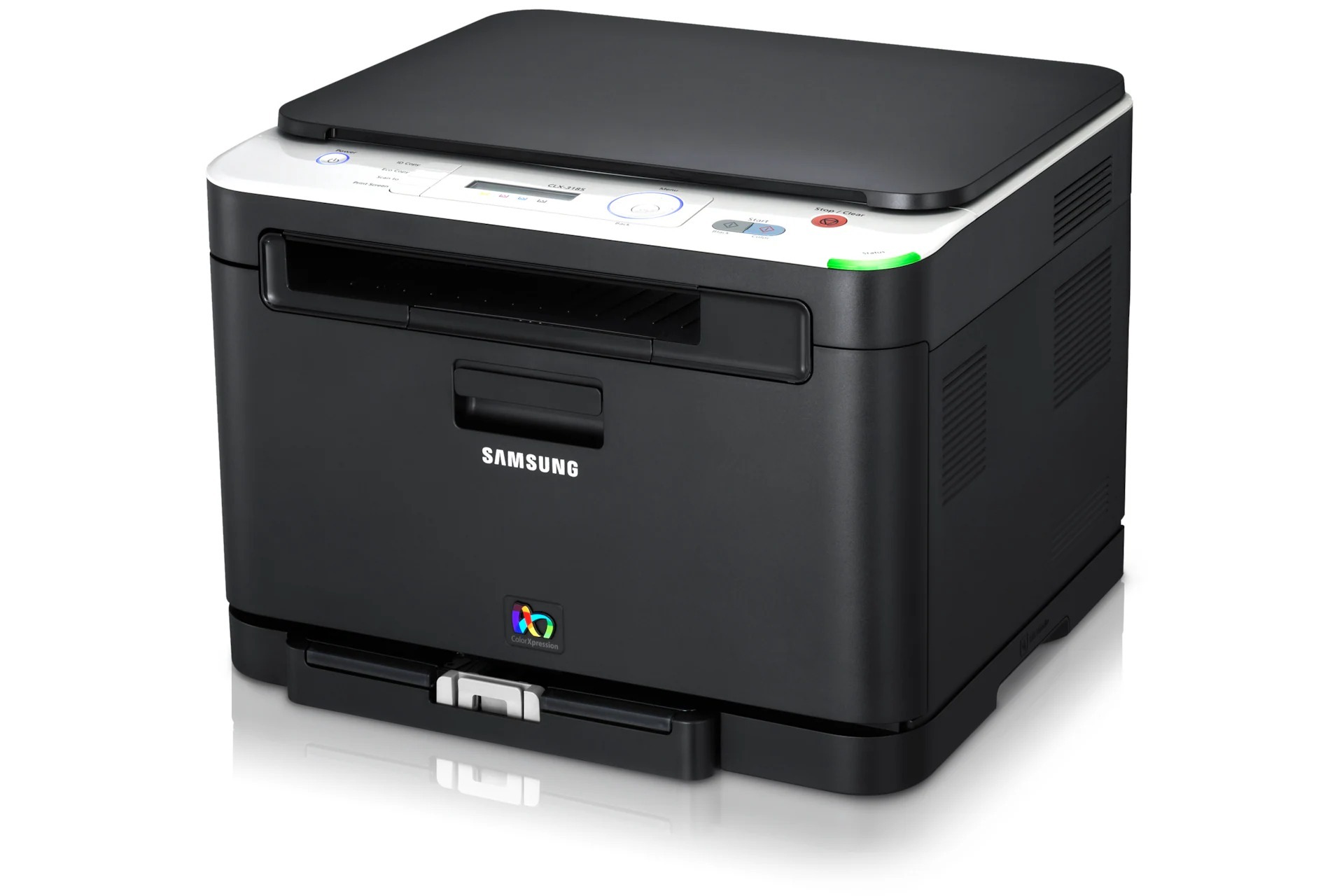
A color laser multifunction printer from Samsung's early 2010s CLP/CLX range, the CLX-3185FW brought color laser output to smaller budgets. That letters mean this version adds fax and wireless networking compared with the standard CLX-3185. Its natural home was home offices and micro-businesses looking for affordable color laser output.
The toner story here is the CLT-K407S family: CLT-K407S does the black work and CLT-C407S handles magenta. Both compatible and genuine OEM versions of the CLT-K407S set are available here, shipping fast from Clever Supplies.
Toner Cartridges for CLX-3185FW
This printer works with the following toner cartridges:
- Samsung CLT-K407S
- Samsung CLT-C407S
- Samsung CLT-M407S
- Samsung CLT-Y407S
More Samsung Printers
- CLP-320
- CLP-320K
- CLP-320N
- CLP-320NK
- CLP-320W
- CLP-321
- CLP-321N
- CLP-325
- CLP-325K
- CLP-325N
- CLP-325W
- CLP-325WK
- CLP-326
- CLX-3180
- CLX-3180FN
- CLX-3180FW
- CLX-3180K
- CLX-3180N
- CLX-3180WK
- CLX-3185
- CLX-3185CW
- CLX-3185FN
- CLX-3185K
- CLX-3185N
- CLX-3185NK
- CLX-3185W
- CLX-3185WK
- CLX-3186
- CLX-3186FN
- CLX-3186FW
- CLX-3186N
- CLX-3186W
- CLX-3195
- CLX-3195FW
Frequently Asked Questions
Help me decide: how do I choose between genuine and compatible for my CLX-3185FW?
If your CLX-3185FW is under a service contract that mandates OEM, genuine CLT-K407S is the safe choice regardless of price. Whatever you choose, make sure the code is exactly CLT-K407S — fit issues come from wrong codes, not from the compatible label. Start with a single compatible CLT-K407S and judge the output yourself before committing the CLX-3185FW fleet.
Office question: can I keep a spare CLT-K407S in the garage for my CLX-3185FW?
Leave the protective bag and seals intact until installation day — the CLX-3185FW's cartridge is packed to stay fresh. Label spares with the purchase date so the CLX-3185FW always gets the oldest stock first. Good storage habits cost nothing and save the price of a ruined cartridge.
Maintenance check: can I enlarge or reduce when copying on the CLX-3185FW?
Feed multi-page originals through the CLX-3185FW's document feeder and choose PDF to combine them into a single file. Keep the feeder rollers clean so the CLX-3185FW does not skew multi-page scans. The CLX-3185FW's scanner is a separate system from its printer — most scan issues never involve toner.