




CLX-3185W
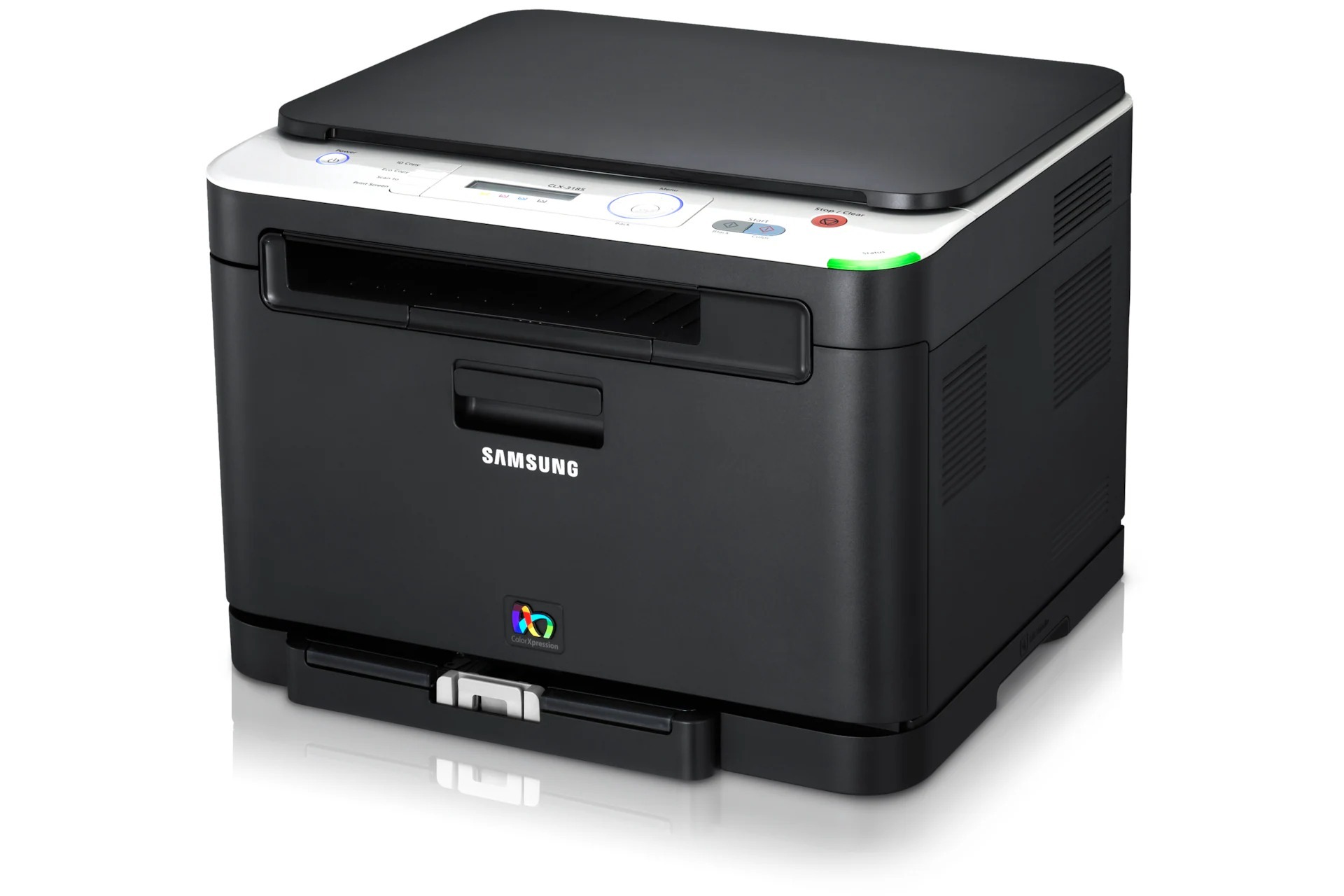
Samsung's CLX-3185W is a color laser multifunction printer from the early 2010s CLP/CLX generation, and its defining letter stands for wireless networking — no network cable tethering it to one corner of the room. It handles printing, scanning and copying in color, and it runs on four separate toner cartridges: CLT-K407S in black, CLT-C407S in cyan, CLT-M407S in magenta and CLT-Y407S in yellow.
Wireless is what shaped this model's working life. A CLX-3185W can sit on a shelf, a side table or a spare desk and still serve every laptop in the home, which made it a natural fit for home offices and micro-businesses that did not want to plan furniture around a printer. The trade-off of that freedom is that the machine often serves several people at once, printing everything from homework to invoices — a mixed diet that drains the four cartridges at four different speeds.
Toner Cartridges for CLX-3185W
| Cartridge | Color | Page Yield |
|---|---|---|
| CLT-C407S | Cyan | See product page |
| CLT-M407S | Magenta | See product page |
| CLT-Y407S | Yellow | See product page |
| CLT-K407S | Black | See product page |
| CLT-K407S Black 2 Pack | Black | See product page |
| CLX-3185W 4 Color Set | Black, cyan, magenta, yellow | See product page |
| CLT-407S 4 Color Set | Black, cyan, magenta, yellow | See product page |
| CLX-3185W Premium Quality 4 Color Set | Black, cyan, magenta, yellow | See product page |
Which cartridge should you buy?
Reordering for this printer is refreshingly predictable: the same four codes every time, bought one at a time as each color gives out. If the machine is new to you, or the display is reporting several colors low together, a 4 Color Set is the cleanest reset — one order, four fresh cartridges, nothing left half-empty. After that, singles are the economical habit: a single CLT-C407S when cyan fades, a single black when text pages lighten. Households that print documents daily should look at the CLT-K407S Black 2 Pack, since black is the cartridge a home printer consumes fastest. The Premium Quality set offers the same combination in the higher-grade line.
Chip, toner and everyday use
A compatible cartridge's chip has to match this model exactly, and the printer checks it on every install. If a toner error appears with a brand-new cartridge, the usual causes are the protective seal still in place or the cartridge not pushed fully home — remove it, confirm the seal is off, and reseat it. Rock the cartridge gently from side to side before installing so the first pages print evenly. Wireless models also benefit from a fixed address: reserve an IP for the printer in your router so it never seems to vanish from the network after a restart.
Frequently Asked Questions
Can I run the CLX-3185W on a guest network?
You can, but a guest network that isolates devices from each other will hide the printer from your computers. Put the printer on your main network and give it a DHCP reservation in the router so its address never changes. A stable address ends most 'the printer disappeared' problems before they start.
Why does my CLX-3185W show a toner error with a brand-new cartridge?
Nine times out of ten the code on the cartridge does not match what this printer expects, or the cartridge is not fully seated. Check that the code reads CLT-K407S, CLT-C407S, CLT-M407S or CLT-Y407S for the slot you are filling — a one-letter difference is enough to trigger the message. Reseating the cartridge firmly clears most remaining cases.
Is this printer limited to one cartridge size?
Yes — each of the four colors comes in a single yield for this family, so light users and busy households buy exactly the same cartridges. Twin packs and sets are fine as long as every cartridge inside carries the same code. The choice is about how many you keep on hand, not about different sizes.
What happens when just the yellow runs out?
Only the yellow needs replacing. The other three cartridges keep working, and the printer flags the empty one by name. Order the single CLT-Y407S, swap it in, and color printing resumes — there is no need to touch black, cyan or magenta.
More printers that use the same cartridges
Samsung fitted the same cartridge quartet to many of its compact color lasers of the period, among them CLP-325, CLP-325K, CLP-325N, CLP-325W, CLP-325WK, CLP-326, CLX-3180, CLX-3180FN, CLX-3180FW, CLX-3180K, CLX-3180N, CLX-3180WK, CLX-3185, CLX-3185CW, CLX-3185FN, CLX-3185FW, CLX-3185K, CLX-3185N, CLX-3185NK, CLX-3185WK, CLX-3186, CLX-3186FN, CLX-3186FW, CLX-3186N, CLX-3186W, CLX-3195, CLX-3195FW, Samsung-CLT407, CLP-320, CLP-320K, CLP-320N, CLP-320NK, CLP-320W, CLP-321, CLP-321N.