




CLX-3185
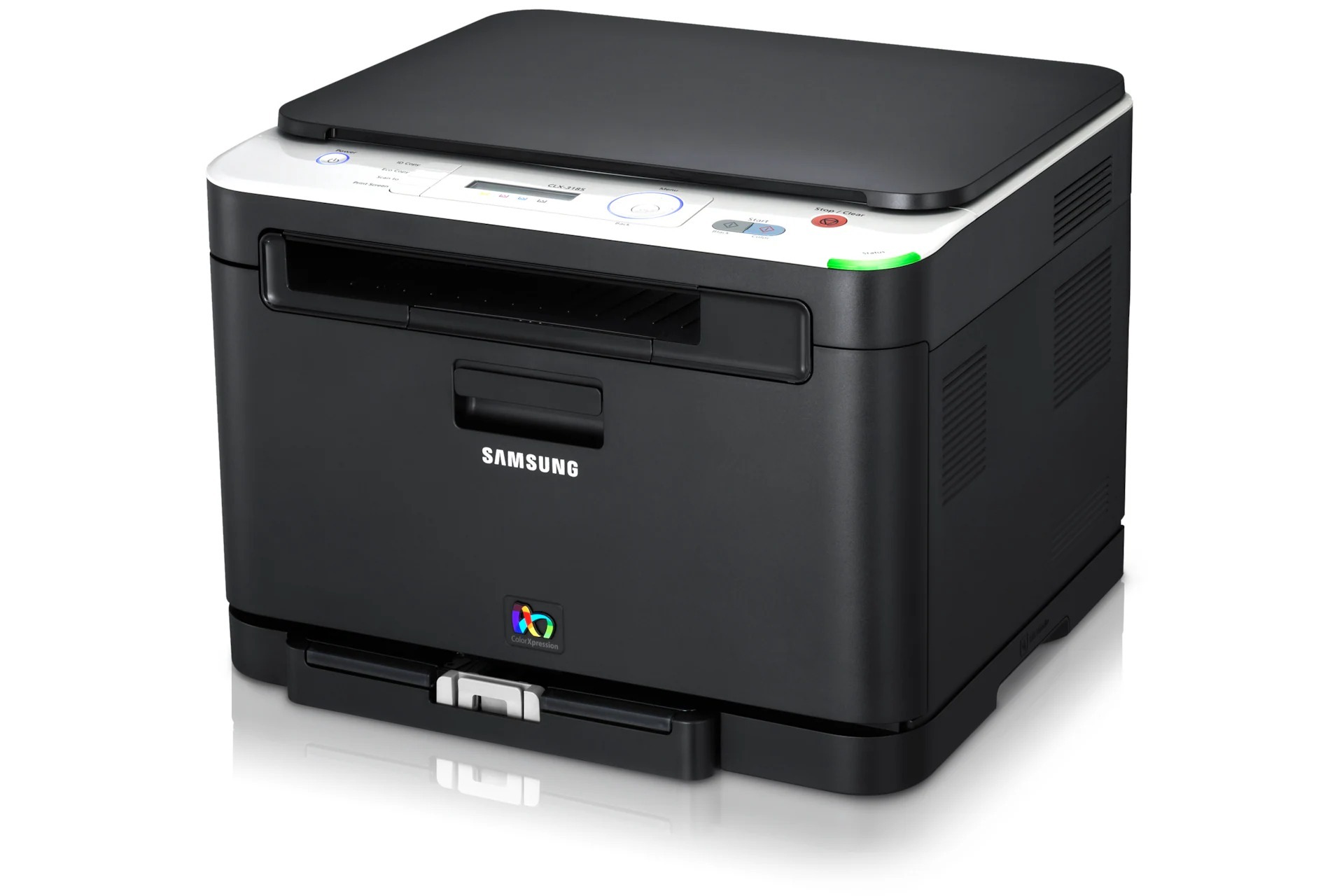
A color laser multifunction printer from Samsung's early 2010s CLP/CLX range, the CLX-3185 brought color laser output to smaller budgets. Under the hood it is the same machine as the CLX-3185, tuned for a particular sales channel. Buyers were typically home offices and micro-businesses looking for affordable color laser output.
It feeds on the CLT-K407S cartridge set, where CLT-K407S covers black and CLT-C407S covers magenta. Compatible CLT-K407S toner and genuine Samsung OEM cartridges are both in stock, with fast Clever Supplies shipping.
Toner Cartridges for CLX-3185
This printer works with the following toner cartridges:
- Samsung CLT-K407S
- Samsung CLT-C407S
- Samsung CLT-M407S
- Samsung CLT-Y407S
More Samsung Printers
- CLP-320
- CLP-320K
- CLP-320N
- CLP-320NK
- CLP-320W
- CLP-321
- CLP-321N
- CLP-325
- CLP-325K
- CLP-325N
- CLP-325W
- CLP-325WK
- CLP-326
- CLX-3180
- CLX-3180FN
- CLX-3180FW
- CLX-3180K
- CLX-3180N
- CLX-3180WK
- CLX-3185CW
- CLX-3185FN
- CLX-3185FW
- CLX-3185K
- CLX-3185N
- CLX-3185NK
- CLX-3185W
- CLX-3185WK
- CLX-3186
- CLX-3186FN
- CLX-3186FW
- CLX-3186N
- CLX-3186W
- CLX-3195
- CLX-3195FW
Frequently Asked Questions
Need some guidance — how do I decide between standard and high-yield for the CLX-3185?
The CLX-3185 reads the chip on any CLT-K407S cartridge the same way, regardless of how much toner is inside. If the CLX-3185 sits idle for months, a standard cartridge avoids toner sitting around aging. The right yield is the one that matches how your CLX-3185 is actually used, not how it might be.
The CLX-3185 takes CLT-K407S — does the suffix on the code matter?
Ordering for a CLX-3185 comes down to one code: CLT-K407S. Check the label on the installed cartridge before ordering — if it reads CLT-K407S, the replacement is a straight swap. Write CLT-K407S on a label inside the printer lid and reordering becomes a two-second job.
Straightforward question: how do I get the CLX-3185 to accept a compatible CLT-K407S cartridge?
Not compatible on the CLX-3185 after installing CLT-K407S most often means the cartridge code is wrong for this model — double-check it first. If the CLX-3185 offers a continue option on the warning screen, using it is safe for normal printing. When in doubt, the supplier who sold the CLT-K407S is your fastest path to a fix.