




CLX-3186FW
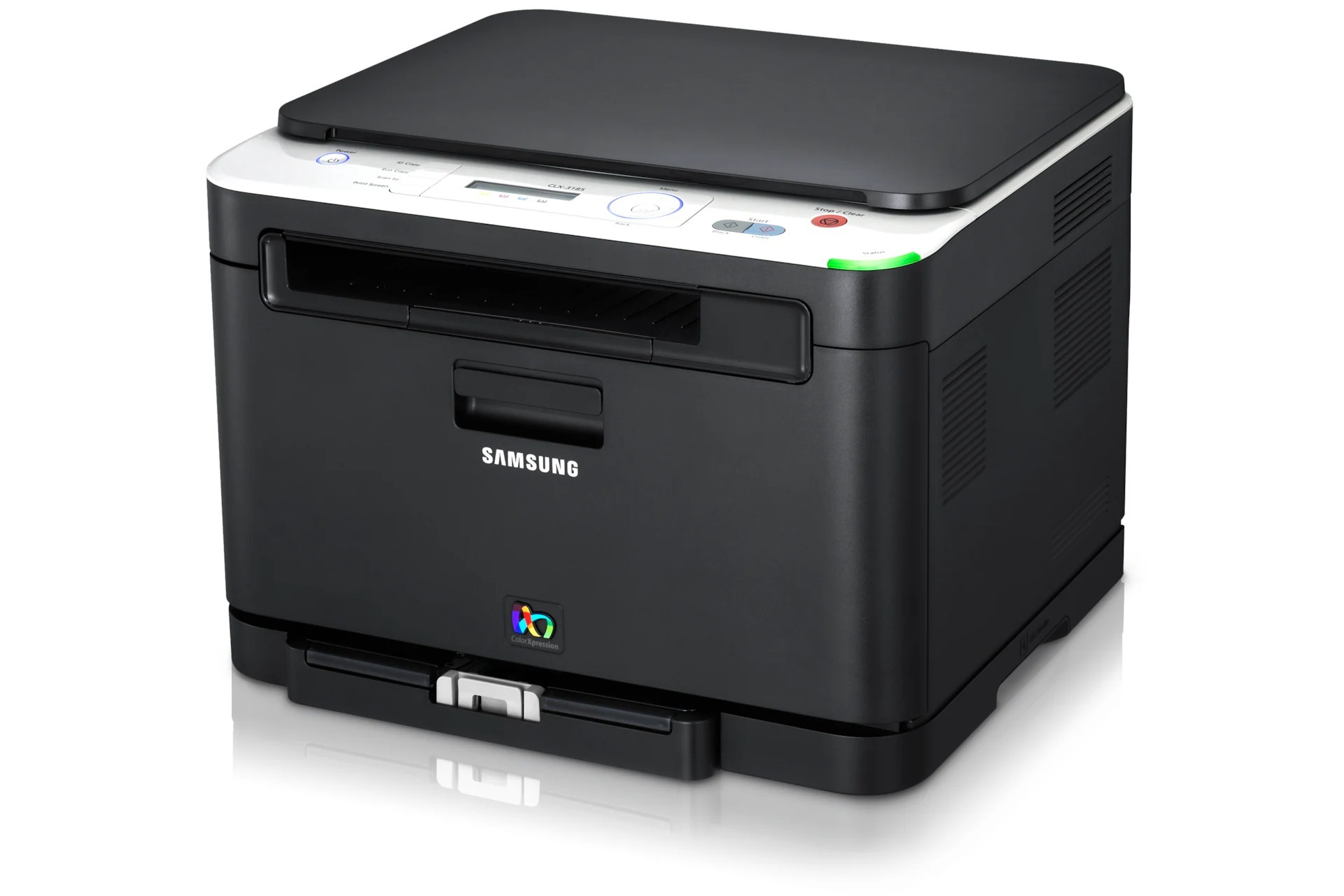
In the early 2010s, Samsung's CLP/CLX lineup included the CLX-3186FW, the fully loaded version of its compact color laser multifunction family — fax on board, wireless networking on board, no cables dictating where it sits. It shares its engine and toner system with the rest of the CLX-3186 group. The cartridge set that powers it is the CLT-K407S for black, with CLT-C407S covering cyan, CLT-M407S magenta and CLT-Y407S yellow.
This was the variant for a micro-business that wanted everything in one box on day one: print, scan, copy and fax, reachable from every computer without a cable run. Machines specced like that tend to become the office default for every kind of job, from a one-page letter to a color presentation printed minutes before a meeting. Versatility like that uses all four cartridges — but never evenly.
Toner Cartridges for CLX-3186FW
| Cartridge | Color | Page Yield |
|---|---|---|
| CLT-C407S | Cyan | See product page |
| CLT-M407S | Magenta | See product page |
| CLT-Y407S | Yellow | See product page |
| CLT-K407S | Black | See product page |
| CLT-K407S Black 2 Pack | Black | See product page |
| CLX-3186FW 4 Color Set | Black, cyan, magenta, yellow | See product page |
| CLT-407S 4 Color Set | Black, cyan, magenta, yellow | See product page |
| CLX-3186FW Premium Quality 4 Color Set | Black, cyan, magenta, yellow | See product page |
Which cartridge should you buy?
Because an all-in-one like this handles such a mix, watch levels rather than guessing: the display reports each cartridge separately, and the one it names is the one to order. Singles are the right buy for the steady state — one cartridge, one slot, problem solved. Reach for a 4 Color Set when you are refreshing the machine after heavy use, or when two or more colors are low together and you would rather make one order than three. The black 2 Pack covers document-heavy months, since faxing and letters run on black alone. The Premium Quality set mirrors the standard set in the higher-grade line.
Chip, toner and everyday use
Toner and the imaging unit live separate lives in this machine, which keeps long-term costs down: you never discard a healthy imaging unit just because a toner cartridge emptied. Cover the imaging unit if you ever have it out of the printer — bright light damages its surface, and it should go back in within minutes. For the cartridges themselves, the routine is simple: seal off, a gentle side-to-side rock to level the toner, then in until it clicks. Store spares upright in their sealed packaging, away from radiators and sunny shelves, and they will be ready the moment the display calls for them.
Frequently Asked Questions
Can I replace the imaging unit myself when the CLX-3186FW asks for one?
Yes — it is a user-replaceable consumable, designed to be swapped without a service visit. Work in subdued light, keep the new unit covered until the moment it goes in, and handle it by its frame rather than its green surface. A fresh imaging unit often restores output to like-new sharpness immediately.
Will a cartridge from another Samsung printer work in my CLX-3186FW?
Only if it carries one of this page's four codes. Toner built for a different Samsung series may look nearly identical, but the chip and the cartridge shape differ, and this printer will refuse it. Keep the code CLT-K407S and its color partners handy — that code, not the printer a cartridge came from, decides compatibility.
Is there a high-yield option, or only standard cartridges?
Only standard — the black cartridge for this family comes in a single yield. Estimate your monthly pages and set a reorder point instead of hunting for a bigger cartridge that does not exist here. Cost control on this model comes from settings: Eco mode and grayscale defaults for everyday pages.
The fax side uses black only — does that affect what I should stock?
It does. Faxing, copying and everyday documents all draw on the black cartridge, so it empties well ahead of the colors. Stock a spare black and let the colors be ordered as needed; that matches supply to how this machine actually consumes toner.
More printers that use the same cartridges
Plenty of Samsung's other compact color lasers drink from the same four cartridges, including CLX-3185NK, CLX-3185W, CLX-3185WK, CLX-3186, CLX-3186FN, CLX-3186N, CLX-3186W, CLX-3195, CLX-3195FW, Samsung-CLT407, CLP-320, CLP-320K, CLP-320N, CLP-320NK, CLP-320W, CLP-321, CLP-321N, CLP-325, CLP-325K, CLP-325N, CLP-325W, CLP-325WK, CLP-326, CLX-3180, CLX-3180FN, CLX-3180FW, CLX-3180K, CLX-3180N, CLX-3180WK, CLX-3185, CLX-3185CW, CLX-3185FN, CLX-3185FW, CLX-3185K, CLX-3185N.