




B431DN
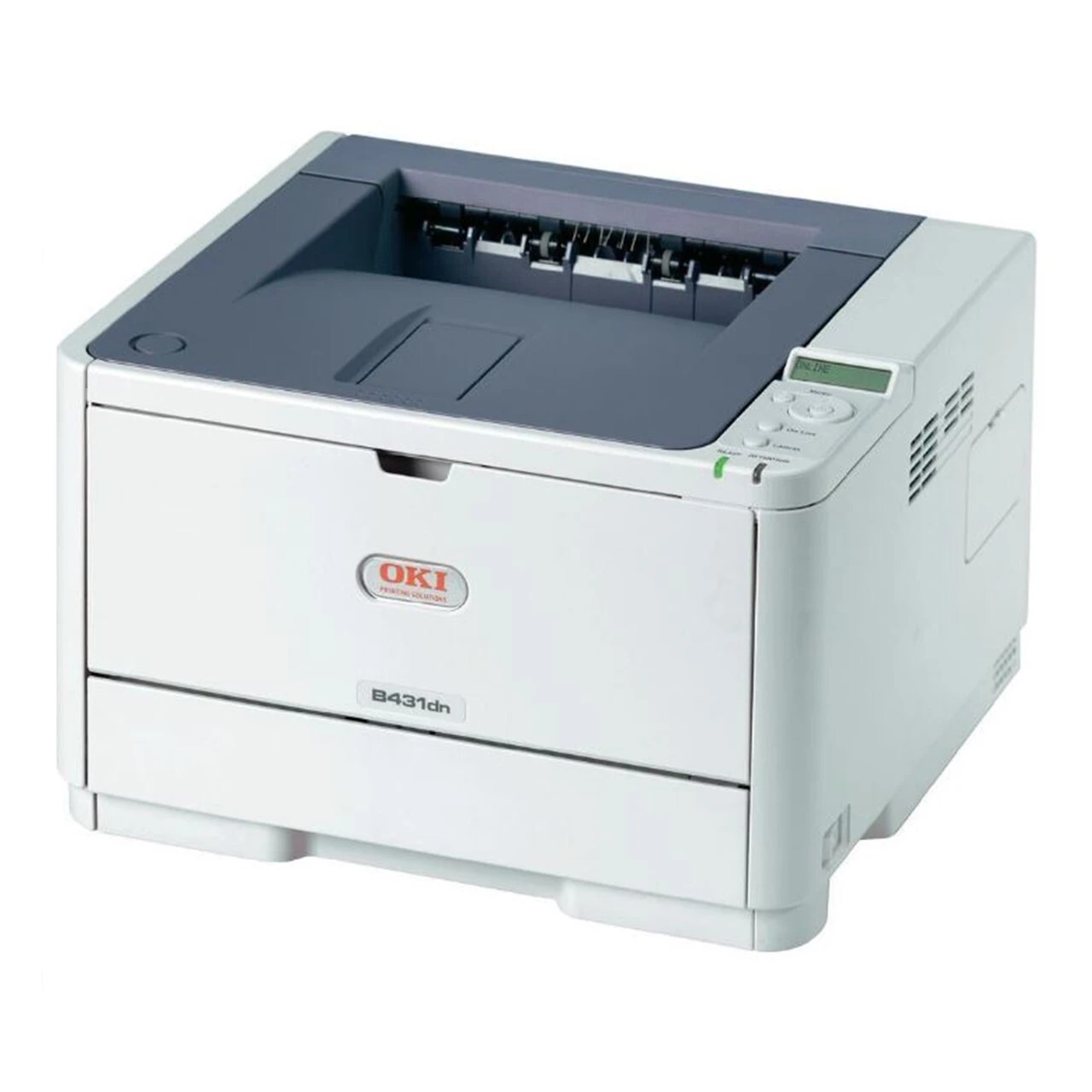
The Okidata B431DN is a monochrome laser printer with automatic duplexing and network connectivity, built for shared office document printing where two-sided output saves paper. It runs on two black toner options: the 44574701 standard cartridge, rated for approximately 4,000 pages, and the 44574901 large-capacity cartridge, rated for approximately 10,000 pages, for offices that want to change toner less often. A separate 44574301 image drum works behind the toner in the B431DN and typically lasts through several cartridge changes before it needs replacing.
Shared printing changes what matters. The B431DN sits on the network, everyone in the office sends jobs to it, and the two-sided default keeps paper use down without anyone thinking about it. The printer also reports its own supplies: type its IP address into a browser to open the web interface, which shows toner and drum life, and low-toner email alerts can be set up so supplies are ordered before the machine stops.
Toner Cartridges for B431DN
| Cartridge | Color | Page Yield |
|---|---|---|
| 44574701 | Black | Approximately 4,000 pages |
| 44574901 | High Yield Black | Approximately 10,000 pages |
| B431DN | Black | See product page |
Drum unit, sold separately: 44574301 drum unit.
Multi-packs on this page: 44574701 three-pack, 44574901 high-yield three-pack, 44574901 high-yield five-pack and B431DN five-pack.
Which cartridge should you buy?
For a shared office printer, the high-yield 44574901 is usually the better buy: the machine prints for the whole office, cartridges turn over steadily, and the 10,000-page cartridge means fewer interruptions and a lower cost per page. The standard 44574701 fits a lighter office where the printer prints a few hundred pages a week and a large cartridge would sit unused for months. Multi-packs make sense here because the printer is shared — a spare on the shelf means nobody's job stops mid-day. The drum is a separate, longer-lived part: buy it only when repeating marks say it is worn.
Chip, toner and everyday use
Check toner through the printer's web interface before ordering, so you buy what is actually low. When output starts to fade, the toner is nearly gone and only redistributes enough for a page or two after sitting — replace the cartridge rather than relying on shaking, which is only a stopgap for finishing an urgent job. Set up low-toner email alerts so the replacement is ordered before the machine stops. Keep one spare cartridge on the shelf and store it in a cool, dry place.
Frequently Asked Questions
Which toner cartridges work in the OKI B431DN?
The B431DN uses toner options 44574701 and the higher-capacity 44574901, with a separate image drum, the 44574301. Duplex and networking are built in.
The B431DN prints the first page fine, then fades. What is happening?
That pattern suggests the toner is nearly gone and only redistributes enough for a page or two after sitting. Replace the cartridge; shaking it is only a stopgap for finishing an urgent job.
Can I monitor the B431DN's toner over the network?
Yes. Type the printer's IP address into a browser to open its web interface, which reports toner and drum life. You can also set up low-toner email alerts so supplies are ordered before the machine stops.
More printers that use the same cartridges
The same cartridges fit these printers: MB461 MFP, MB461, MB471 MFP, MB471, MB471DNW, MB471W MFP, MB471W, MB491+, MB491+LP MFP, MB491+LP, MB491 MFP, MB491 Plus, MB491, B411, B411D, B411dn, B431, B431D.