




B431D
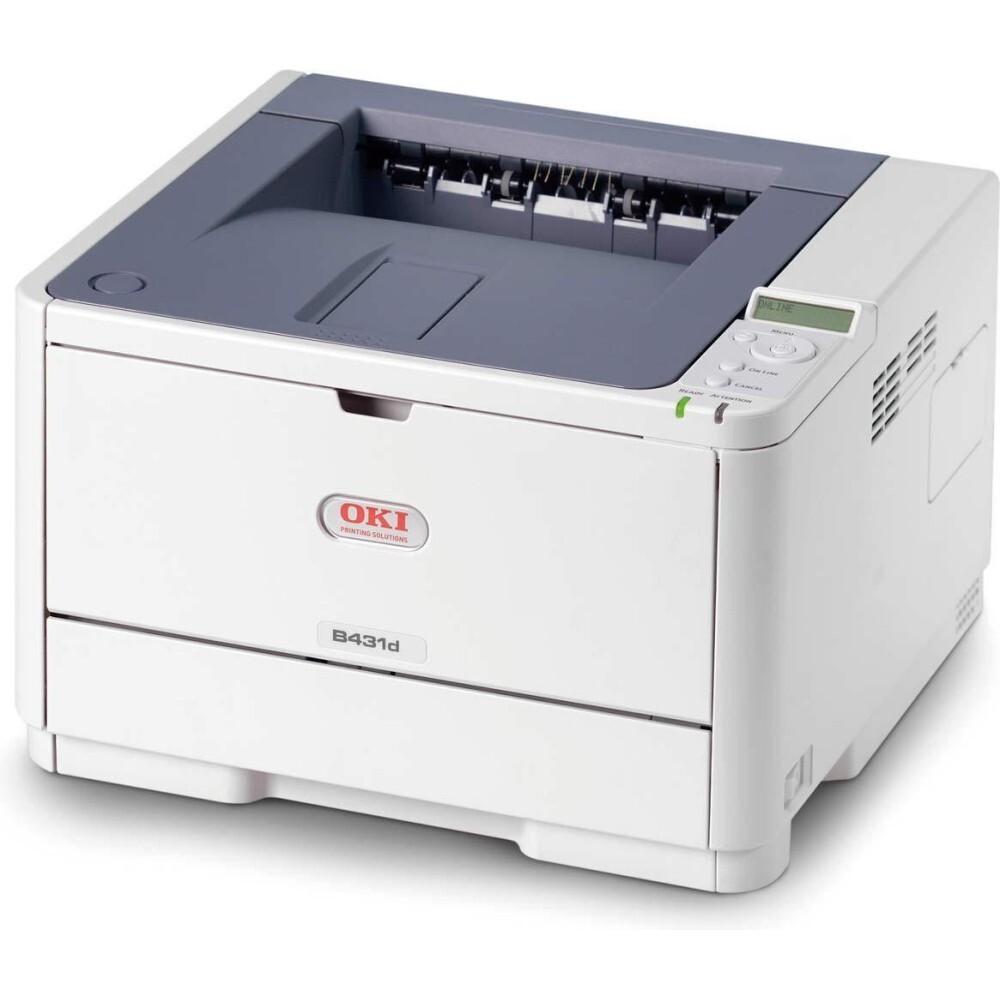
The Okidata B431D is a monochrome laser printer with duplex printing built in, aimed at offices that want fast double-sided black-and-white output. It uses the same engine — and the same toner cartridges — as the B431: the standard 44574701, rated for approximately 4,000 pages, and the higher-capacity 44574901, rated for approximately 10,000 pages. On the B431D, imaging is handled by a separate 44574301 drum unit, a long-life part swapped on its own schedule, not at every cartridge change.
The D in the name is the whole story: automatic two-sided printing comes standard, and for draft and internal documents it can cut paper consumption nearly in half. Toner use per printed side stays the same, so the savings are in paper, not toner — but in a shared office that adds up fast. Make duplex the default and the printer quietly saves a ream a week without anyone having to think about it.
Toner Cartridges for B431D
| Cartridge | Color | Page Yield |
|---|---|---|
| 44574701 | Black | Approximately 4,000 pages |
| 44574901 | High Yield Black | Approximately 10,000 pages |
| B431D | Black | See product page |
Drum unit, sold separately: 44574301 drum unit.
Multi-packs on this page: 44574701 three-pack, 44574901 high-yield single, 44574901 high-yield three-pack, 44574901 high-yield five-pack, B431D five-pack, 44574901 two-cartridge pack, 44574901 three-cartridge pack, 44574901 five-cartridge pack and 44574901 ten-cartridge pack.
Which cartridge should you buy?
For a duplex office, the high-yield 44574901 is usually the better buy: the printer runs through paper quickly on both sides, and the 10,000-page cartridge means fewer swaps and a lower cost per page. The standard 44574701 suits a lighter office where the printer prints a few hundred pages a week and a large cartridge would sit in the machine for months. Multi-packs are worth it when the whole office shares the printer and cartridges turn over steadily. The drum is not part of this decision at all: it lasts through several cartridge changes, so buy it only when repeating marks say it is worn.
Chip, toner and everyday use
Set duplex as the default in the driver and the savings happen on their own. When the toner-low warning appears, there is still a usable reserve in the cartridge — keep printing until output actually fades, but have the replacement ready. A gentle shake side to side redistributes the remaining toner and can finish an urgent two-sided job. Store spares in a cool, dry place, and watch for repeating marks on the page: those point to the drum, not the toner, and mean the 44574301 is due.
Frequently Asked Questions
Which toner does the OKI B431D use?
The B431D uses toner options 44574701 and the higher-capacity 44574901, with a separate long-life image drum, the 44574301. The D in the model name means duplex comes standard.
How much can duplex printing save on the B431D?
Automatic two-sided printing can cut paper consumption nearly in half for draft and internal documents. Toner use per printed side stays the same, but the paper savings alone usually justify making duplex the default.
Which is better for the B431D, the 44574701 or the 44574901?
The 44574901 carries more toner, so high-volume users replace cartridges less often and pay less per page. Light users who print occasionally may prefer the 44574701 to avoid toner sitting in the machine for years.
More printers that use the same cartridges
The same cartridges fit these printers: MB461 MFP, MB461, MB471 MFP, MB471, MB471DNW, MB471W MFP, MB471W, MB491+, MB491+LP MFP, MB491+LP, MB491 MFP, MB491 Plus, MB491, B411, B411D, B411dn, B431, B431DN.