




LaserJet M1536N
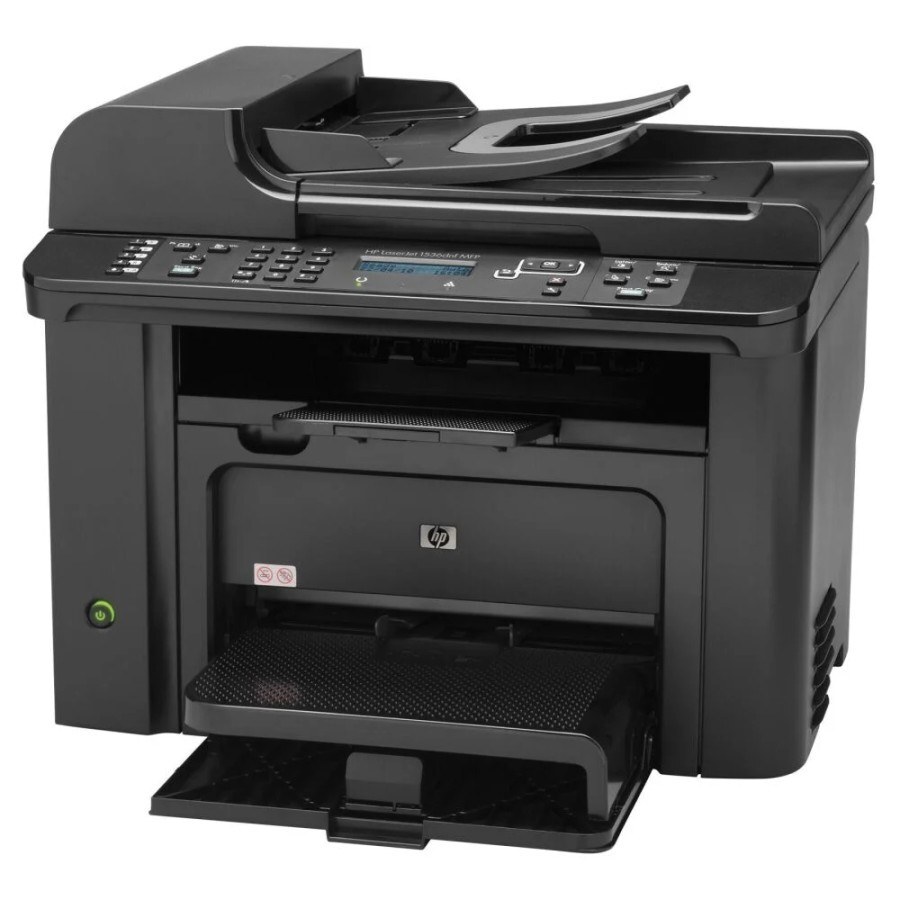
Networked mono multifunction printing defined the HP LaserJet M1536N — the M1536's Ethernet-ready variant for small offices sharing one machine.
It uses the HP 78A cartridge — black CE278A — as its only consumable.
Toner Cartridges for LaserJet M1536N
This printer works with the following toner cartridges:
- HP CE278A
More HP Printers
- LaserJet M1530
- LaserJet M1530MFP
- LaserJet M1536
- LaserJet M1536D
- LaserJet M1536DN
- LaserJet M1536DNF
- LaserJet M1536DNF MFP
- LaserJet M1536F
- LaserJet M1536NF
- LaserJet P1560
- LaserJet P1566
- LaserJet P1606
- LaserJet P1606DN
- LaserJet Pro M1536
- LaserJet Pro M1536DNF
- LaserJet Pro P1566
- LaserJet Pro P1606
- LaserJet Pro P1606dn
Frequently Asked Questions
What toner cartridge does the LaserJet M1536N use?
The LaserJet M1536N takes the CE278A toner cartridge. Always match the cartridge code to your exact model number before ordering.
What should I do if the LaserJet M1536N prints blank pages?
Blank pages from the LaserJet M1536N usually mean the CE278A cartridge is empty or not seated properly. Remove it, make sure the sealing tape was pulled, reseat it firmly, and print again.
Why does my LaserJet M1536N leave vertical lines on every page?
Vertical lines from the LaserJet M1536N often come from a damaged or nearly empty CE278A cartridge. Try a fresh cartridge, and if the lines persist the printer may need a cleaning cycle or service.