




Laser B2360D
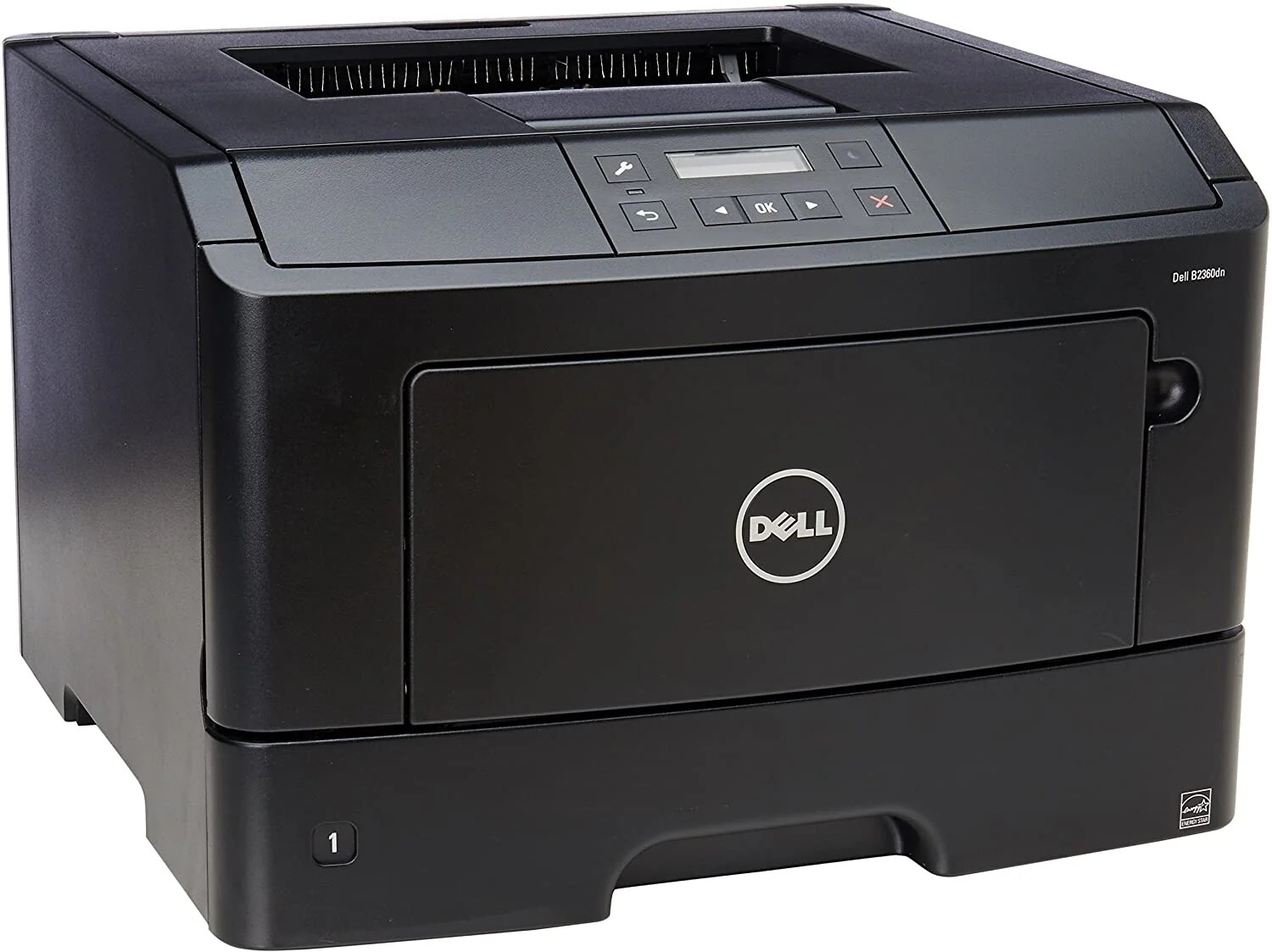
The D in the Dell B2360D stands for duplex — automatic two-sided printing that cuts paper costs nearly in half on long documents. For offices printing reports, contracts, and manuals, built-in duplexing is one of the fastest paybacks in office equipment.
Duplex printing doubles the pages per sheet, so toner becomes the main consumable cost. Compatible Dell B2360D toner from Clever Supplies keeps that cost minimal, with high-yield cartridges (331-9806, 593-11168) that match the printer's heavy-duty design. Genuine OEM options ship fast too.
Toner Cartridges for Dell B2360D
This printer works with the following toner cartridges:
- Dell 1V7V7
- Dell 2PFPR
- Dell 331-9803
- Dell 331-9805
- Dell 331-9806
- Dell 593-11165
- Dell 593-11168
- Dell 7MC5J
- Dell C3NTP
- Dell M11XH
- Dell RGCN6
Frequently Asked Questions
Does the Dell B2360D print double-sided?
Yes - the D means automatic duplex printing on the B2360D. It uses the same cartridges as the base B2360: 331-9803, 331-9805, 331-9806, 593-11165, 593-11168, 1V7V7, 2PFPR, 7MC5J, C3NTP, M11XH, and RGCN6.
Which cartridges does the B2360D take?
The full B2360-family set: 331-9803, 331-9805, 331-9806, 593-11165, 593-11168, 1V7V7, 2PFPR, 7MC5J, C3NTP, M11XH, and RGCN6. Duplex printing does not change the cartridge.
How do I enable two-sided printing on the B2360D?
In the print dialog, select two-sided or duplex (long-edge binding for most documents) and the B2360D flips pages automatically. You will use the same 331-9803-series toner either way - duplex saves paper, not toner per page.
More Dell Printers
- Dell 331-9805
- Dell B2360 (Laser)
- Dell B2360 (Color Laser)
- Dell B2360D
- Dell B2360DN (Laser)
- Dell B2360DN (Color Laser)
- Dell B3460 (Laser)
- Dell B3460 (Color Laser)
- Dell B3460 (Color Laser)
- Dell B3460DN (Laser)
- Dell B3460DN (Color Laser)
- Dell B3460DNF
- Dell B3465 (Laser)
- Dell B3465 (Color Laser)
- Dell B3465DN (Laser)
- Dell B3465DN (Color Laser)
- Dell B3465DNF (Laser)
- Dell B3465DNF (Color Laser)