




Color Laser Laser B2360DN
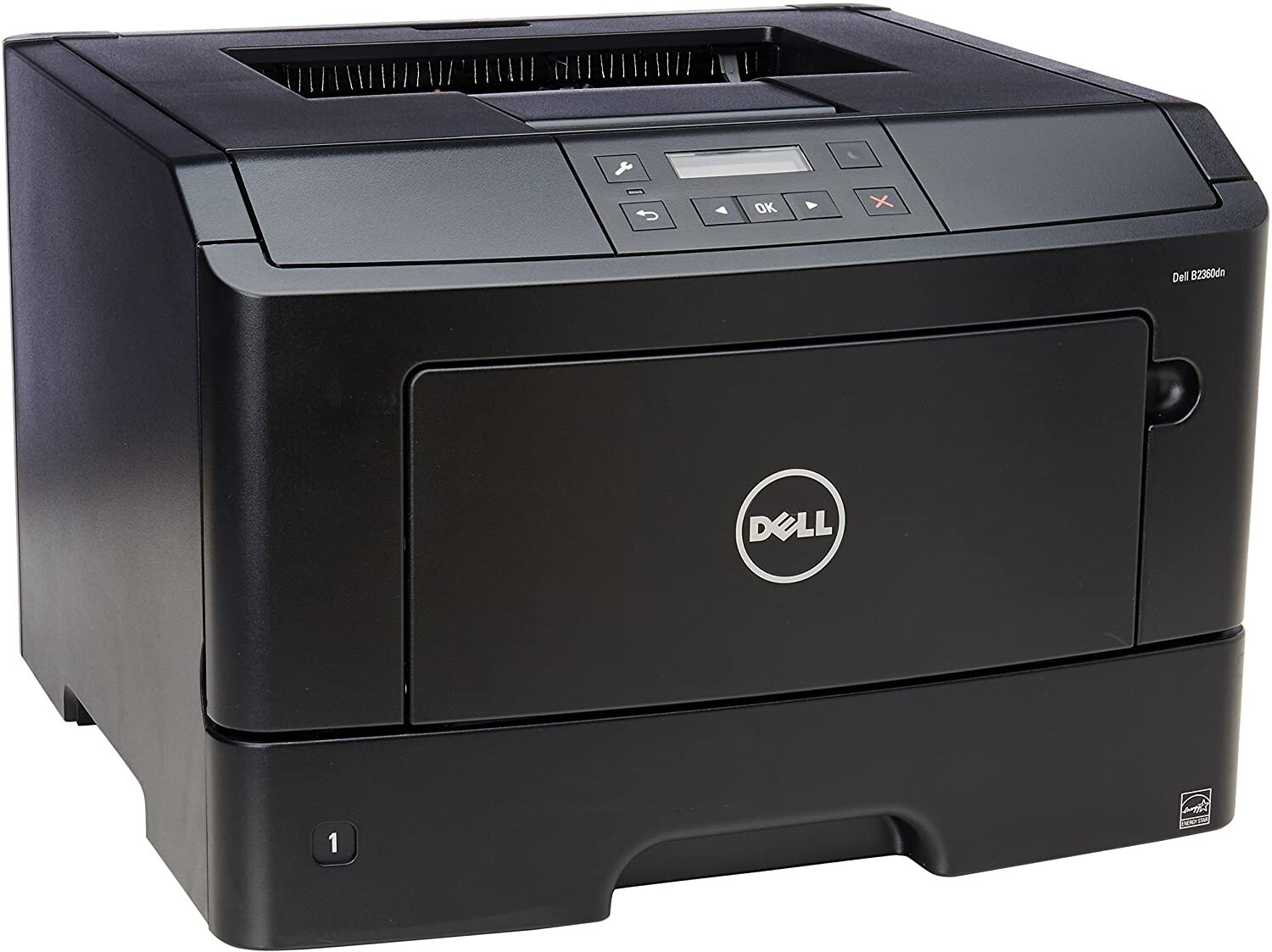
When a whole team shares one printer, the Dell B2360DN's network features earn their keep: it joins the office network so printing is centralized, access can be managed, and duplex output keeps paper waste down across every desk it serves. Centralized printing deserves centralized supplies, and this machine runs on the standard black cartridge 331-9805, stocked on this page as a single and in 2, 3, 5 and 10 packs alongside genuine OEM options.
Managed printing is also about managed costs, and a networked workgroup printer gives you the means to manage them: page counts by period, a toner level anyone can check, and a predictable consumption rhythm set by the team rather than by one user. The cartridge decision below is therefore less about the single cartridge and more about building a stocking habit — the offices that never have a toner emergency are the ones that treat the spare shelf as part of the printer.
Toner Cartridges for Dell B2360DN
- 331-9805 Black Single — black, see product page
- 331-9805 Black 2 Pack — black, see product page
- 331-9805 Black 3 Pack — black, see product page
- 331-9805 Black 5 Pack — black, see product page
- 331-9805 Black 10 Pack — black, see product page
Which cartridge should you buy?
The 331-9805 is the standard-yield cartridge for the B2360DN, and every listing above is that same cartridge in a different quantity. A single suits a small, quiet team. For a genuinely shared machine, begin at the 2 pack so a replacement is always in the building, and consider the 3 or 5 pack if the printer serves a department — the cost of a mid-week stockout is measured in other people's deadlines, not in toner. The 10 pack is the facilities choice, especially where sibling models draw from the same cartridge family and one shelf feeds them all. Set a reorder point — for most teams, the day the last spare is installed — and the pack size matters more than the brand of reminder you use.
Chip, toner and everyday use
Because the B2360DN lives on the network, its cartridge status is visible before it becomes urgent: the chip reports the level, and a glance at the printer's status page tells the office manager what the shelf should hold. Remember that yield ratings are estimates at roughly 5 percent page coverage; a team printing presentation pages will cycle cartridges faster than a team printing correspondence, and both are normal. Keep spares sealed and stored flat away from heat. When a cartridge's output fades toward the end, a gentle side-to-side rock redistributes the remaining toner and usually restores even printing for its last stretch of pages.
Frequently Asked Questions
How do I find the right cartridge for the Dell B2360DN?
Order by code: the cartridge stocked for this model is the Dell 331-9805 black cartridge, shown in the listings above. Matching the code on the cartridge you remove is the surest confirmation.
Will duplex printing wear out the cartridges faster?
Not noticeably. The same toner is used per printed side with or without duplexing, so cartridges are not consumed faster — you simply get more usable pages from each stack of paper.
Why does the B2360DN wrinkle envelopes?
Envelopes wrinkle when the fuser runs too hot for them. Set the paper type to envelope so the machine lowers the heat, and feed envelopes through the manual tray rather than the main cassette.
How do we stop a shared printer from running dry?
Keep one sealed spare in the building at all times and treat installing it as the reorder signal. That single habit, plus a multi-pack sized to your team's monthly volume, removes nearly every toner emergency.
More printers that use the same cartridges
The rest of this cartridge family can be found here:
Color Laser Laser B2360D, Color Laser Laser B3460, Color Laser Laser B3460DN, Color Laser Laser B3465, Color Laser Laser B3465DN, Color Laser Laser B3465DNF, Color Laser Laser B2360, Color Laser Laser B3460, Dell 331-9805, Laser B2360, Laser B2360D, Laser B2360DN, Laser B3460, Laser B3460DN, Laser B3460DNF, Laser B3465, Laser B3465DN, Laser B3465DNF