




Color Laser Laser B3465DNF
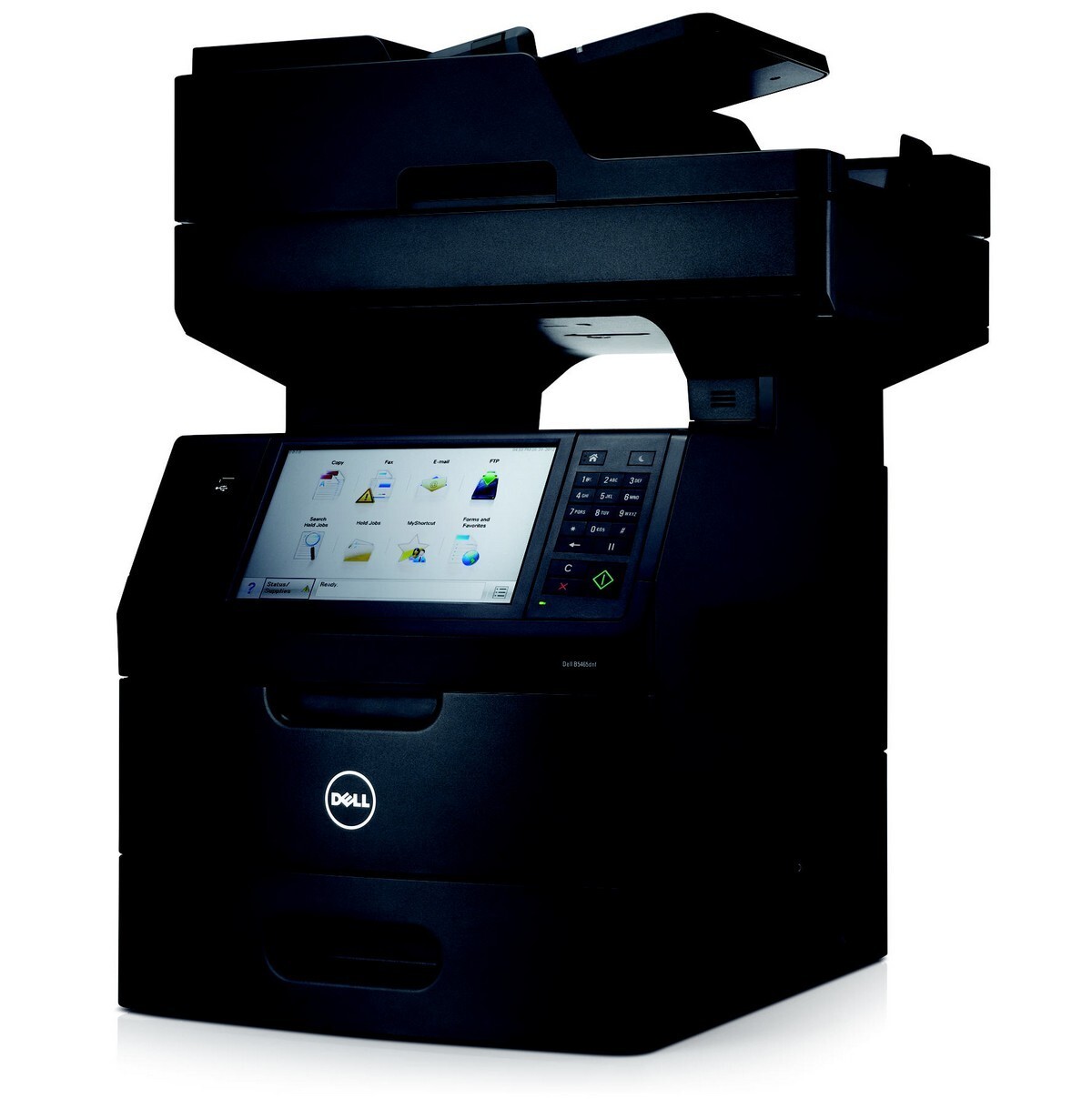
Paper arrives all day — to be scanned, emailed, filed, copied and faxed — and the Dell B3465DNF is the networked monochrome multifunction built to anchor that flow, with automatic duplexing on a fast shared engine. The one consumable in the chain is its black toner, the standard-yield 331-9805, sold here as a single cartridge and in packs of two, three, five and ten.
On a workflow machine, toner is not about printing at all — it is about queueing. A B3465DNF that runs dry does not inconvenience one person at one desk; it stalls the intake desk, the fax line and everyone waiting on a copy. Departments that think in workflows should stock accordingly: the cartridge drawer next to this machine should never be the place the process breaks down.
Toner Cartridges for B3465DNF
| Cartridge | Color | Page Yield |
|---|---|---|
| 331-9805 Black Toner — Single Cartridge | Black | See product page |
| 331-9805 Black Toner — 2 Pack | Black | See product page |
| 331-9805 Black Toner — 3 Pack | Black | See product page |
| 331-9805 Black Toner — 5 Pack | Black | See product page |
| 331-9805 Black Toner — 10 Pack | Black | See product page |
Which cartridge should you buy?
Match the pack to the paper flow. A standard-yield cartridge handles everyday document work well, so the real decision is how many to keep in the building. A single is fine where the B3465DNF is a backup device. Where it anchors an intake or records desk, the 2 pack is the minimum sensible stock — one in the machine, one beside it — and the 5 or 10 pack suits departments whose copying and fax output runs into thousands of pages a month. Every option here is the same cartridge; you are choosing resilience, not compatibility.
Chip, toner and everyday use
Time the swap for a quiet moment between batches — on a shared machine, a two-minute cartridge change in the middle of a scanning run costs more in restarted jobs than the toner ever will. The panel confirms the new cartridge once its chip is read; make a single copy as a test before releasing a long queue. Keep the spare sealed in the same room as the printer, stored flat and out of direct sunlight, so the changeover is measured in minutes rather than in a trip to a supply closet on another floor.
Frequently Asked Questions
How many computers can print to the B3465DNF?
As many as your network holds. The machine connects by Ethernet and presents itself directly to the network, so each computer prints to it without routing jobs through another PC.
Can the B3465DNF print on envelopes and labels?
Yes — through the manual or multipurpose tray, not the main cassette. Set the paper type to envelope or labels in the print dialog so the fuser temperature matches the stock, and run one test piece before a full batch.
What is the correct cartridge number for the B3465DNF?
The 331-9805, as listed above. If your machine arrived as part of a bundle or from another region, double-check the code on the cartridge already installed before you order — that number always wins.
Does scanning to email use up toner?
No. Scanning, whether to email, a network folder or a computer, never touches the toner. Only output on paper — prints, copies and received faxes — draws from the cartridge, which is why scan-heavy departments often find a cartridge lasts longer than expected.
More printers that use the same cartridges
This cartridge family is shared across Dell's B-series workgroup line. If a neighboring department runs one of these models, the same toner stock covers it too: Dell B2360D, Dell B2360DN, Dell B3460, Dell B3460DN, Dell B3465, Dell B3465DN, Dell B2360, Dell B3460, Dell 331-9805, Dell B2360, Dell B2360D, Dell B2360DN, Dell B3460, Dell B3460DN, Dell B3460DNF, Dell B3465, Dell B3465DN, Dell B3465DNF.